CONFLICT CHECK SOFTWARE

Law firm conflict checks made easy

Save valuable time and mitigate risk during the legal client intake process with automated conflict checking.

DETECT CLIENT CONFLICTS

Discover conflicts instantly

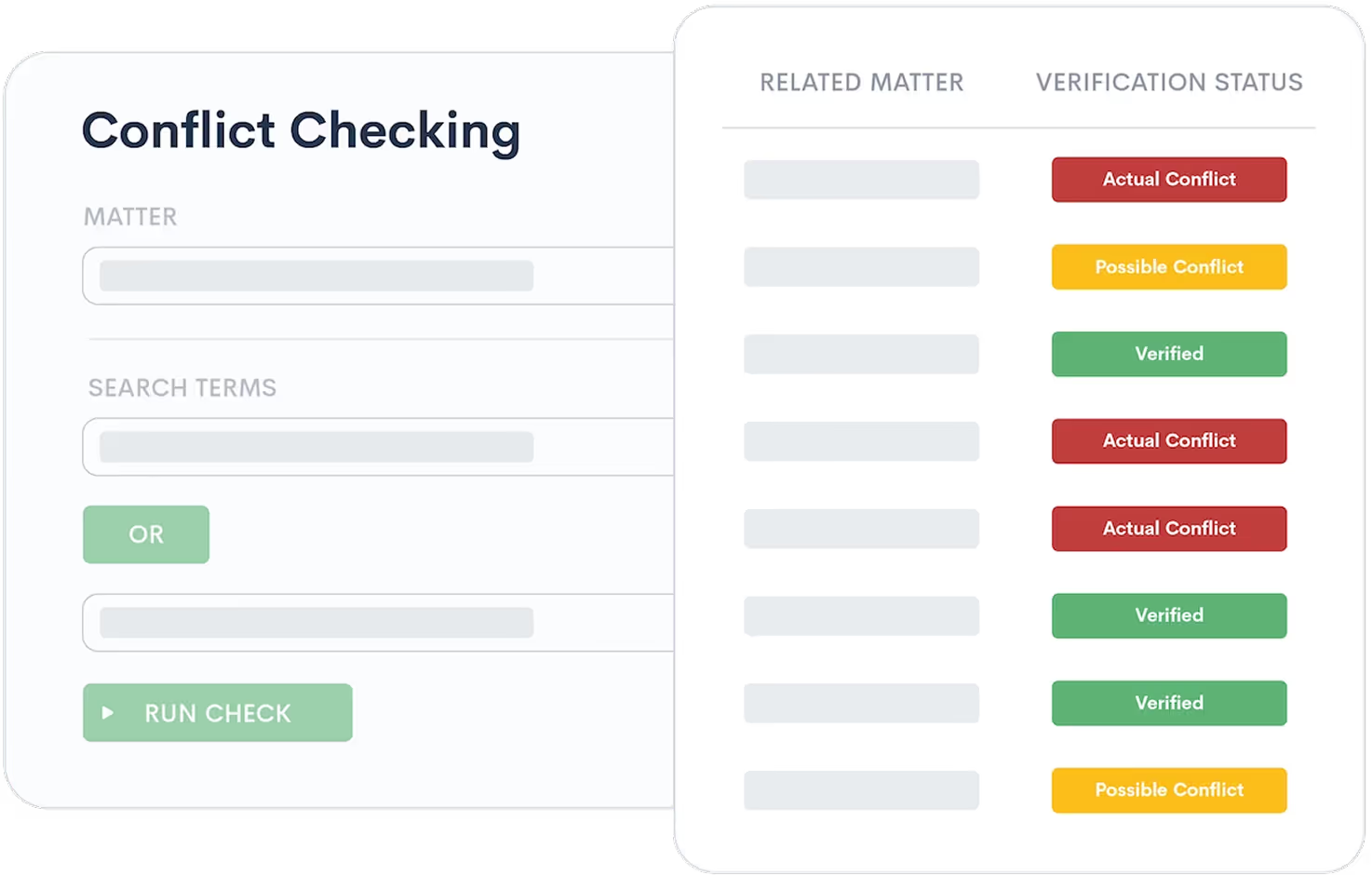
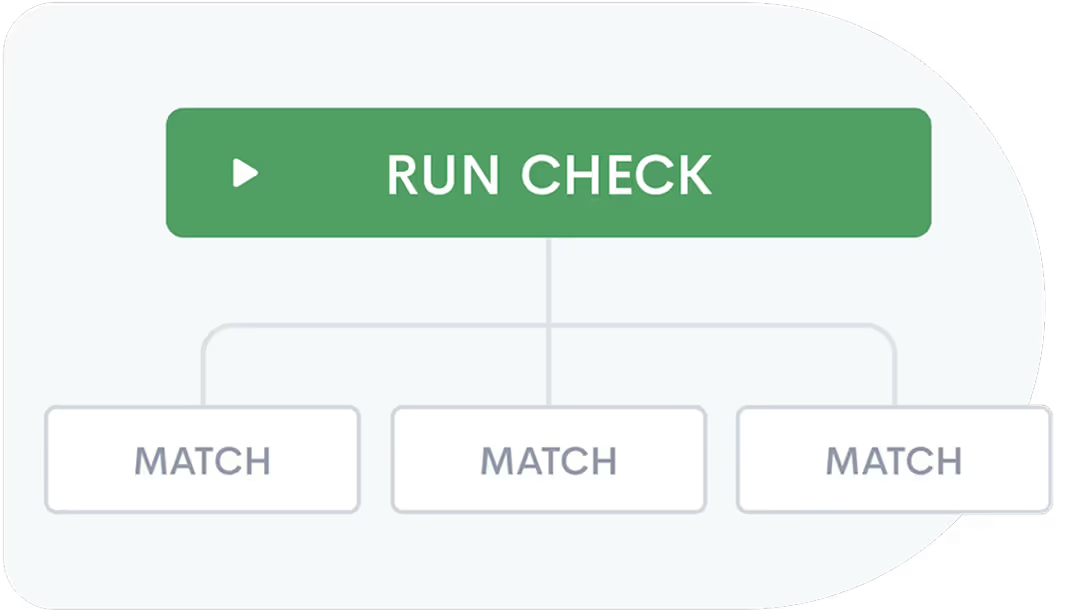
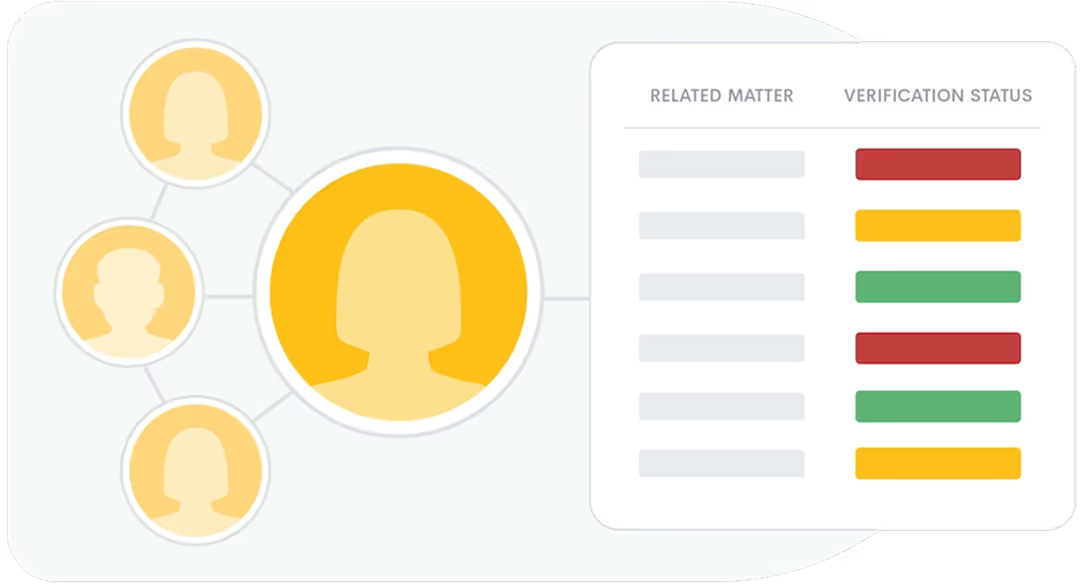
No more digging through paper files or cross-referencing multiple systems. Lawmatics legal conflict of interest software flags potential issues the moment you start intake. Run a quick client conflict check and instantly see matching names, contacts, or notes across your matters. Each report helps ensure you're staying compliant with professional ethics rules.
SAVE TIME ON LEGAL INTAKE

Mitigate risk through automation

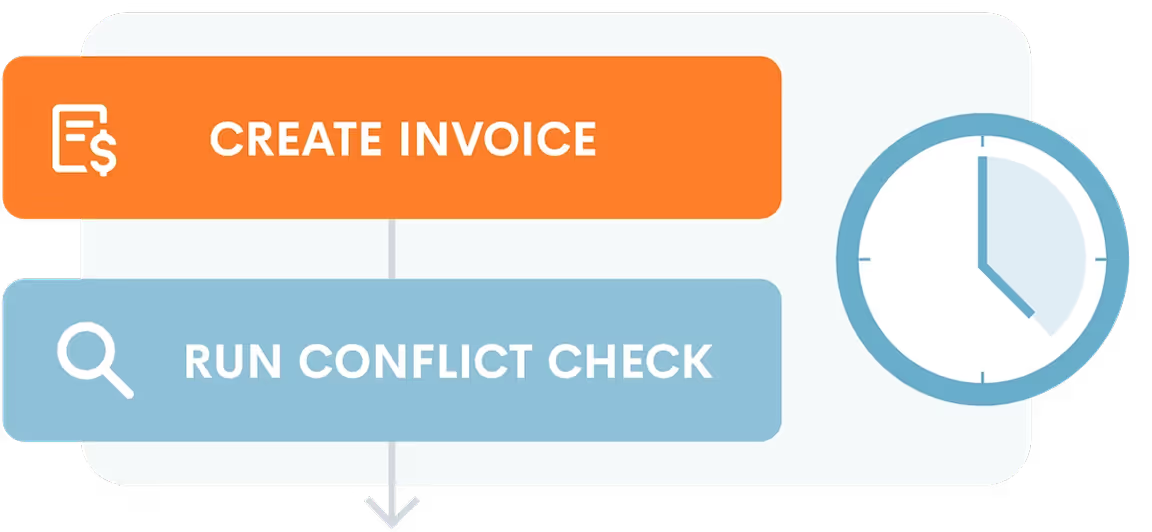
Stay in ethical compliance without lifting a finger. Automations in Lawmatics make the conflict checking process easy — cross referencing contact names, phone numbers, mailing addresses, and more to identify potential conflicts at the outset. Automations can also be configured to approve, deny, or flag new clients as a possible conflict.

FLEXIBLE SEARCH TERMS

Avoid errors and save time

During legal conflict checks, precision matters. Lawmatics searches your entire database — including notes, contacts, and custom fields — to reveal any connected parties. Get the clarity you need to make confident, compliant intake decisions.

What our customers have to say

00
hours saved
per week

"Lawmatics saves you so much time that you’re losing money by not automating with Lawmatics.”

Conti Moore Smith
Managing Partner
, 
Conti Moore Law Divorce Lawyers, PLLC

Frequently Asked Questions

Conflict checking is a vital step of the intake process in law practices. It examines whether an attorney has previously or is currently representing a party that may create a conflict of interest with a new matter, or whether the attorney themself has a potential conflict. Avoiding conflicts is critical to keeping lawyers within their ethical obligations and rules of professional conduct.

Employing a legal-specific software is the recommended way to check for conflicts. These tools perform comprehensive searches of your entire database, leaving no stone unturned. They also provide cloud-based storage of your records, so you can say goodbye to paper cuts from digging through filing cabinets. If conflict checking is included as a feature in an automation platform like Lawmatics, it can further save hours of valuable time by eliminating most of the manual legwork.

Conflict checking software streamlines the legal client intake process by cross-referencing the information of a potential new client or matter with a law firm’s records. It identifies information that can be found in any fields, notes, Contacts, or Matters, including:

  • Full name
  • Phone number
  • Date of birth
  • Address

Conflict check software helps law firms identify potential conflicts of interest before taking on a new client or matter. It scans your firm’s database — looking at names, relationships, notes, and other relevant details — to flag any existing clients, opposing parties, or connections that could present an ethical issue.

By automating this process, conflict check software reduces the risk of human error and speeds up an essential part of legal intake. It ensures your firm stays compliant with professional responsibility rules while protecting client confidentiality and your firm’s reputation.

Look for conflict check software that offers comprehensive search capabilities across your entire database, including contacts, matters, notes, and custom fields. The ability to identify connections between related parties — not just exact name matches — is essential for catching less obvious conflicts.

You’ll also want features like customizable search criteria, detailed conflict reports, and seamless integration with your intake and CRM tools. Automation is key: The software should fit into your existing workflow and reduce manual effort, helping your firm stay both efficient and compliant.

Ready to grow your law firm with Lawmatics?

Schedule a demo of legal’s most trusted growth platform.