8am™ MyCase
Sync matter data from Lawmatics to 8am™ MyCase upon lead conversion
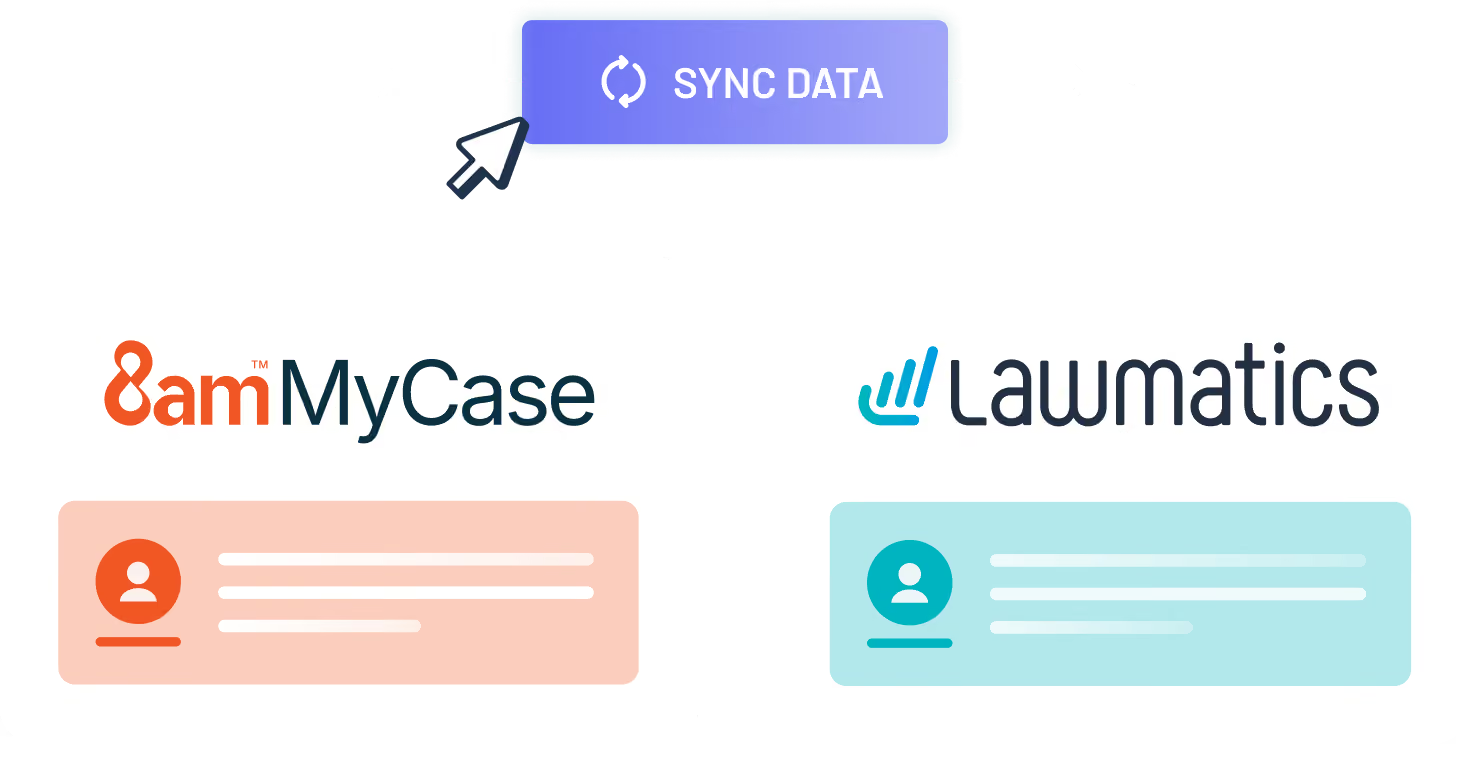
This integration automates the transfer of matter data from Lawmatics to 8am™ MyCase, eliminating manual data entry and streamlining the transition from lead intake to case management.Here’s what you get with this Lawmatics integration:
- Automatic matter creation in 8am™ MyCase upon lead conversion in Lawmatics
- Custom field mapping options for seamless data transfer
- Contacts and related notes are synced to their corresponding matter in 8am™ MyCase
- Matters can be synced manually or automatically via triggered events
- Update 8am™ MyCase matters with any new data from Lawmatics by initiating a resync

Matters
Files
Notes
Relationships
Automations
Details
Requirements


Resources

Integration Features
Integration Features

Matter Sync
Transfers matters from Lawmatics to 8am™ MyCase upon conversion. Synchronization can be manual or automated. Updates the matter status in Lawmatics, and creates a new matter in 8am™ MyCase.
Custom field mapping
Map any or all of your Lawmatics fields to your 8am™ MyCase fields at both the contact and matter levels. When a matter is synced, these fields will all transfer over to the new 8am™ MyCase matter.
Automation potential
Sync matters automatically triggered by events like signed agreements or fee payments. Most firms incorporate this into their automated processes, ensuring effortless syncing.
Resync
A "Resync" button allows users to push updates from Lawmatics to the corresponding 8am™ MyCase matter after the initial sync. This action transfers any changes to the corresponding 8am™ MyCase matter.
Frequently Asked Questions
Yes. The MyCase CRM integration connects Lawmatics with 8am™ MyCase. Firms can manage client intake, CRM, follow-up, automation, and reporting in Lawmatics, then sync matter information into MyCase for ongoing case management.
The integration supports matter syncing, custom field mapping, files, notes, related contacts, automations, and updates to previously synced matters.
No. A matter can sync when it converts in Lawmatics, which marks the matter Hired and creates the corresponding matter in 8am™ MyCase. Your firm can also use Sync to MyCase before conversion when the matter needs to exist in MyCase earlier. Both actions can also be incorporated into Lawmatics automations.
No. The integration is a one-way sync from Lawmatics to 8am™ MyCase. Information entered or updated directly in MyCase does not transfer back into Lawmatics. Your firm can resync a matter from Lawmatics when new information needs to be pushed to the corresponding MyCase matter.
Lawmatics can sync matter and contact information into 8am™ MyCase, including compatible custom fields. Firms can also enable syncing for matter notes, documents and files, and related contacts.
Practice areas are matched by name when matters sync. If a matching practice area does not exist in MyCase, the matter can still sync without one.
Lawmatics manages the pre-matter client journey, including lead capture, intake, forms, consultations, follow-up, agreements, and pipeline activity. When a prospect reaches the appropriate stage, the MyCase CRM integration can send relevant contact and matter information into 8am™ MyCase for ongoing case management.
No. Lawmatics offers a direct integration with 8am™ MyCase, so firms do not need Zapier to move supported client and matter information between the platforms. MyCase also supports Zapier integrations for firms that use Zapier to connect other applications and automate additional workflows.
Resyncing a matter that has already been connected to 8am™ MyCase updates the existing synced matter rather than creating another one. This allows your team to add information in Lawmatics after the initial handoff and send those updates to the corresponding MyCase matter.
In Lawmatics, go to Settings > Integrations > MyCase, select the option to connect your account, and sign in to MyCase. From there, you can choose which matter information should sync and map compatible contact- and matter-level custom fields.
The MyCase user connecting the integration must have permission to manage the firm’s preferences, billing, and payment options.
See the 8am™ MyCase integration setup guide for detailed instructions.
Ready to grow your law firm with Lawmatics?
Schedule a demo of legal’s most trusted growth platform.