%20(1).svg)
Microsoft Teams
Make any Lawmatics appointment a Teams Meeting.
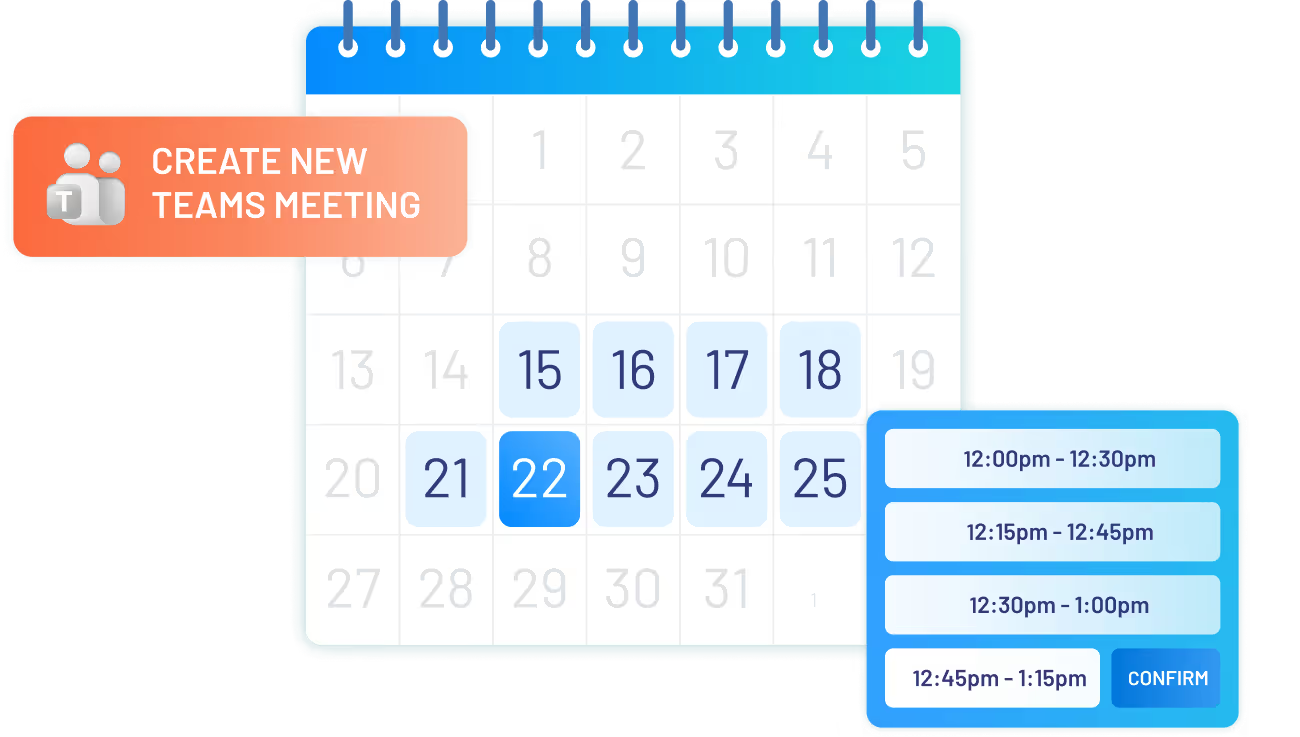
When scheduling appointments in Lawmatics, whether for personal use or on behalf of another user, the option to set up a Teams meeting is available. This generates the meeting within the host's Microsoft Teams account and automatically adds the Teams link to the Lawmatics appointment entry.
Here’s what you get with this Lawmatics integration:
- One Microsoft 365 account sync per Lawmatics user
- Option to default appointments to Teams Meetings
- Create any appointment booking as a Teams Meeting

Appointments
Events
Calendar
Details
Requirements


Resources

Integration Features
Integration Features

Sync each user's Microsoft Teams account
While signed into Lawmatics, any user can visit the integrations page to connect their own Microsoft 365 account. When an appointment is booked as a Teams Meeting, the integration will create the meeting in the host's Teams account respectively.
Create Lawmatics appointments as Teams Meetings
Easily select the option to create an appointment as a Teams Meeting while booking, or opt to default all appointments to Teams Meetings. The Teams link will then appear as the location of your appointment and can be merged into confirmation and reminder emails.
Ready to grow your law firm with Lawmatics?
Schedule a demo of legal’s most trusted growth platform.