

Data Reporting



Lawmatics, the leading intake and growth platform for law firms, today introduced Merlin, a new family of AI features built natively in Lawmatics to help law firms grow. The suite, which includes a just-released conversational interface called Merlin Copilot, takes on the repetitive work that moves prospects toward signing, freeing staff to focus on client service, legal work, and strategy, while giving firms the speed and responsiveness that competitive consumer law markets demand.
For most law firms, growth happens at the front of the business — the speed from inquiry to first contact, how consistently leads are evaluated, and how clearly firms can see what's working across their pipeline. These are the points where revenue is won or lost, and they're the points that most legal AI hasn't reached. Today's legal AI tools tend to focus on case work or general productivity. The cost of that technology gap is felt in law firms every day: leads that go unanswered too long, qualified prospects lost to faster competitors, and skilled staff spending hours on repetitive work instead of on clients.
Merlin is designed for the part of a firm that comes before the case: lead intake, prospect engagement, and the operations that convert potential clients into retained clients.
"CRMs were built to track opportunities. Lawmatics goes further, because growth doesn't come from tracking opportunities. It comes from acting on them," said Matt Spiegel, founder and CEO of Lawmatics. "Merlin is how we put AI to work in Lawmatics for law firms, helping with everyday tasks that move a prospect toward signing, so that law firms can maximize every opportunity without having to ask their people to do more.”
The Merlin suite currently includes three features, each available as an add-on to the Lawmatics platform:
- Merlin Copilot, a conversational user interface that creates automations, generates reports, and surfaces insights from firm data through plain-language prompts.
- Merlin Qualify, an AI agent that evaluates and prioritizes incoming leads based on fit, urgency, and engagement signals defined by the firm. Released earlier this year, Merlin Qualify has been recognized with an Excellence in AI Award from Business Intelligence Group, which honors innovation across technology sectors.
- Merlin Engage, the agentic AI for dynamically engaging with prospects through SMS, email, website chat, and phone calls. Currently in beta.
"Our firm saw a higher closing percentage within the first week of using Merlin Engage," said Glenn Gilmour, Director of Operations at Sawyer & Associates, LLC. "Engage makes our intake team so much more efficient and helps 24/7. It even handled a lead that came in over the weekend that resulted in a $12,000 sale."
Merlin represents how Lawmatics sees the future of legal practice: more law firms reaching their full potential, with the time and capacity to pursue the work they set out to do, on their own terms. Merlin is Lawmatics' commitment to that future, and it is only the beginning.

Most law firms aren't short on data. They're short on data they can trust. This month's Deep Dive focused on building the reports, dashboard, and data collection habits that give your intake and sales numbers real meaning.
This month's Deep Dive was presented by Devon Butler, product manager at Lawmatics, alongside Clare Struzzi, who manages Lawmatics' account management team. Together, they walked through how to build a fully functional intake and sales dashboard in Lawmatics, from configuring custom reports to designing role-specific matter views that keep your data clean.
The session was designed for law firm owners, intake managers, and operations staff who want to move beyond guesswork and make data-driven decisions about their pipeline health and team performance.
Time stamps of key takeaways
08:00 – What the sales intake dashboard tracks and why it matters
Devon walked through the core panels of the sales intake dashboard, including this month's lead count, conversion rate, and qualified vs. unqualified leads. Lawmatics includes several pre-built standard metrics so firms don't have to start from scratch, while custom reports give the flexibility to track what's specific to your pipeline.
14:48 – Reading lost matter substatuses to understand why leads fall off
Devon showed how visualizing lost matters by substatus (such as "referred out," "hired another attorney," or "unresponsive") gives firms a clear view of where leads are dropping. Clare noted that patterns in this chart often point directly to a process fix, whether that's faster response times, better drip campaigns, or more consistent follow-up tasks.
19:28 – Setting up pie charts and bar graphs using picklist columns
For a chart panel to work on a custom dashboard, the underlying report needs to include a picklist column to group by, such as stage, source, practice area, or substatus. Clare clarified that each graph supports one picklist at a time, so firms tracking multiple dimensions will need separate reports and panels.
35:26 – Comparing lead source volume against actual conversion rates
Devon demonstrated side-by-side pie charts (one for all leads by source, one for converted clients by source), revealing that the channels driving the most leads aren't always the ones driving the most conversions. This comparison helps firms allocate marketing spend based on what's actually closing, not just what's coming in.
43:18 – Tracking the consultation funnel from scheduled to converted
Devon walked through a panel that maps the full consultation funnel: leads created, consultations scheduled, consultations attended, and conversions. In the demo, 55 leads were created and 52 had a consult scheduled, but only 27 attended. Clare highlighted that appointment types in Lawmatics automatically create date fields that can be used directly as report filters, no extra custom fields required.
52:29 – Creating a reporting section in Custom Matter Views to keep data clean
The session closed with a look at how Custom Matter Views can include a dedicated reporting section, surfacing only the fields staff need to fill out: source, campaign, salesperson, qualified lead status, consultation results, and converted date. Clare added that these views are role-specific, so each team member sees only what's relevant to their part of the intake process.
Webinar Slide Deck
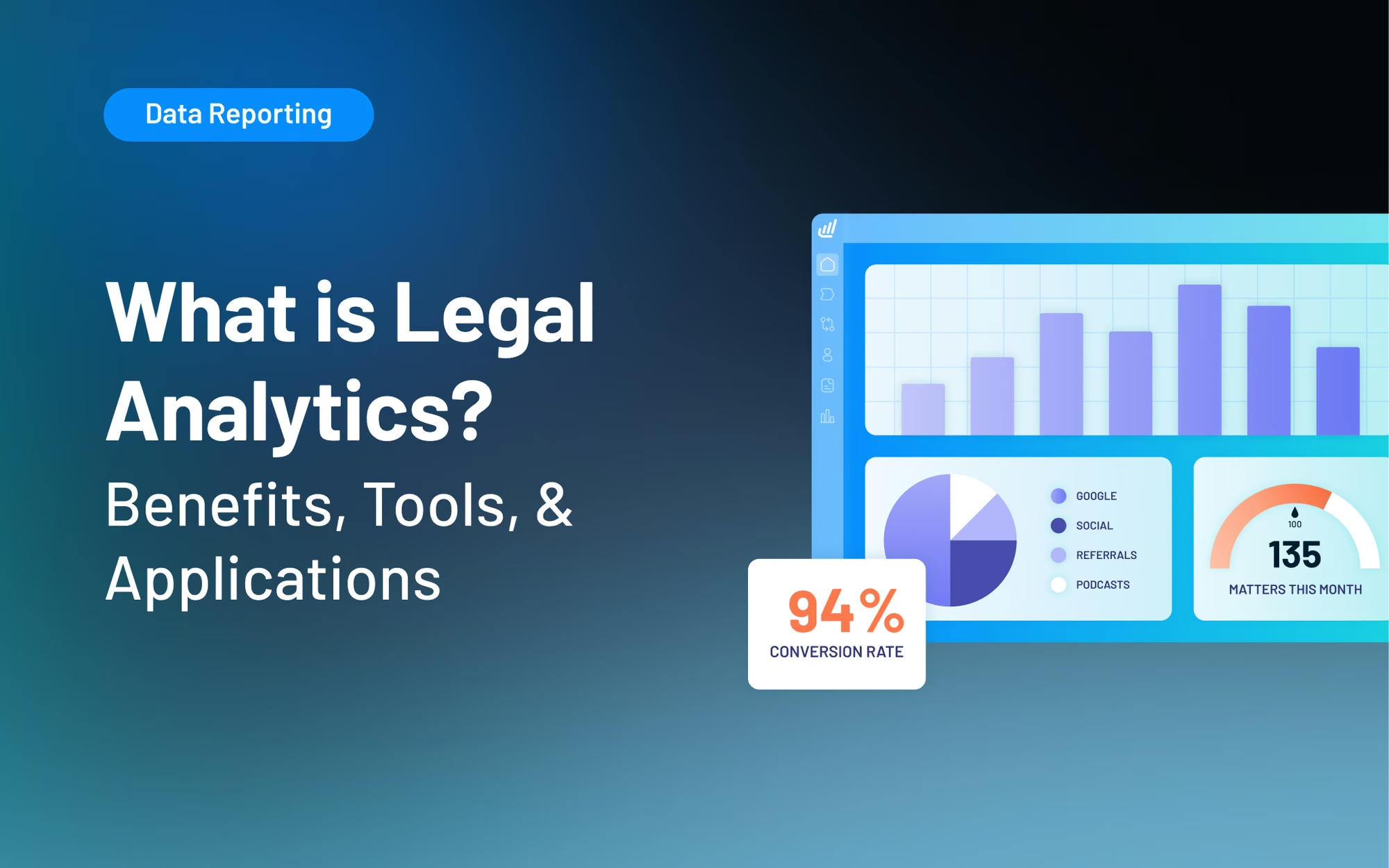
Legal analytics transforms how you handle the mountains of court records, client information, and case documents competing for your attention. Instead of drowning in data, it allows you to organize it, spot trends, and work smarter.
And the numbers speak for themselves: A 2024 Lex Machina survey notes 68-70% of law firms use legal analytics, with 70% of those users citing improved litigation outcomes as the primary driver. If you're not using it yet, you're missing out on opportunities to increase your operational efficiency.
In this guide, we’ll cover everything you need to know about legal analytics, from the key benefits to the challenges of its applications.
Types of Legal Analytics Measurements
Legal analytics uses large datasets to draw insights, identify patterns, and predict outcomes. Often powered by AI algorithms, analytics tools parse court records, client data, and internal firm information to make connections that would otherwise take weeks or months to do manually.
Legal analytics come in three types: