Quin
Update Lawmatics contacts, matters, and companies from Quin automatically
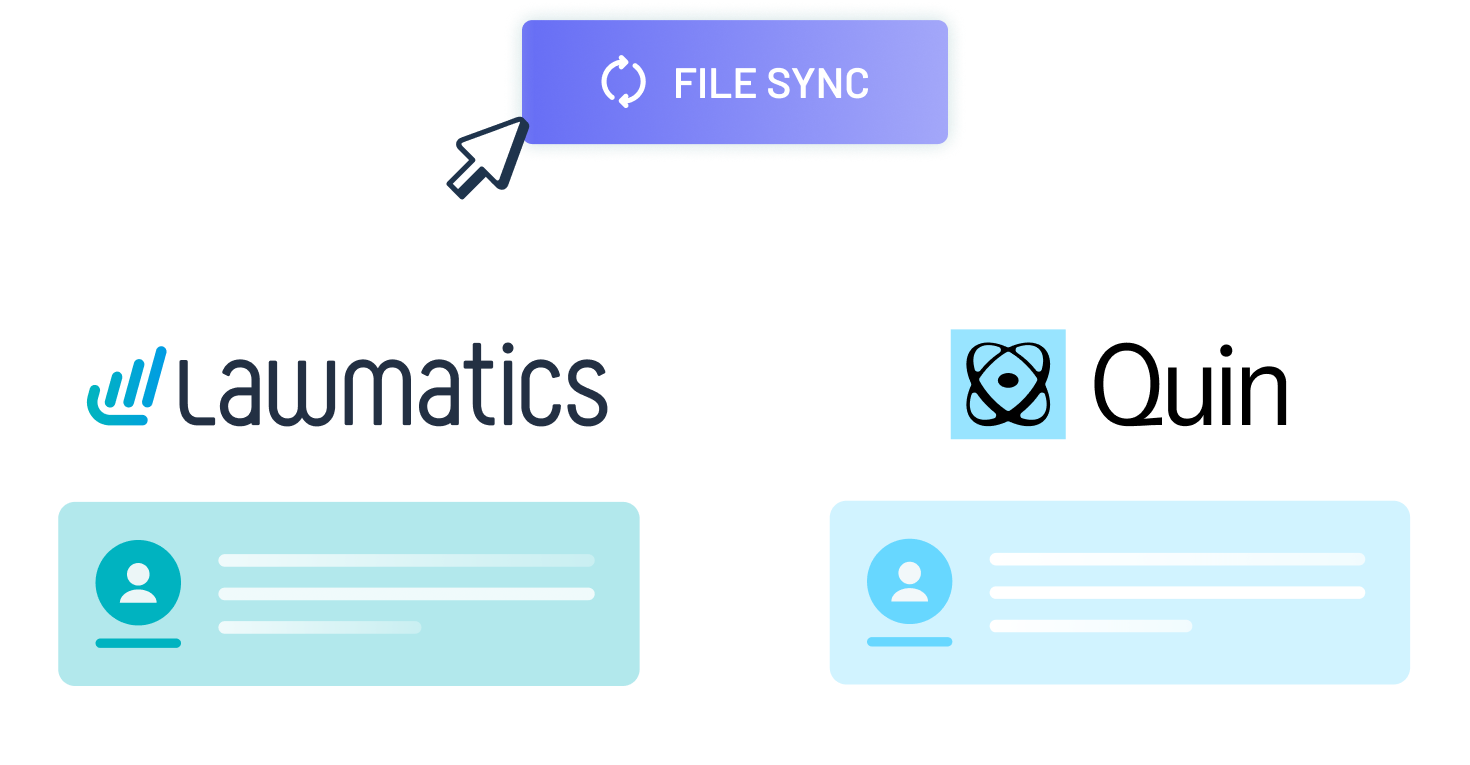
Quin connects to Lawmatics to update contact, matter, and company records with meeting notes and tasks as a case progresses. Users can also ask Quin questions about a case or client, and Quin references the corresponding Lawmatics records to respond.
Here’s what you get with this Lawmatics integration:
- Log meeting notes to a contact, matter, or company record
- Create and update matters as cases and prospects move forward
- Add tasks to Lawmatics based on commitments made in a meeting
- Let users ask Quin to find a contact, matter, or company

Contacts
Companies
Matters
Notes
Tasks
Documents
Details
Requirements


Resources

Integration Features
Integration Features

Meeting Notes
Quin logs meeting notes directly to the corresponding contact, matter, or company record in Lawmatics, keeping notes attached to the right record without manual entry.
Matter Updates
Quin creates new matters and updates existing ones in Lawmatics as cases and prospects move forward.
Task Creation
Based on commitments made in a meeting, Quin adds corresponding tasks to Lawmatics against the relevant contact or matter.
Record Lookup
Users can ask Quin to find a contact, matter, or company, and Quin retrieves the record from Lawmatics without the user needing to open the Lawmatics app.
Event Scheduling
Quin schedules and tracks events tied to a specific matter or client relationship in Lawmatics.
Ready to grow your law firm with Lawmatics?
Schedule a demo of legal’s most trusted growth platform.