



The Lawmatics Blog
Insights on legal marketing, automating the law practice, and legal tech in general
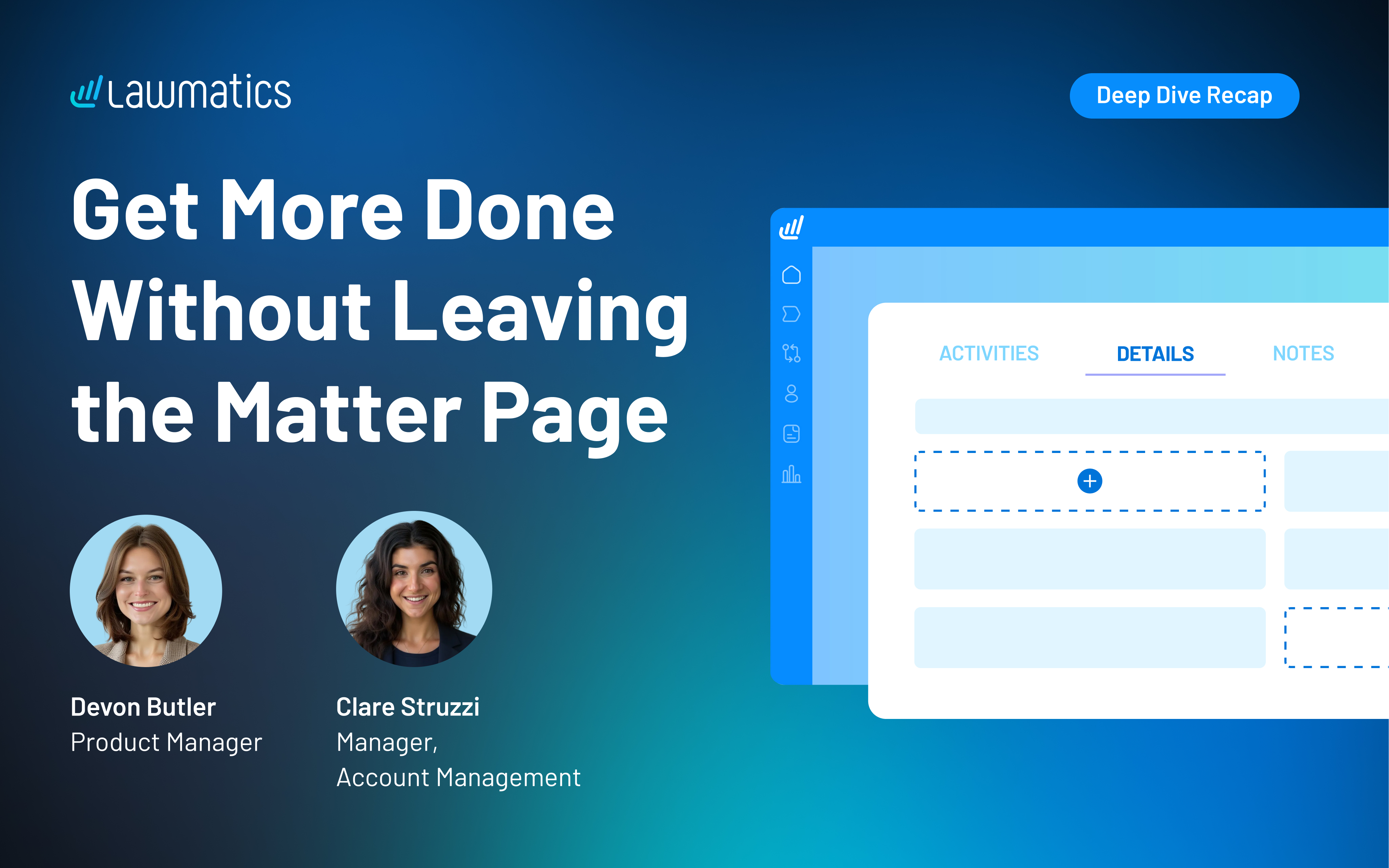


Last month, we walked through how to set up custom matter views. But building views is only half the equation — the real value comes from putting them to work. When intake staff, attorneys, and admins are all looking at the same long list of fields, it's easy to miss what matters, waste time hunting for the right information, or forget to fill out a field before firing off a contract.
In this Deep Dive webinar, Devon Butler, product manager at Lawmatics, and Clare Struzzi, who leads the account management team, showed how firms can use custom matter views to trigger automations, surface reporting fields, and tailor layouts by role and practice area.
Time stamps of key takeaways
5:53 – Why customize your Matter pages
Devon kicked off with four reasons to invest in custom matter views: cutting through the noise so each role only sees what they need, supporting cleaner reporting, strengthening team handoffs between intake and attorneys, and working faster directly from the Matter page without having to search for fields.
9:48 – Building practice-area-specific views
Clare walked through an estate planning intake view built specifically for intake specialists, showing how organized sections replace the old starred-fields approach. She highlighted how a field like "Next Steps Pre-Consult" can live right at the top of the view so the intake team can trigger automations directly from the details page — no need to reopen a form.
14:58 – Creating role-specific views
Devon and Clare showed how the attorney view for the same estate planning practice area includes different fields at the top — like "Next Steps Post-Consult" and a dedicated contract fields section where merge fields for engagement agreements can be reviewed and completed before sending. Clare also pointed out that sensitive information like Social Security numbers can be placed in sections that default to a collapsed view.
25:00 – Triggering automations and managing contract workflows
Devon walked through a live example of building an automation that fires when the "Next Steps Post-Consult" field is updated — automatically moving the matter to the correct pipeline stage and sending the engagement agreement. She also showed how duplicating automations makes it simple to handle variations, like sending a single-signer versus a joint estate plan document.
35:09 – Surfacing fields for cleaner reporting
The session wrapped with a look at how the reporting fields on custom views — source, campaign, estimated value, actual value — feed directly into the analytics page and custom reports. Devon demonstrated grouping a report by source to quickly see which referral sources are converting and where data gaps need attention.
Webinar slide deck
About the session
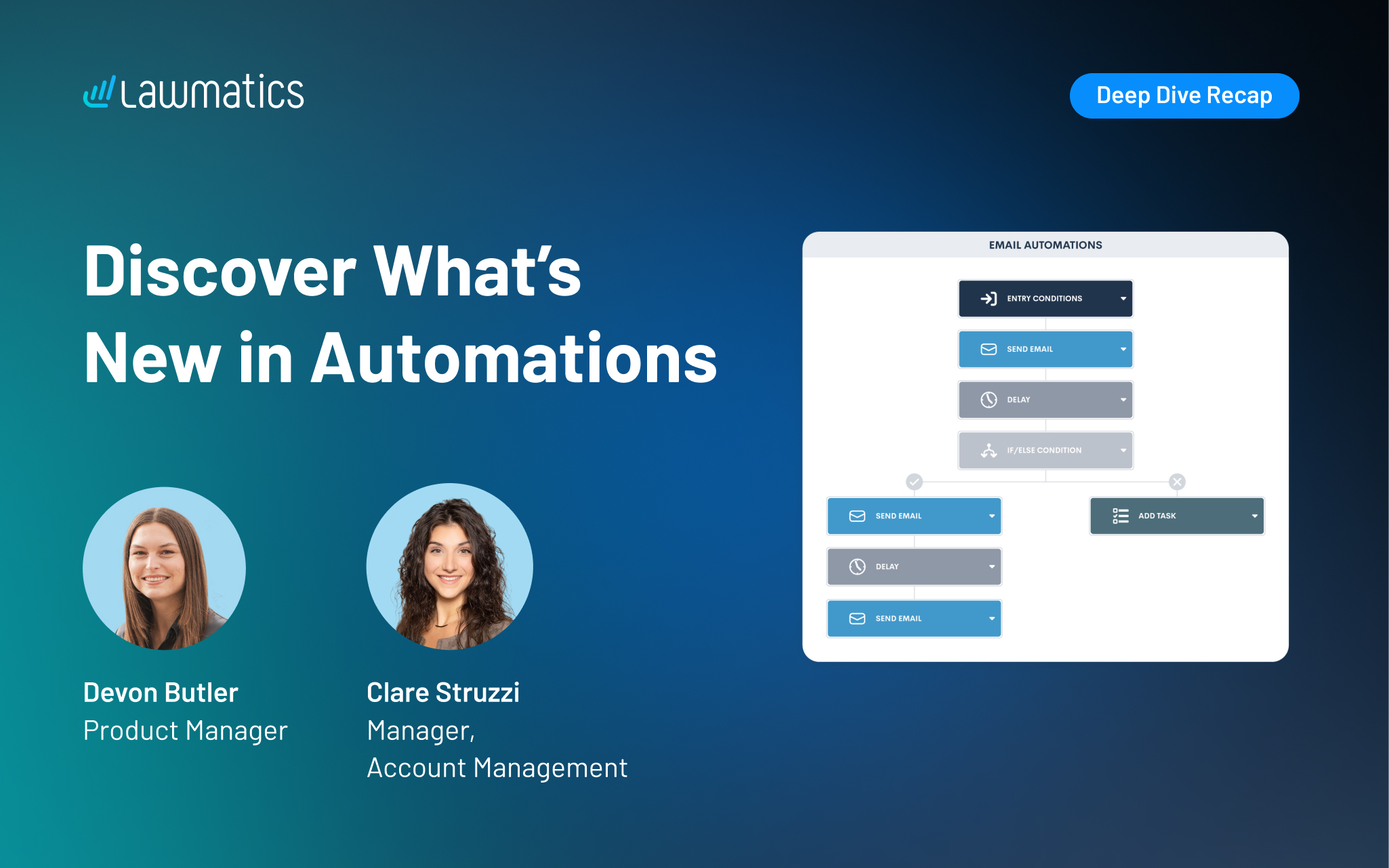
Behind every great client experience is a system quietly keeping things on track. The newest automation updates in Lawmatics build on that foundation, making it even easier to build and manage their automated workflows.
In this session, Devon Butler and Clare Struzzi walk step-by-step through what’s new. They cover trigger-based automations, appointment workflows, shared entry rules, and a simple way to organize everything in folders. Together, these improvements give firms even more control, flexibility, and time back in their day.
Webinar slide deck
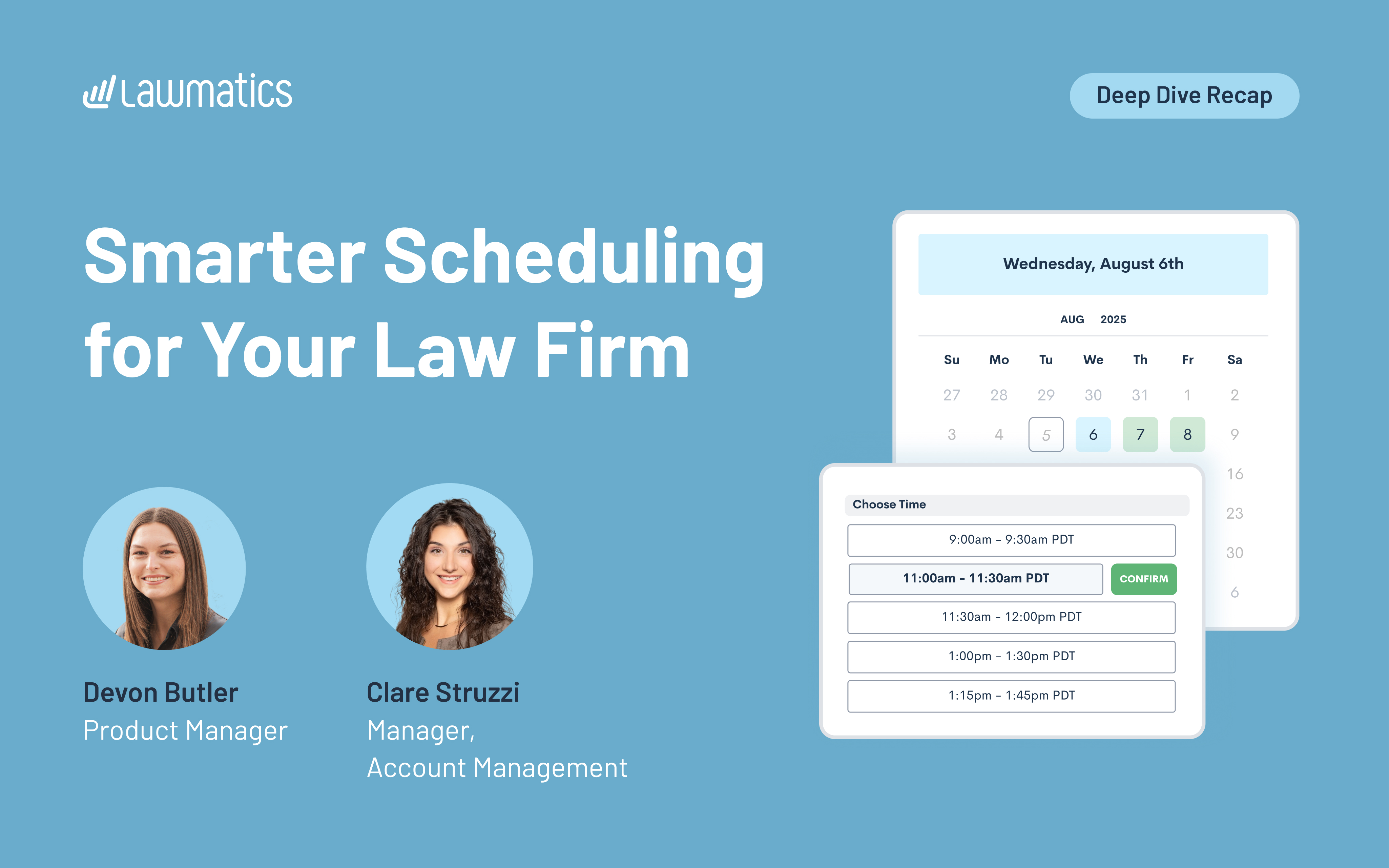
Booking a consultation might seem like a small step in the client journey, but it’s often where momentum is either gained or lost. When scheduling feels smooth, clear, and personalized, it sets the tone for everything that follows.
This month’s Deep Dive webinar focused on how to use Lawmatics to streamline scheduling, reminders, payments, and event registrations. Hosted by Product Manager Devon Butler and Clare Struzzi, manager of the account management team at Lawmatics, the session covers everything from customizing availability to collecting payments through booking forms.
Time stamps of key takeaways
8:19 – Appointment scheduling options
Devon walks through how to set up your calendar, including working hours, buffer times, and rolling booking windows. She also explains the difference between general availability and appointment-specific settings. Clare clarifies how two-way sync works and when to use appointment-type-specific rules to better control your calendar.
21:51– Using appointments with forms
This section focuses on how clients book appointments through forms. Devon shows how to embed booking blocks in custom forms, with options like selecting hosts, adding additional attendees, and applying conditional logic. Clare shares examples of firms using location- or attorney-based fields to dynamically display the right booking options.
33:20 – Setting up confirmations and reminders
Next, Devon and Clare show how to create personalized confirmations and reminders using appointment-specific emails or texts. They walk through how to assign emails based on appointment type, location, or practice area, and explain when to use general messages vs. detailed ones with merged info like Zoom links or physical addresses. They also break down the differences between confirmation and reminder timing.
40:25 – Collecting payments for appointments
Devon demonstrates how to add payment fields to forms using LMPay, including setting fixed fees and applying conditional logic based on form answers. Clare explains common use cases, like toggling payment fields based on consultation type or practice area. This lets firms collect fees at the time of booking and avoid chasing payments later.
46:23 – Building and managing events from within Lawmatics
Webinar slide deck
Devon explains how to create and manage group events, like webinars or workshops, directly in Lawmatics. She walks through setting up event types, adding registrants manually or through forms, applying registration caps, and using automations and tags to track registrants or trigger follow-ups.
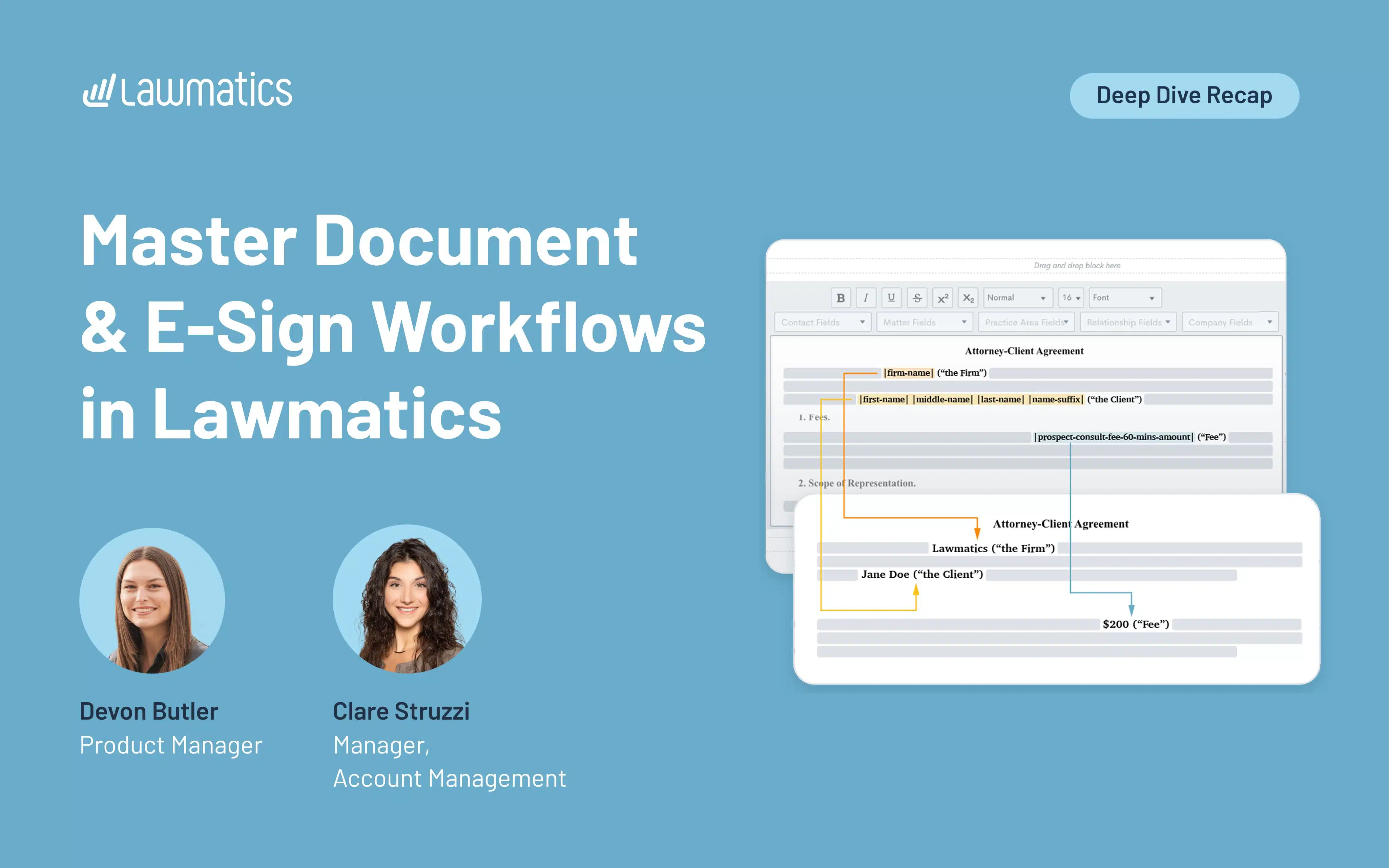
Documents are a critical part of any legal intake, but they’re also one of the easiest places for things to get messy. Whether it’s missing information, outdated templates, or slow turnaround times, small issues can add up fast. That’s why it’s so important to have a document workflow that’s tightly connected to the rest of your process, especially when it comes to forms, automations, and e-signatures.
Hosted by Product Manager Devon Butler and Clare Struzzi, manager of the account management team at Lawmatics, the session walks through how to use Lawmatics to build dynamic documents, pull in the right data, and automate the intake process all the way through to a signed agreement.
Time stamps of key takeaways
7:15 – Creating a new document
Devon walks through how to build a document using the Start Fresh option in Lawmatics, which is the recommended editor. She covers everything from adding headers and footers to inserting merge fields and signature blocks. Clare also shares tips on how to handle formatting, like where to place page breaks and how to use conditional logic blocks effectively based on practice area, without needing separate documents for each.
21:00 – Customizing content with merge fields
In this section, Devon explains how merge fields pull in data from both the contact and matter to personalize each document. She shows examples like merging in retainer amounts, scope of representation, and current dates. Clare also highlights how firms often use consultation notes forms to pre-fill these fields, so everything’s ready to go by the time a document is sent.
29:32 – Sending forms / merging data from forms
Devon and Clare walk through how forms and documents work together. Using a form lets you collect the exact information needed to populate an e-signature doc, things like fees, payment plans, or incident details. They also cover when to set fields as required and explain when to trigger sends in an automation, as opposed to manually reviewing before sending.
36:18 – Internal vs external forms
Not all forms are built the same. Devon explains that internal forms can’t be sent via automation — even to internal users — so marking a form as external is key when it's part of a workflow. They also share how to pre-fill fields like lead attorney using hidden defaults, and how to time form delivery (e.g., sending to a lead attorney 10 minutes before a consultation) using appointment-based automations.
Webinar slide deck

At first glance, law firm profitability looks healthy: average U.S. firm revenue jumped 12.5 percent in 2024 on the back of aggressive rate increases. Yet under the hood, lawyers were actually less productive — worked‐hour productivity fell 2.4 percent in early 2025.That gap between rising top-line numbers and slipping efficiency signals a deeper problem. Profits are climbing largely because rates keep rising, not because firms have solved the time drain of manual intake, back-office work, and slow client follow-up. Left unchecked, those hidden leaks hinder growth and invite price pressure when markets cool. Legal workflow automation is how forward-thinking firms plug the holes, and it no longer requires enterprise-size budgets or year-long IT projects.
Workflow bottlenecks drain revenue in legal practices
When billing rates expand faster than demand, every unbilled hour hurts twice: it’s lost revenue and a weaker justification for premium pricing. The latest Thomson Reuters Law Firm Financial Index shows firms increasing rates by more than 7 percent while utilization slipped — evidence that “work smarter” must complement “bill higher.” Automation addresses the root cause by reclaiming hours now sunk into tasks software can finish in seconds.Automation isn’t just an internal timesaver; it’s a competitive weapon at the very first touchpoint. In 2024, 28 percent of firms replied to new web leads within five minutes — and they’re winning business from the rest, because 78 percent of consumers hire the first company that responds. Even more startling: 27 percent of firms never answer at all. Every silent inbox or voicemail is a profit leak that no hourly rate can patch — meaning relying on manual processes for these tasks puts profit at risk.
Legal workflow automation strategies for growing law firms
Think of automation as a relay race that starts the instant a prospect raises their hand and doesn’t stop until the invoice is paid. Once you’ve captured a lead, the clock is ticking. Every manual handoff, delayed reply, or missed follow-up costs time and potential revenue.Automation helps you capture value at every step without creating more work for you or your team. Below are five points along that track where software can shave hours, rescue opportunities, and convert those savings into profit.
Client intake automation
When a prospect submits an inquiry, automation can immediately send a personalized response, offer a consultation link, and trigger internal tasks. You’re responding faster and more consistently, without anyone lifting a finger.
Lead nurturing that runs in the background
Even interested leads often need multiple touches. With automation, you can queue up reminders, educational emails, and check-ins that are paced and personalized based on each lead’s behavior. It keeps the relationship warm while you focus on your caseload.
Workflow triggers
Once a lead converts, automation can route tasks to the right team members, assign deadlines, and even launch templated documents. No more reminders slipping through the cracks.
Proactive client updates without playing phone tag
Automation can schedule regular status emails, appointment reminders, and even post-engagement review requests. You keep clients informed and reduce time spent fielding “just checking in” calls.
Billing & collections
Batch invoices, scheduled reminders, and embedded payment links shorten “days-to-cash” while freeing staff for higher-value work.
AI tools that integrate into real workflows
Targeted generative-AI tools now save lawyers about four hours a week, worth roughly $100,000 in additional billables per attorney each year. That gain is only realized when AI outputs feed directly into automated workflows rather than sitting in a download folder.
Quick action plan to implement legal automation
You don’t need to automate everything at once to see results. In fact, the best place to start is often the part of your workflow that frustrates you the most. Maybe it's leads going cold before anyone follows up. Maybe it's the back-and-forth of scheduling. Whatever it is, that pain point is a signal.Here’s a straightforward way to get started without overhauling your entire system:
- Map one process. Choose a workflow you use often, like intake or consultation scheduling. List out each step from start to finish.
- Spot the friction. Look for repeat tasks, delays, or steps that often get missed. Tasks like follow-ups are the best candidates for automation.
- Set a clear trigger. Decide what should kick things off. A form submission, a status update, or a calendar booking are all good starting points. An automation with a “If form received → send retainer packet” trigger beats a calendar reminder every time.
- Link your steps. Make sure each trigger leads to a meaningful action, like sending an email, assigning a task, or updating a record.
- Check your results. After a few weeks, look at what changed. Are you saving time? Are clients moving through faster? Use what you learn to refine the process.
Start small, start simple, and focus on progress over perfection. The results will speak for themselves.
Key metrics to measure legal automation ROI
If you can’t track it, you can’t improve it. Make sure your platform surfaces these metrics on one dashboard so you can course-correct fast:
- Response-to-consult time: Minutes from lead submission to first meaningful reply. Cutting this below five minutes correlates with a double-digit jump in sign-up rates.
- Lead-to-client conversion rate: The percentage of inquiries that become paying matters. Automation lets you test messages and pinpoint which sequences close best.
- Utilization rate: Billable hours divided by total hours worked. When routine tasks are automated, more of each day turns into revenue-generating work.
- Collection cycle: Automated reminders trim weeks off receivables, turning “profit on paper” into cash in the bank.
Track these KPIs monthly; the compounding effect makes even small gains hard to ignore at partner meetings.
See what automations could make your firm more profitable
Profit growth shouldn’t rely solely on ever-higher rates. Real, sustainable margin comes from reclaiming time and capturing clients you already paid to attract. Book a Lawmatics demo to watch an automated intake and follow up flow live. Because one thing more expensive than automation is the profit you miss without it.
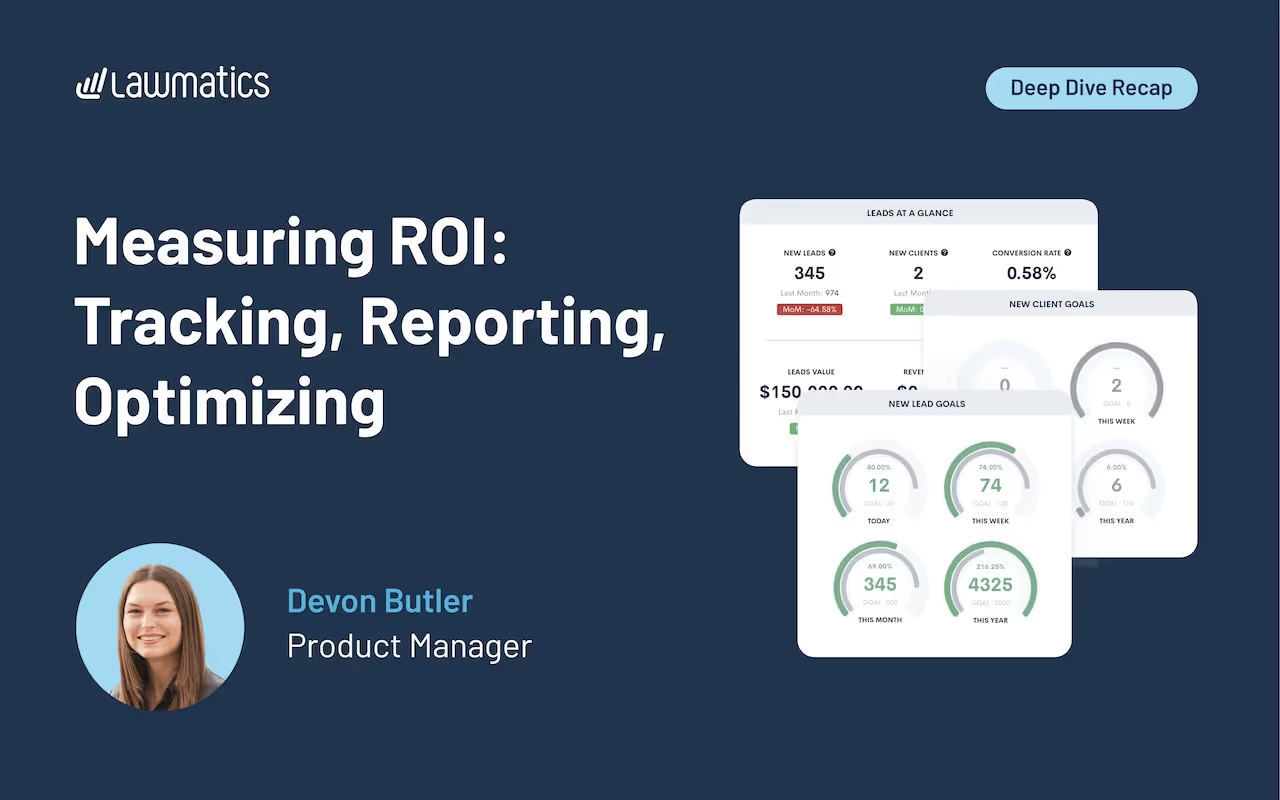
Firms spend serious time and money bringing in new leads, but when it comes to knowing which efforts actually drive revenue, the picture is often fuzzy. Without reliable source tracking and clear reporting, it’s hard to tell where your marketing budget is paying off and where it’s getting wasted.In this month’s Deep Dive, Product Manager Devon Butler walks through how to set up and optimize marketing attribution in Lawmatics, from source creation to custom ROI reports and dashboards that help you make smarter, faster decisions.
Time stamps of key takeaways
8:13 – Set up marketing sources to start tracking
Devon begins in the settings page, where she demonstrates how to create a clean hierarchy of sources and campaigns. She highlights the importance of tracking costs for each source, from digital ads to referrals. This setup lays the foundation for accurate attribution and reporting later in the client lifecycle.
14:49 – How sources are assigned and tracked
Once sources are configured, Lawmatics automatically assigns them to new leads using form UTMs, CallRail tracking, or embedded snippets on your site. Devon breaks down how attribution is preserved throughout the client journey, from first click to hire. She also outlines common missteps, like missing UTMs or unlinked forms, that can cause breakdowns in source tracking.
24:17 – Monitoring ROI
The ROI Tracker gives a side-by-side view of each source’s leads, hires, revenue, spend, and return. Devon explains how the data flows directly from the marketing source setup and shows examples of real performance breakdowns. This report helps firms understand which channels are producing value and which ones aren’t.
36:18 – Creating a custom report and dashboard
To better understand what’s driving ROI, Devon builds a custom report that breaks down lead conversion by salesperson. She uses that as one example, noting that you can report on anything from practice area performance to time-to-hire. Once created, reports can be added to a dashboard so your most important metrics are always front and center, making it easy to track trends, spot issues, and share insights with your team.
Webinar slide deck

As law firms pour ever-larger sums into digital marketing and client acquisitioßn, growth hinges on more than a bigger budget — it hinges on knowing exactly which efforts drive revenue. Simply having data isn't enough; what matters is connecting data points so you see the story behind every lead and every dollar.In our latest webinar, Reporting Essentials: The Key to Unlocking Your Firm’s Growth, we were joined by Martin Kravchenko, co-founder and CTO of Swans, who showed exactly how to build that visibility. We walked through the foundations of airtight marketing attribution, intake analytics, and firm-wide dashboards that help achieve sustainable profitability.
Time stamps of key takeaways
09:11 — Why reporting matters now
Johnny explains how rising digital ad spend and AI search tools have raised the bar for lead response. Firms that know exactly which campaigns convert — and how fast staff follow up — re‑allocate budget faster and win the race to “first meaningful contact.”
10:52 — Marketing attribution fundamentals
Martin breaks down first‑touch vs. last‑touch attribution, common pitfalls (mixing “lead source” with “contact method”) and the must‑have data points: lead source, campaign, and cost. Automated capture with UTM parameters and call‑tracking numbers beats relying on what callers say every time.
15:25 — Metrics that move the needle
From cost‑per‑qualified‑lead to speed‑to‑lead, conversion rate, pipeline value and ROI, Martin maps the formulas and target benchmarks that let owners forecast revenue and spot bottlenecks weeks, not months, before they hit the books.
22:34 — Building a reporting‑ready foundation
Johnny walks through the mechanics: mirror ad campaign names in your CRM, require drop‑down fields (never free‑text) on intake forms, and sync case‑value updates back from case management so lifetime‑value and ROI reports stay accurate.
32:59 — Implementation checklist & real‑world wins
Two client case studies show the pay‑off: a 25‑person PI firm that replaced weekly spreadsheet gymnastics with an hourly data pipeline and live dashboard, and a 15‑person PI/Crim‑defense shop that cut reporting time by 75 % and hired two new attorneys by doubling down on the channels the data said were working.
Webinar slide deck
Subscribe to get our best content in your inbox
Law firms love Lawmatics
Our customers give their clients the client-focused experience they deserve. Learn how they do it all with Lawmatics.
.avif)
.avif)

.avif)

Ready to grow your law firm with Lawmatics?
Schedule a demo of legal’s most trusted growth platform.
