



News & Updates


Last month, we walked through how to set up custom matter views. But building views is only half the equation — the real value comes from putting them to work. When intake staff, attorneys, and admins are all looking at the same long list of fields, it's easy to miss what matters, waste time hunting for the right information, or forget to fill out a field before firing off a contract.
In this Deep Dive webinar, Devon Butler, product manager at Lawmatics, and Clare Struzzi, who leads the account management team, showed how firms can use custom matter views to trigger automations, surface reporting fields, and tailor layouts by role and practice area.
Time stamps of key takeaways
5:53 – Why customize your Matter pages
Devon kicked off with four reasons to invest in custom matter views: cutting through the noise so each role only sees what they need, supporting cleaner reporting, strengthening team handoffs between intake and attorneys, and working faster directly from the Matter page without having to search for fields.
9:48 – Building practice-area-specific views
Clare walked through an estate planning intake view built specifically for intake specialists, showing how organized sections replace the old starred-fields approach. She highlighted how a field like "Next Steps Pre-Consult" can live right at the top of the view so the intake team can trigger automations directly from the details page — no need to reopen a form.
14:58 – Creating role-specific views
Devon and Clare showed how the attorney view for the same estate planning practice area includes different fields at the top — like "Next Steps Post-Consult" and a dedicated contract fields section where merge fields for engagement agreements can be reviewed and completed before sending. Clare also pointed out that sensitive information like Social Security numbers can be placed in sections that default to a collapsed view.
25:00 – Triggering automations and managing contract workflows
Devon walked through a live example of building an automation that fires when the "Next Steps Post-Consult" field is updated — automatically moving the matter to the correct pipeline stage and sending the engagement agreement. She also showed how duplicating automations makes it simple to handle variations, like sending a single-signer versus a joint estate plan document.
35:09 – Surfacing fields for cleaner reporting
The session wrapped with a look at how the reporting fields on custom views — source, campaign, estimated value, actual value — feed directly into the analytics page and custom reports. Devon demonstrated grouping a report by source to quickly see which referral sources are converting and where data gaps need attention.
Webinar slide deck
Happy April from all of us at Lawmatics. Our team is growing here, and as it grows, so does our ability to create amazing experiences for you very quickly. To that end, this month we have a whole slew of platform enhancements that we have released into the wild. Some of these have been available for a week or two, so you may have already noticed. :)
Failed Automation Notifications

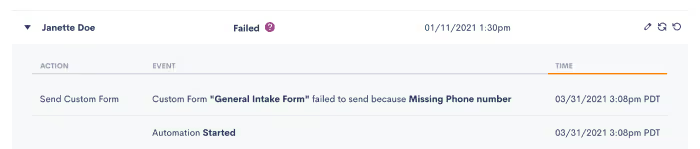
While our automation platform is second to none, failures can occur for any number of reasons. For example, it could be because the contact doesn’t have an email address or a phone number. The good news is that now you can receive notifications alerting you to a failed automation. This will allow you to go and investigate why the automation failed and rectify the situation.
Firm Financial Permissions
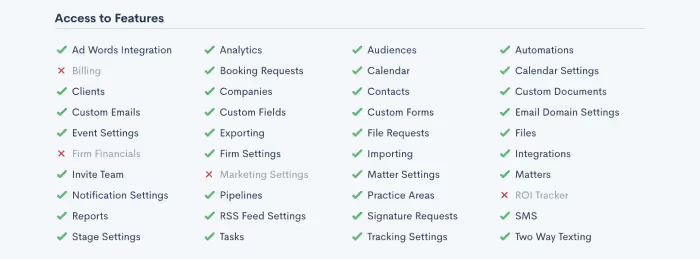
Lawmatics gives you incredibly useful and insightful data about your firm. Some of that data is financial in nature and, understandably, something that perhaps not everyone in your firm should have access to. Now, you can easily hide those financially driven data points from specific users.
Notification/Dashboard Events Link to Records
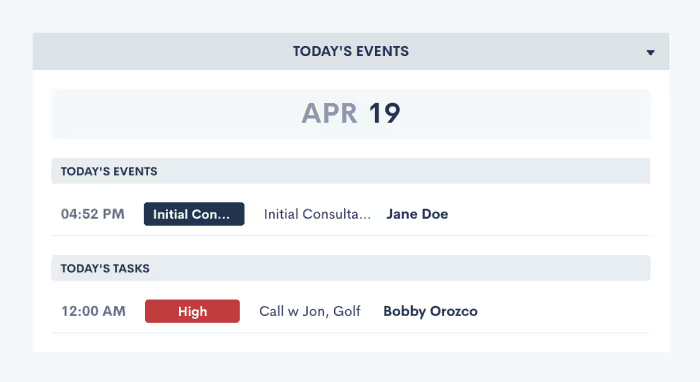
You can now easily navigate to a notification or dashboard event’s related record just by clicking the link in the respective notification or event, making navigating around Lawmatics just a little bit easier. :)
Marketing Stats
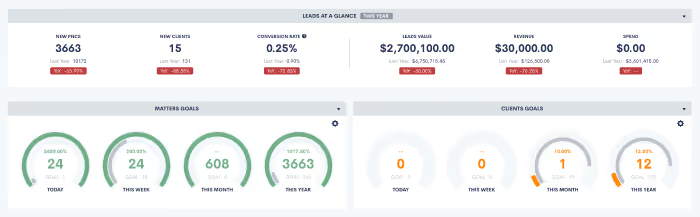
We have completely reworked our marketing stats engine to ensure that all data is accurate and that specific metrics are using the right method in their calculations. We also added some additional date range options to our Insights dashboard, as well as some additional data points to the general Dashboard.
Updated Booking UI
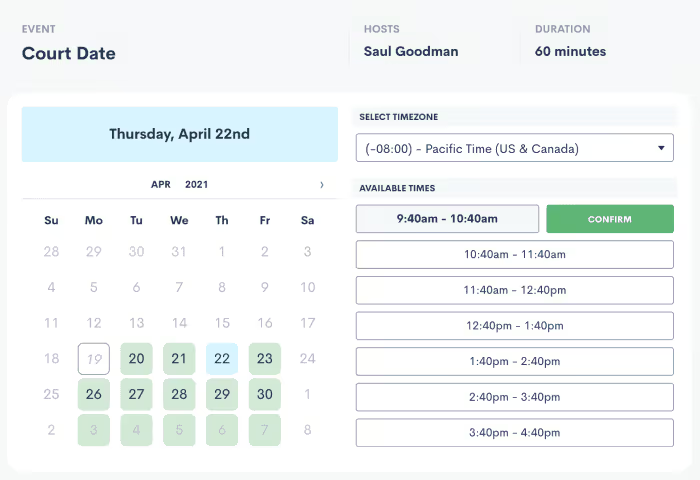
Calendar booking is one of the most used features. In an effort to really enhance the functionality of this feature, we have released an updated UI when booking an appointment. A much cleaner user interface delivers a better experience for your end-user. Keep an eye out because there are some truly amazing functionality improvements coming to calendar booking over the next couple of weeks.
Change Matter Context Within Forms
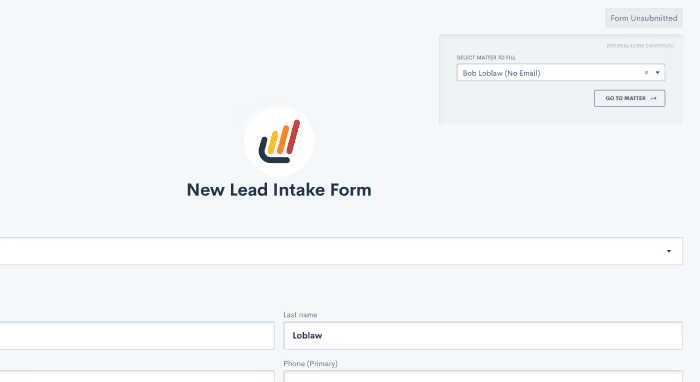
We have added the ability to switch which matter you are viewing data for a while inside of a custom form. No more having to exit the form, find a matter, and open the form again. You can simply context switch from directly in the upper right corner of the form.
City and State to LM Sign Audit Trail
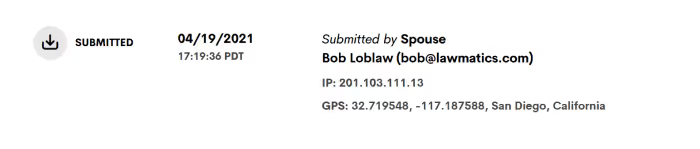
LM Sign audit trail now also gives you the city and state of the person who viewed/signed the document. We still include the IP address and GPS coordinates(when available), but we now include the city and state for easier identification.
Check in next month for more updates and improvements from the Lawmatics team! Not using Lawmatics yet? There’s never been a better time to start. Book a personalized demo to learn how we can help you grow your law firm!
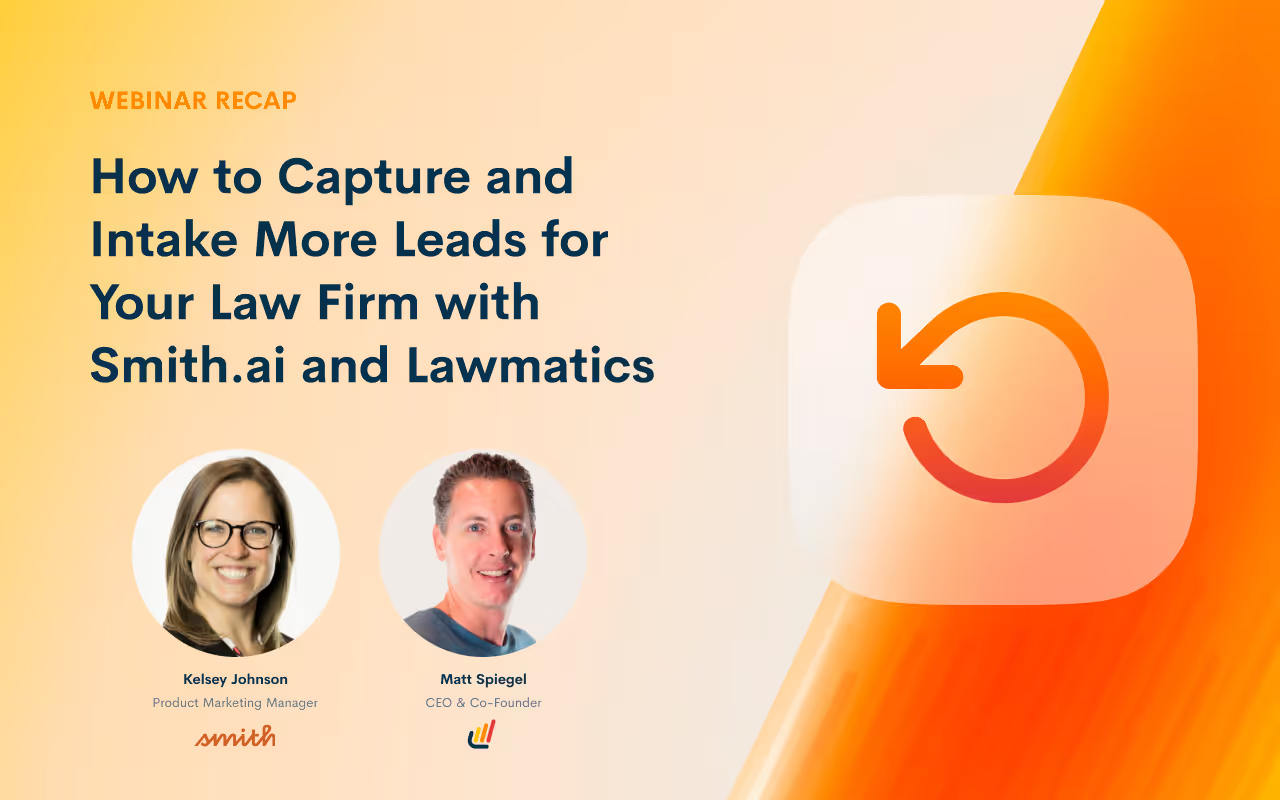
It’s tempting to believe that if you build a law firm, the clients will magically appear. However, the reality is that a lot of work goes into bringing in new clients and delivering a delightful customer experience.And once you get those clients in the door, you have to coordinate responses to their inquiries, answer their questions, schedule meetings—all the work that happens behind the scenes before you even start crafting your opening argument. It’s no easy task for any attorney to take on their own!The good news is that it’s possible to exceed customer high expectations with the help of technology. That’s why Lawmatics CEO, Matt Spiegel, teamed up with Kelsey Johnson, Product Marketing Manager at Smith.ai, to share their insights and tips for efficiently and systematically driving high quality leads for your law firm.Watch the recorded webinar to learn how to:
- Use Smith.ai for call & chat answering, lead qualification, and scheduling
- Set up Lawmatics forms for intake on the first call
- Integrate Smith.ai and Lawmatics to automatically log calls
- Create automated workflows in Lawmatics to nurture and follow-up on leads
That’s right, you can learn how to capture and intake more leads for your law firm in just 60 minutes. Watch the full webinar below!
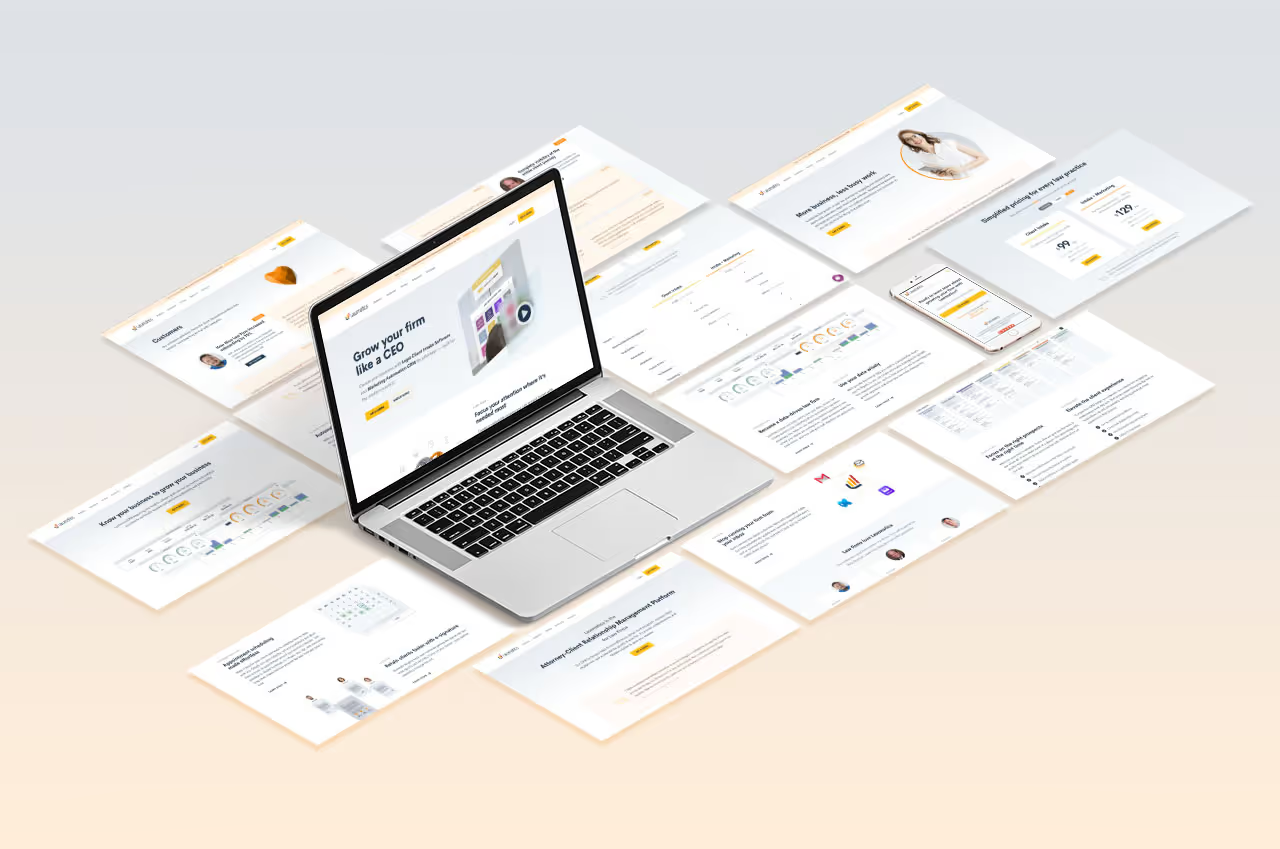
If the last year has taught us anything, it’s that change is constant. However, it’s important to remember that not all change is bad.The last year presented a lot of new and difficult challenges for us here at Lawmatics—I’m sure you can relate to that. Through it all, we remained committed to delivering Legal Client Intake Software and Marketing Automation CRM solutions that help you impress your clients, be more efficient and win more business. We’re thrilled about the direction we’re headed and appreciate having you aboard this journey with us.One thing that became clear to us the past few months is the opportunity to update our website to better reflect who we are, what we do, and how we help law firms like yours succeed. So we kicked off the initiative to revamp our entire website a few months ago and are excited about the new look and feel. Hint: You should explore the new Lawmatics.com if you haven’t already done so!So much thought and care went into this transformation, and it wouldn’t have been possible without the support of all of our Lawmaticians and our amazing customers. Allow me to give you a grand tour of the new Lawmatics website and explain the evolution that brought us to this point.
Let us show you how Lawmatics can help your law firm
We made updates to our website to help you understand exactly what Lawmatics does and how it helps grow your firm. If you only have 90 seconds, we have just the video for you:

With Lawmatics, you can:
- Set up powerful automations to handle your client intake and marketing efforts, so you save time and money
- Stay engaged with your database of new and existing clients with customized email drip campaigns.
- Seamlessly manage the attorney-client relationship with automated reminders and confirmations and everything you need to deliver a delightful experience for every client.
Overview of the Lawmatics platform
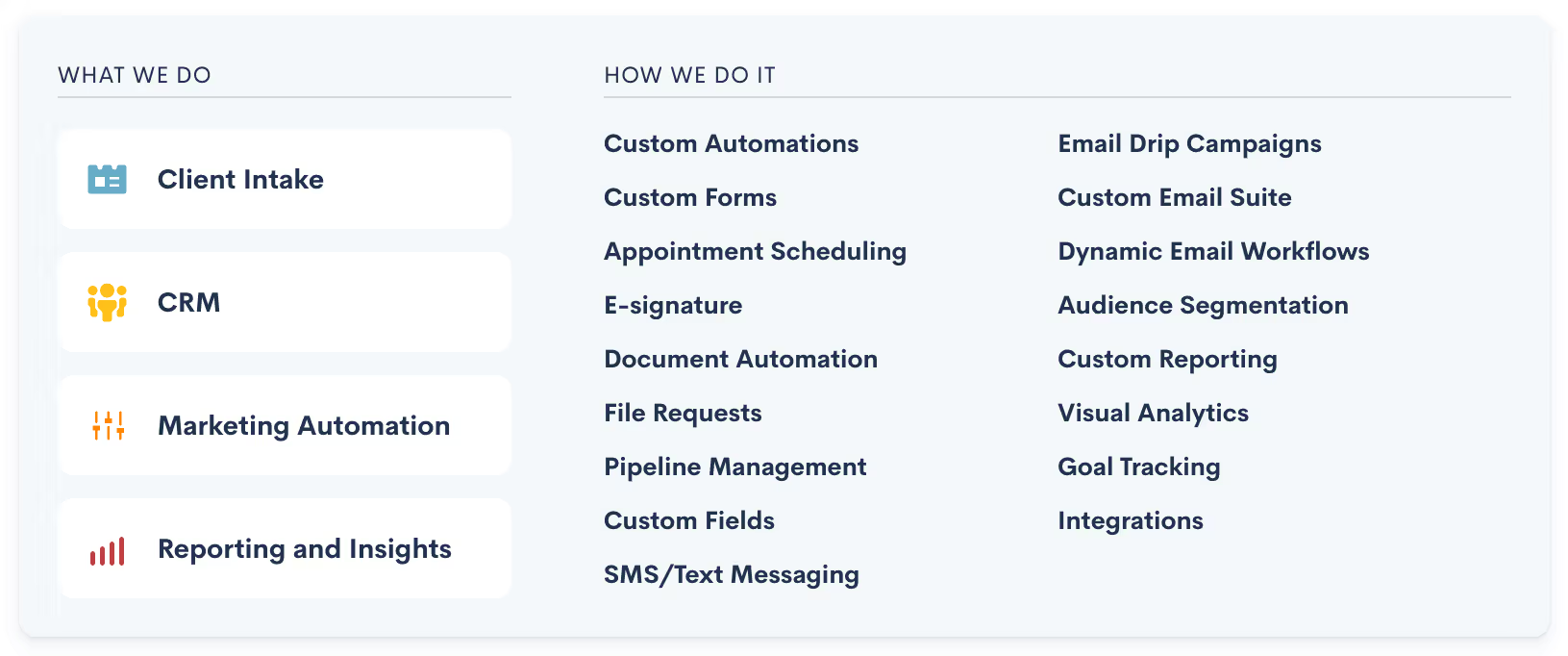
Our powerful Legal Client Intake Software and Marketing CRM is built specifically for attorneys. It is organized into four key components:
- Client Intake - Automate the entire client journey, build a custom intake process for your clients, set up automated appointment scheduling, offer e-signatures, and collect and organize essential documents.
- CRM - Lawmatics' CRM for lawyers provides a unified view of your clients to collect the data you need to deliver an elevated client experience.
- Marketing Automation - Our marketing automation for law firms makes it easy to build automated email campaigns with custom triggers and logic, so your clients get the right email at the right time, every time.
- Reporting and Insights - Our visual reporting makes it easy for you to see your law firm’s performance at a glance.
Hear what our customers are saying about Lawmatics
Don’t just take our word for it; our customers have a lot to say about their experience with Lawmatics. Check out our Customers page to read case studies and testimonials.
You can also take a look at more reviews of Lawmatics on G2!

We’re putting our resources front and center to help you be more successful
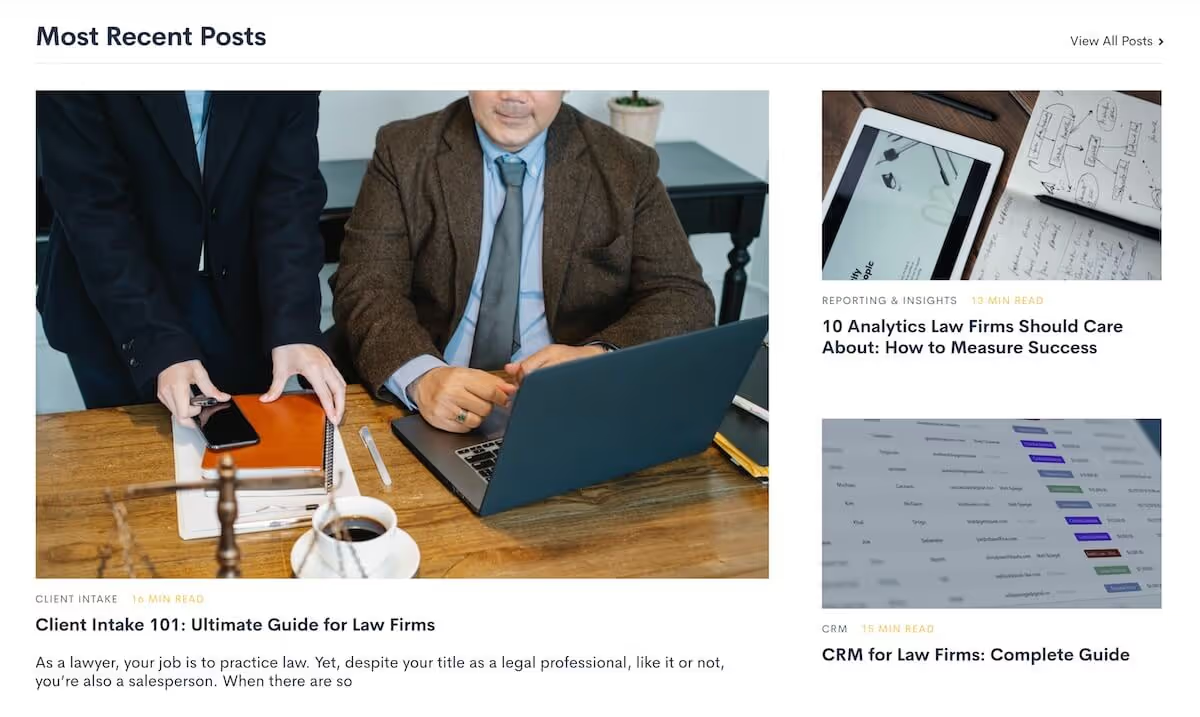
Stay up to date with the Lawmatics blog
Whether you’re looking for tips and best practices to grow your law firm or be among the first to know about the latest feature releases, The Lawmatics Blog is your go-to source. We’re adding new posts all the time so add The Lawmatics Blog to your bookmarks!
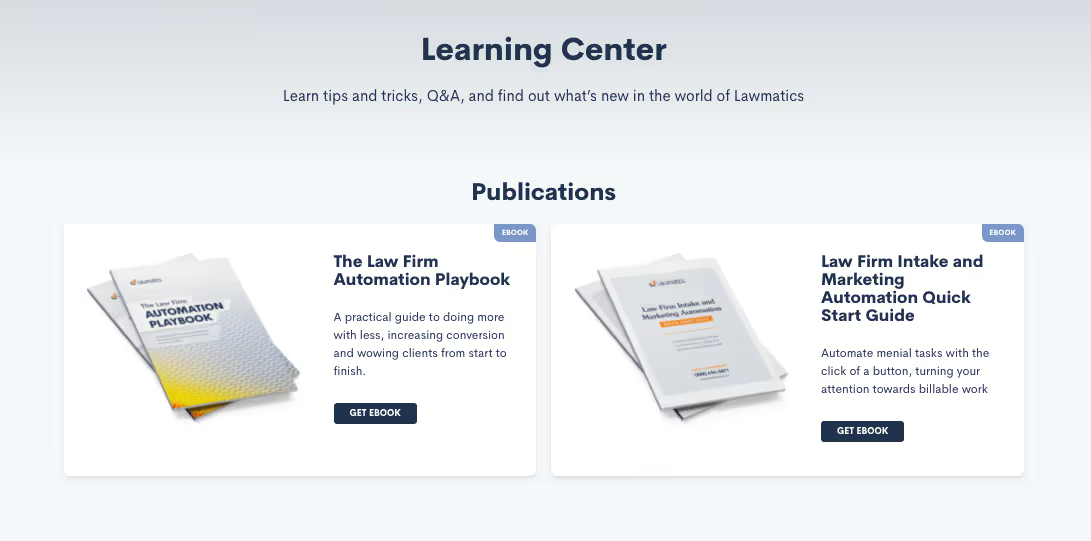
Find the educational resources you need in our learning center
Our Learning Center features ebooks and webinar recordings to help you quickly get up to speed on the Lawmatics platform, learn how to optimize the legal client intake process, tips for law firm marketing, and more.
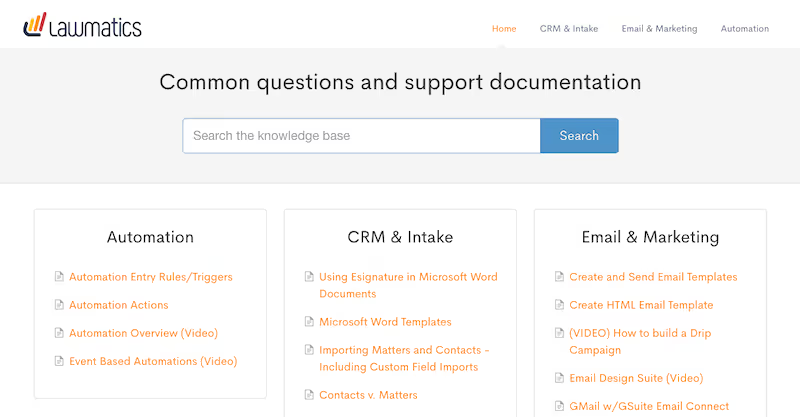
Visit our help center to access our documentation
Our documentation library is a searchable resource to help answer any technical questions you have as you explore the Lawmatics platform.
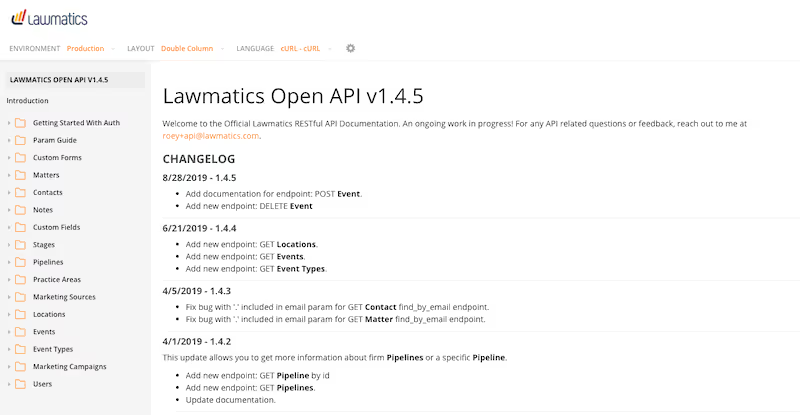
Access our API documentation
One of the things that makes Lawmatics special is how easily it can be customized depending on your unique use case. You can find all of our API documentation in one place.
And we’re not done yet—we have more exciting changes planned
Updating the website is just a small part of our overall strategy—we have a lot more in the works! We’re continuing to focus our resources on quickly expanding the Lawmatics platform functionality and adding on to the most robust legal CRM, client intake, and marketing automation tool for our customers.Stay tuned for more exciting updates from the team!

March 2021 feature release: new embedded forms redirect
Welcome to the March 2021 Feature Release! As always, our team has been hard at work improving many aspects of the Lawmatics platform to help you win more business, impress your clients, and increase efficiency at your firm.This month, we’re excited to share some powerful enhancements that we made to one of the most widely used features on the Lawmatics platform: custom form. While custom forms have always been easy to embed on your website, now you can redirect to any webpage after an embedded form is filled out!Keep reading to learn how you can start taking advantage of these features!
How the embedded forms redirect works
If you have a redirect URL attached to your embedded custom form already, no action is necessary on your part. You’ll enjoy all the benefits of this latest enhancement automatically!If you do not have a redirect URL attached to your embedded custom form, simply follow the steps below:
- Go to the edit screen for your custom form
- Add a redirect URL from the left side of the screen under the settings section
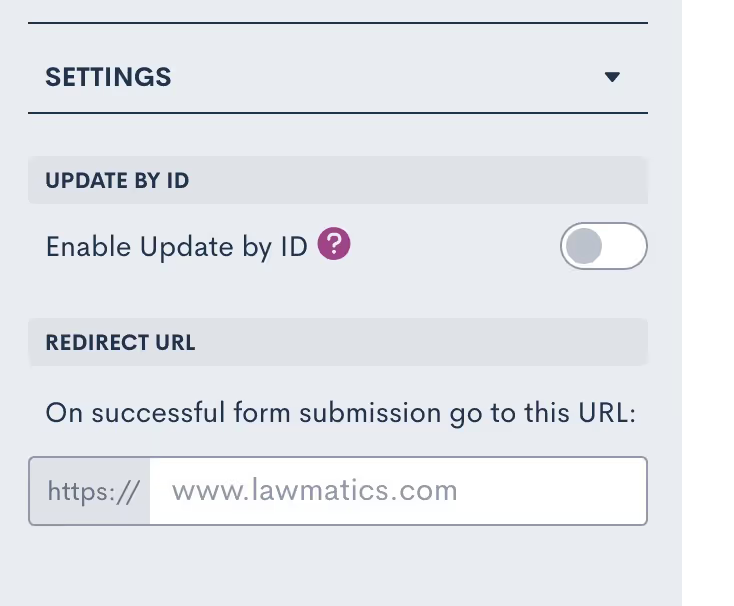
And that’s it! Your visitors will be automatically redirected to the URL of your choice once they complete the custom form embedded on your website. We will maintain all URL parameters attached to the form as well. This means that if you’re using UTM parameters to track your marketing efforts, you will be able to see them reflected in your marketing tools like Google Analytics.Check in next month for more updates and improvements from the Lawmatics team! Not using Lawmatics yet? There’s never been a better time to start. Book a personalized demo to learn how we can help you grow your law firm!

Welcome to the February 2021 Feature Release! As always, our team has been hard at work improving many aspects of the Lawmatics platform to help you win more business, impress your clients, and increase efficiency at your firm.
This month, we’re excited to share some of the latest and greatest enhancements to the platform that will help you grow your law firm including some improvements to our tagging functionality and a new Download All button.
Keep reading to learn how you can start taking advantage of these features!
Tagging Improvements: Speed Up Your Efficiency When You Search by Tags and Add Tags to Companies
We’re thrilled to see that tagging has become a fast favorite since we launched it a few weeks ago. We’ve added some additional functionality to this feature to make it even more helpful.
Search by Tags
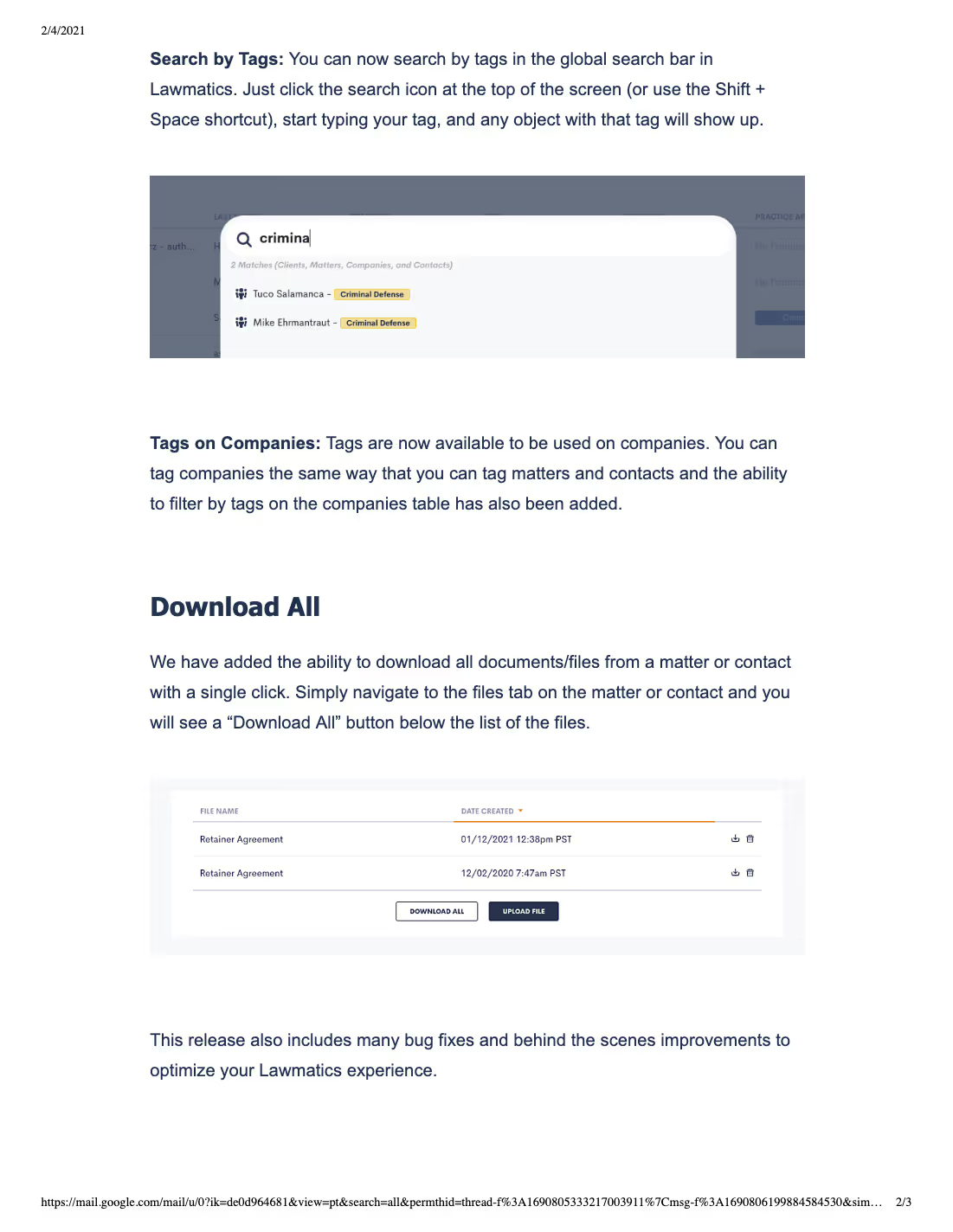
Using the global search bar in the Lawmatics platform, you can search by tags. Just click the search icon at the top of the screen (or use the Shift + Space shortcut), start typing your tag, and all objects with that tag will show up in the search results.
Tags on Companies
You can now add tags to companies just like how you tag matters and contacts. You also have the ability to filter by tags on the companies table.
New: Save Time Gathering Documents and Files with Our Download All Button
With a single click, you can now download all documents and files from a matter or contact. Simply navigate to the files tab on the matter or contact and click the “Download All” button below the list of files.
Bonus: Tips From the Lawmaticians
Our team of experts is sharing their shortcuts and tips to help you get the most out of your experience with the Lawmatics platform!
“I love Tags. Love them. So much better than post-it notes as an attorney recently told me. ;) They are hooked into every part of the system which makes them a great organizational tool. My recommendation, use them.” - Bobby Orozco, Account Executive
“If you can invest a little extra time in getting your email templates, drip campaigns, and automation set up, it will end up not only saving you mountains of time down the road but also result in more business and happier clients..” - Anna Gasperlin, Client Success Specialist
“Because we are fanatical about finding ways to speed up our users' workflows, we have keyboard shortcuts to accomplish common actions in Lawmatics from anywhere in the app. All you have to do is hover over the “?” icon in the top bar to get more details.” - Roey Chasman, Co-Founder & CTO
Got any tips and tricks of your own? We’d love to hear about them! Contact the team at mail@lawmatics.com. Looking forward to hearing from you!
Check in next month for more updates and improvements from the Lawmatics team! Not using Lawmatics yet? There’s never been a better time to start. Book a personalized demo to learn how we can help you grow your law firm!