



AI


Lawmatics, the leading intake and growth platform for law firms, today introduced Merlin, a new family of AI features built natively in Lawmatics to help law firms grow. The suite, which includes a just-released conversational interface called Merlin Copilot, takes on the repetitive work that moves prospects toward signing, freeing staff to focus on client service, legal work, and strategy, while giving firms the speed and responsiveness that competitive consumer law markets demand.
For most law firms, growth happens at the front of the business — the speed from inquiry to first contact, how consistently leads are evaluated, and how clearly firms can see what's working across their pipeline. These are the points where revenue is won or lost, and they're the points that most legal AI hasn't reached. Today's legal AI tools tend to focus on case work or general productivity. The cost of that technology gap is felt in law firms every day: leads that go unanswered too long, qualified prospects lost to faster competitors, and skilled staff spending hours on repetitive work instead of on clients.
Merlin is designed for the part of a firm that comes before the case: lead intake, prospect engagement, and the operations that convert potential clients into retained clients.
"CRMs were built to track opportunities. Lawmatics goes further, because growth doesn't come from tracking opportunities. It comes from acting on them," said Matt Spiegel, founder and CEO of Lawmatics. "Merlin is how we put AI to work in Lawmatics for law firms, helping with everyday tasks that move a prospect toward signing, so that law firms can maximize every opportunity without having to ask their people to do more.”
The Merlin suite currently includes three features, each available as an add-on to the Lawmatics platform:
- Merlin Copilot, a conversational user interface that creates automations, generates reports, and surfaces insights from firm data through plain-language prompts.
- Merlin Qualify, an AI agent that evaluates and prioritizes incoming leads based on fit, urgency, and engagement signals defined by the firm. Released earlier this year, Merlin Qualify has been recognized with an Excellence in AI Award from Business Intelligence Group, which honors innovation across technology sectors.
- Merlin Engage, the agentic AI for dynamically engaging with prospects through SMS, email, website chat, and phone calls. Currently in beta.
"Our firm saw a higher closing percentage within the first week of using Merlin Engage," said Glenn Gilmour, Director of Operations at Sawyer & Associates, LLC. "Engage makes our intake team so much more efficient and helps 24/7. It even handled a lead that came in over the weekend that resulted in a $12,000 sale."
Merlin represents how Lawmatics sees the future of legal practice: more law firms reaching their full potential, with the time and capacity to pursue the work they set out to do, on their own terms. Merlin is Lawmatics' commitment to that future, and it is only the beginning.
An AI receptionist for law firms uses conversational AI to answer calls and, depending on the provider, collect intake information, route callers, schedule consultations, answer approved questions, or escalate conversations. Alternatives include human virtual receptionists and hybrid services that combine AI with live support. The right choice depends on your call volume, intake complexity, practice areas, hours, integrations, escalation needs, and the experience you want prospective clients to have.
When attorneys and staff are unavailable, an unanswered call can quickly become a lost opportunity. An AI receptionist for law firms can help keep prospective clients engaged by answering inquiries, collecting information, and directing callers toward the next step.
Your options now extend well beyond traditional answering services. Firms can choose AI receptionists, live virtual receptionists, or hybrid models that combine automation with human support. The bigger consideration is what happens after the call is answered: how well the service captures intake information, schedules consultations, transfers data into your systems, and escalates more complex conversations.
This guide compares leading receptionist options and explains how to choose a model that supports the complete intake journey.
What Is an AI Receptionist for Law Firms?
An AI receptionist handles inbound conversations that might otherwise reach your front desk, intake team, or voicemail. Depending on its setup, it may identify why someone is calling, collect contact and matter details, route the call, answer approved questions, or schedule a consultation.
Unlike a human virtual receptionist or traditional answering service, the interaction is handled primarily through AI. Some providers combine both approaches.
Reception is still only one part of the client intake process. Your firm may still need to evaluate the inquiry, collect additional information, follow up, prepare engagement documents, and track whether the prospect becomes a client.
AI Receptionists for Law Firms Compared
The services below take different approaches to reception and intake. Some are built around live receptionists, some use AI, and others combine the two. Lawmatics is included because Merlin Engage supports AI-assisted prospect engagement as part of the broader legal CRM software and intake process.
| Provider | Best for | Model | Legal intake | Lawmatics connection |
|---|---|---|---|---|
| Lawmatics | Managing AI-assisted intake beyond first contact | AI-assisted legal CRM | Intake, qualification, scheduling, follow-up, pipeline management | Native platform |
| Smith.ai | AI coverage with human escalation | Hybrid | Structured intake, screening, scheduling, routing | Yes |
| Answering Legal | Legal-only live reception | Human | Custom legal intake and message capture | Yes |
| LEX Reception | Established legal call answering | Human | Legal intake, scheduling, transfers | Yes |
| Ruby | Personalized human caller experience | Human | Intake, routing, scheduling, messages | Yes |
| Abby Connect | Choice of human or AI reception | Human and AI | Screening, intake, scheduling, routing | Yes |
| Back Office Betties | Legal-focused human support | Human | Legal intake, scheduling, payment collection | Yes |
| PATLive | Flexible overflow and after-hours coverage | Human | Intake, lead capture, scheduling, escalation | Yes |
| Lexidesk | AI-native legal intake | AI | Phone/chat intake, qualification, scheduling, follow-up | Yes |
| LegalClerk.ai | Practice-area-specific AI workflows | AI with optional human escalation | Qualification, intake, scheduling, reporting | Yes |
Features, service models, and integrations were reviewed in August 2026 and may change. Confirm the current capabilities and exact data transferred directly with each provider.
10 Best AI and Virtual Receptionist Solutions for Law Firms in 2026
Choosing a receptionist service starts with deciding what you actually need handled. A firm looking only for after-hours coverage has very different requirements from one that wants detailed intake, scheduling, CRM updates, and escalation.
The options below include AI, human, and hybrid services. Lawmatics differs from outsourced receptionist providers by managing the broader journey and incorporating AI-assisted engagement within the same legal CRM.
1. Lawmatics: Best for managing the full AI-assisted intake journey
Lawmatics is designed for firms that want reception and prospect engagement to flow directly into the rest of the intake process. Merlin Engage in Lawmatics can engage prospects and gather missing information, while the broader platform connects intake, scheduling, communication, pipeline activity, and reporting.
Merlin Qualify in Lawmatics evaluates inquiries against criteria your firm defines and recommends next steps. Merlin Copilot in Lawmatics can help build workflows, generate reports, and surface information from firm data.
Best for: AI-assisted engagement connected with the complete intake workflow.
Key strengths:
- Keeps prospect information and downstream screening activity connected.
- Supports custom forms, appointment scheduling, automated communication, pipeline management, and reporting.
- Helps teams evaluate and prioritize inquiries while leaving final decisions with your staff.
- Pro: Reviewers frequently highlight automation, customization, and centralized intake workflows.
- Consideration: Some reviewers describe a learning curve when configuring more complex workflows.
2. Smith.ai: Best for hybrid AI and human receptionist coverage
Smith.ai offers both an AI receptionist and live virtual receptionists, making it useful when your firm wants automation backed by access to a person. Its AI service supports 24/7 answering, lead qualification, appointment booking, call routing, and escalation to live receptionists.
Best for: AI efficiency with human receptionists available for escalation.
Key strengths:
- AI and live receptionist options
- Intake, screening, appointment booking, and routing
- Human escalation for conversations that need it
- Pro: Reviewers frequently mention efficient screening, ease of use, responsive support, and smooth escalation.
- Consideration: Some reviewers say callers can react negatively when they realize they are speaking with AI.
3. Answering Legal: Best for legal-only live reception
Answering Legal is a human legal answering service built for law firms. Its receptionists provide 24/7 answering, customized call handling, bilingual support, message taking, call forwarding, and legal intake.
Best for: Legal-focused human receptionists instead of an AI-first service.
Key strengths:
- Focused specifically on law firms
- 24/7 live answering
- Custom legal intake
- Pro: Reviewers frequently praise professional call handling, dependable service, and responsive customer support.
- Consideration: Some reviewers report problems with setup or scripts that did not initially match their preferred call-handling process.
4. LEX Reception: Best for established legal call answering
LEX Reception focuses on traditional live legal reception, with 24/7 answering, firm-specific scripts, scheduling, and call transfers.
Best for: Established, human-led legal reception.
Key strengths:
- Legal-focused live receptionists
- Around-the-clock coverage
- Screening, scheduling, messages, and transfers
- Pro: Reviewers have cited straightforward setup and useful integrations.
- Consideration: G2 currently has only two reviews, so the feedback base is too small to treat any individual criticism as broadly representative.
5. Ruby: Best for personalized human call handling
Ruby is a human-first virtual receptionist service that emphasizes live, personalized call handling. Its legal services include 24/7 answering, screening, routing, messages, intake, and appointment scheduling.
Best for: A polished, human caller experience.
Key strengths:
- Live human receptionists
- Offers an app for managing communications when away from the office
- Personalized greetings, screening, and routing
- Pro: Reviewers often praise friendly receptionists, easy setup, and reduced interruptions.
- Consideration: Some reviewers mention pricing, billing, or inconsistent experiences with more complex instructions.
6. Abby Connect: Best for combining dedicated human teams with AI coverage
Abby Connect gives firms a choice between live virtual receptionists and an AI receptionist. Human receptionist services can use dedicated teams, while Abby AI supports 24/7 answering with customizable call flows, routing, and scheduling rules.
Best for: Flexibility between human and AI receptionist models.
Key strengths:
- Both human and AI options
- After-hours and overflow coverage
- Custom routing and scheduling
- Pro: Reviewers frequently praise account support, responsiveness, and the ability to adapt workflows.
- Consideration: Some reviewers mention pricing or call-handling details such as time spent on unwanted calls.
7. Back Office Betties: Best for dedicated human support for small law firms
Back Office Betties specializes in legal answering and administrative support. Its virtual legal receptionists can follow firm-specific screening workflows, qualify leads, schedule consultations, collect payments, take messages, and assist with other caller needs.
Best for: Human receptionists familiar with legal intake.
Key strengths:
- Human call answering and intake
- Consultation scheduling
- Custom scripts and administrative support
- Pro: Verified clients praise the team's professionalism, reliability, personalized service, and ability to streamline scheduling and receptionist work.
- Consideration: Clutch currently has only three reviews, so the feedback is positive but based on a limited sample.
8. PATLive: Best for flexible overflow and after-hours answering
PATLive provides U.S.-based human receptionists around the clock. Law firms can use the service full time or for specific gaps such as after-hours and overflow coverage.
Best for: Flexible human coverage outside normal front-desk capacity.
Key strengths:
- 24/7/365 human answering
- Firm-specific call handling
- Inquiry handling, scheduling, routing, and escalation
- Pro: Reviewers frequently highlight reliability, responsive support, professional service, and helpful onboarding.
- Consideration: Some feedback suggests there can be an initial learning curve when setting up or configuring the service for a firm's needs.
9. Lexidesk: Best for AI-native legal intake
Lexidesk is an AI receptionist built specifically for consumer-facing law firms. It handles phone calls and website chat, gathers new client information, evaluates callers using qualification criteria set by your firm, schedules consultations, and can transfer appropriate callers to staff.
Best for: Legal-specific AI intake across phone and online conversations.
Key strengths:
- 24/7 AI phone and website intake
- Consultation booking and transfers
- Follow-up for prospects who do not book
- Pro: Reviewers highlight detailed intake conversations, qualification capabilities, integrations, and reduced manual work.
- Consideration: Some reviewers mention that certain callers may be uncomfortable interacting with AI and note limitations around specific scheduling or user-management preferences.
10. LegalClerk.ai: Best for practice-area-specific AI intake workflows
LegalClerk.ai provides a 24/7 AI receptionist built for legal intake. It supports qualification, caller-detail collection, appointment scheduling, call summaries, transcripts, reporting, and integrations with legal software.
Best for: Configurable AI intake connected with existing legal systems.
Key strengths:
- Legal-focused AI answering and screening
- Qualification and consultation scheduling
- Reporting and call summaries
Reviews: There is not enough visible verified review content to support a reliable user-review pro-and-con summary.
AI vs. Human vs. Hybrid Receptionists: Which Model Fits Your Firm?
The right model depends on the kinds of calls your firm actually receives. What works for a high-volume personal injury practice may feel completely wrong for an estate planning firm where callers expect longer, more personal conversations.
- AI receptionists fit firms that need scalable, consistent coverage for common intake paths. They can work well when your questions, routing logic, and escalation rules are clearly defined.
- Human receptionists can be a stronger fit when callers regularly need reassurance, flexible conversations, or nuanced handling. Pricing may rise as call volume or talk time increases.
- Hybrid models give you a middle path. AI can handle predictable conversations while a human steps in for situations that are sensitive, unusual, or difficult to resolve.
Your firm can also mix models by time of day. You might use staff during business hours, a live virtual receptionist for lawyers for overflow, and AI for predictable after-hours inquiries.
What Should a Virtual Receptionist for Lawyers Handle?
A receptionist should do more than ensure someone picks up the phone. The real test is whether each useful conversation creates a clear next step for the caller and your team.
Look for these baseline capabilities:
- Reliable answering and routing: Your provider should know who receives which calls, what happens after hours, and when a message is enough.
- Structured legal intake: An answering service with legal intake should collect the information your firm needs, not simply a name, number, and vague description.
- Consultation scheduling: When appropriate, a caller should be able to schedule a consultation without unnecessary phone tag.
- Escalation rules: Urgent, sensitive, or unusual calls need a defined path to a person.
- Clean data transfer: Information should reach your client intake software in a usable form rather than creating another manual transcription task.
- Quality and outcome visibility: Your team should be able to review activity and understand what happened after calls were answered.
Ask providers what they mean by “legal intake.” Basic message taking, a fixed questionnaire, and conditional screening that changes based on the caller's responses are different services.
Ask the same question about integrations. A connection may transfer only contact information, or it may populate forms, add notes, schedule appointments, and trigger legal workflow automation.
How to Choose an AI Receptionist for Your Law Firm
A demo can make almost any service sound convincing. The better test is whether it holds up under the calls your firm handles every week. Start with your existing inquiry process and identify where coverage breaks down.
- Review your call patterns: Look at volume, peak hours, missed calls, after-hours traffic, existing clients, new inquiries, vendors, and spam. You may need overflow coverage rather than a complete replacement for your front desk.
- Match intake depth to your practice areas: A simple consultation request may require only basic contact information. An inquiry into new family law, immigration, criminal defense, or personal injury may require a more structured conversation before your team can decide what happens next.
- Test realistic calls: Do not limit a demo to the easiest scenario. Try an incomplete answer, an emotional caller, someone who changes topics, an existing client, and an inquiry that should be escalated.
- Define escalation before launch: Decide which conversations require a live person, who receives them, and what happens when that person is unavailable.
- Test the handoff: Confirm what information reaches your existing systems and what your staff still need to enter manually.
- Review privacy and professional responsibility issues: Ask how calls are recorded, where information is stored, how long it is retained, when callers are told they are interacting with AI, and how prospective-client information is protected.
- Compare the full cost: Account for overages, transfers, setup, intake fees, integrations, and premium features rather than relying on the advertised starting price.
- Measure outcomes beyond answered calls: Track which inquiries reach consultations, fit your firm's criteria, and become clients.
The American Bar Association's guidance on lawyers' use of AI highlights duties around competence, confidentiality, communication, and supervision. Firms should also review applicable state rules, privacy requirements, consent laws, and advertising requirements. This is general information, not legal advice.
Keep the Intake Process Connected After the Call
Answering the phone is only one step in the client journey. Lawmatics helps your firm manage what happens next by keeping intake information, appointments, follow-up, pipeline activity, and reporting in one legal CRM.
Documented receptionist integrations can send inquiry data into Lawmatics, where your team can continue automated legal intake with custom forms, scheduling, email and SMS communication, tasks, and notifications. Merlin Qualify can help evaluate and prioritize inquiries, while Merlin Engage and Merlin Copilot support prospect communication and workflow management.
No matter which receptionist model you choose, the handoff after the call still matters. Lawmatics helps keep inquiry data and follow-up activity connected so your team can follow each prospect from first contact through consultation and signed engagement.
See how Lawmatics connects legal client intake, follow-up, scheduling, and reporting around every new inquiry. Request a demo.
FAQ: Virtual Receptionists
What is the best AI receptionist for a law firm?
The best AI receptionist depends on your firm's intake complexity, practice areas, hours, budget, integrations, and need for human support. A firm with predictable, high-volume intake may value AI coverage, while a practice with longer or more sensitive calls may prefer a human or hybrid model. Test providers with real scenarios before deciding.
Can an AI receptionist complete legal intake?
Some AI receptionists can complete structured or conditional intake by asking questions, collecting responses, scheduling consultations, and transferring information into legal software. Capabilities vary considerably. Your firm should define where automated intake ends and when staff or attorneys need to intervene.
An AI receptionist should not provide legal advice, promise representation, or make your firm's final case-acceptance decisions.
What is the difference between an answering service and a virtual receptionist?
Historically, an answering service focused on taking messages while a virtual receptionist handled a broader range of tasks, such as routing calls and scheduling appointments. Today, the categories overlap.
Instead of relying on the label, ask what the provider actually does during and after a call: what information it collects, whether it schedules, how it escalates calls, and where the data goes.
Can a virtual receptionist integrate with legal CRM software?
Yes, many providers connect with legal CRMs, but integrations are not identical. A direct integration may create contacts or matters, populate intake fields, add notes, or schedule appointments. Other providers may rely on Zapier, APIs, web forms, or simple email handoffs.
Ask the provider to demonstrate which information moves between systems and which actions the integration can trigger.
Should a law firm use an AI or human receptionist after hours?
Either can work. AI can provide scalable coverage for predictable intake paths, while human receptionists may be preferable when after-hours callers frequently need a more flexible or sensitive conversation.
Some firms combine the two, using AI for routine inquiries and escalation to a person when defined conditions are met. Choose the model based on your actual callers and workflow rather than assuming one approach is universally better.
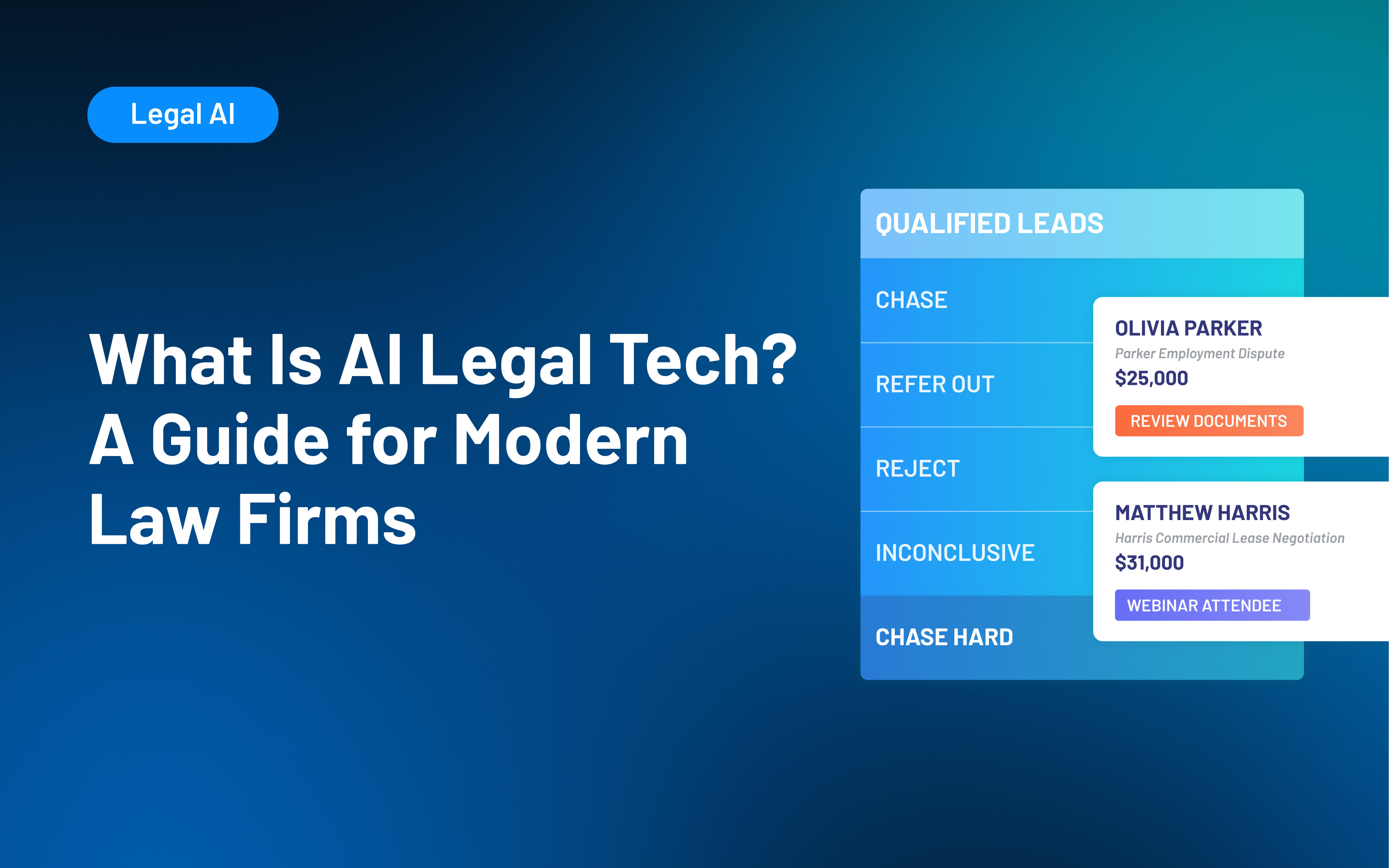
AI legal tech is software that uses artificial intelligence to support legal work or law firm operations. Depending on the platform, it may assist with research, drafting, document review, client intake, communication, workflow creation, or reporting. Legal AI should support attorney judgment, professional responsibility, and human review rather than replace them.
Law firms face growing pressure to adopt AI legal tech, but the label now appears on tools that do very different jobs. One platform may help draft a motion, another may review contracts, and another may support client intake or firm reporting.
For firm leaders, the harder question is not whether AI belongs in legal work. It’s where the technology can solve a specific problem without creating new risks, disconnected systems, or unnecessary complexity. Interest is already substantial: 69% of legal professionals surveyed for 8am’s 2026 Legal Industry Report said they used generative AI at work.
AI can help law firms with both legal work and the day-to-day operations behind it. This guide explains the main types of AI legal technology, where they can help, and how to evaluate the right fit for your firm.
What Is AI Legal Tech?
AI legal tech is software that uses artificial intelligence to interpret information, generate content, identify patterns, recommend actions, or assist with legal and operational workflows.
The category is broad. Some AI tools for lawyers focus directly on legal work, such as finding relevant authorities, comparing documents, or preparing an initial draft. Others support law firm operations through client intake, communication, workflow management, or reporting.
A few distinctions can make the category easier to understand:
- General-purpose AI works across industries. A general AI tool may help with writing, summarizing, brainstorming, or information retrieval without being built around legal terminology, legal sources, or law firm workflows.
- Legal AI is designed for legal use cases. Depending on the product, that may mean working with legal authorities, documents, firm data, intake criteria, or processes specific to legal practices.
- AI differs from traditional automation. A rules-based automation follows predetermined instructions: for example, sending a specific email when a prospect reaches a certain stage. AI can interpret information, generate content, classify inputs, or recommend a next step.
- Many platforms combine both. Legal AI software may use AI alongside forms, databases, templates, workflow rules, integrations, and other conventional software capabilities.
Many platforms combine AI with traditional software capabilities, but legal-specific design does not make every output reliable or every product appropriate for your firm.
The American Bar Association's guidance on lawyers' use of generative AI emphasizes that existing duties involving competence, confidentiality, communication, supervision, and reasonable fees continue to apply when lawyers use these tools.
Types of AI Legal Technology
It is easier to evaluate legal AI tools by the work they support than by the terminology a vendor uses. Two products described as "legal AI platforms" can solve entirely different problems.
| Category | Common AI Uses |
|---|---|
| Legal research and analysis | Finding authorities, summarizing cases, identifying issues |
| Drafting and document work | Drafting, summarizing, comparing, and reviewing documents |
| Litigation and transactional support | E-discovery, evidence review, clause extraction, and risk identification |
| Client intake and communication | Evaluating inquiries, collecting information, scheduling, and follow-up |
| Workflow and reporting | Building processes, retrieving firm information, and summarizing performance |
The first three categories focus more on substantive legal work, such as research, drafting, contract comparison, and document review. These uses still require human review, especially when outputs could influence legal advice or a client matter.
The other categories center on firm operations and client relationships, including evaluating inquiries, collecting missing information, retrieving firm data, and building workflows. An AI-assisted client intake process still depends on firm-defined criteria and staff oversight.
Some tools span multiple categories. Newer approaches, such as agentic AI in legal, may also take steps within a defined process, such as gathering missing information or triggering a follow-up, rather than only returning an answer.
When comparing AI software for law firms, prioritize fit with the systems and processes your team already uses. Confirm the tasks each platform actually supports and whether those capabilities fit the work your firm needs help with.
Benefits of AI Legal Tech for Law Firms
The most useful benefits of AI for lawyers are practical. Good technology can reduce repetitive work or make information easier to act on, giving your team more capacity for work that requires judgment, expertise, and human interaction.
Thomson Reuters' 2025 Future of Professionals Report found that professionals already using AI most often identified efficiency, productivity, and cost savings among its significant benefits. The research also points to stronger results when organizations approach AI with a clear strategy rather than relying on scattered, informal use.
For law firms, AI can support three broad outcomes:
- Increase capacity: AI can assist with first drafts, information retrieval, document review, routine communications, and administrative analysis. Your team may spend less time gathering or organizing information before doing the work that requires professional judgment.
- Create more consistent workflows: AI can apply defined criteria, templates, review steps, and follow-up processes across a larger volume of work. For example, an intake system may evaluate inquiries against the same qualification criteria before staff review.
- Improve responsiveness and visibility: AI can surface relevant information sooner, help move routine tasks forward, and make it easier for leaders to understand intake activity, workload, or performance data.
None of these outcomes come automatically from buying legal AI software. The results depend on how well the technology fits the work and how effectively your team uses it.
Challenges of Using AI for Lawyers
Some of the hardest AI problems have little to do with the AI itself. A new tool can speed up an established process, but it cannot create a clear process where one does not exist.
Before adding AI for law firm operations or legal work, look for the operational barriers that could limit its usefulness:
- Fragmented systems and data: AI has less useful context when client records, matter information, intake details, communications, and reporting data live in different places. Adding another standalone tool can increase fragmentation if information does not move reliably between systems.
- Unclear processes and accountability: Your team should know who owns each stage, what information is required, and how work moves from one person or system to the next.
- Adoption and change management: Attorneys and staff need approved use cases, practical training, and clear expectations. Thomson Reuters' 2025 research found that more than 40% of surveyed professionals reported skill gaps within their teams in areas including technology, data knowledge, and technical expertise.
- Difficulty proving value: "Saving time" is too broad to evaluate on its own. Tie AI use to a specific workflow and compare results such as review time, completed follow-ups, staff adoption, reporting effort, or intake consistency.
These barriers can limit even capable technology. Addressing them first gives your firm a stronger foundation for adopting AI successfully.
Risks and Responsibilities When Using Legal AI
Mistakes involving legal AI can carry more weight than an ordinary software error. An inaccurate answer, exposed client information, or a poorly reviewed recommendation can have consequences that extend well beyond a frustrating user experience.
Before using legal AI, pay particular attention to four risks:
- Incorrect or fabricated output: Generative AI can produce inaccurate facts, incomplete analysis, or nonexistent authorities and citations. Lawyers need an appropriate process for checking any material used in legal work.
- Confidentiality and data practices: Before entering client or prospective client information, review how the provider stores, processes, retains, and protects data, as well as who may access it.
- Bias and inconsistent recommendations: AI systems can reflect problems in their inputs, criteria, training, or design. Consistent application of a rule does not guarantee that the rule itself is appropriate or unbiased.
- Overreliance: AI should have defined review and escalation points. AI assistance does not shift responsibility away from the attorneys and staff overseeing the work.
ABA Formal Opinion 512 explains that lawyers using generative AI remain responsible for duties such as competence and confidentiality, including protections that may apply to prospective-client information.
Your firm should define approved uses, set data and review requirements, train staff, and establish a process for reporting inaccurate or unexpected results. You should also review applicable privacy, consent, advertising, professional-responsibility, and jurisdictional requirements.
This is general information, not legal advice. Requirements vary by jurisdiction, technology, data, and use case.
How to Choose and Implement AI Legal Software
A long feature list will not tell you whether a tool will improve the work your team does every day. Start with a recurring problem, then evaluate the technology against that problem.
A practical implementation process looks like this:
- Define one use case: Choose a recurring bottleneck, such as document review, intake evaluation, follow-up, reporting, or internal information retrieval. Define what success looks like before introducing AI.
- Understand what the tool does: Determine whether it generates, retrieves, classifies, summarizes, recommends, or takes action. Confirm what data informs the output and how it handles uncertainty.
- Test realistic scenarios: Go beyond ideal demos. Test incomplete, ambiguous, unusual, and high-risk inputs your team actually encounters.
- Review data and security practices: Understand how information is stored, retained, accessed, and potentially used for model training. Review these practices based on the sensitivity of the data your firm plans to use.
- Check integrations: Confirm the tool works with systems your firm already trusts. The 2025 Legal Industry Report found that integration with existing software was an important consideration for legal-specific generative AI investments.
- Set review and ownership: Define what AI can handle, what requires approval, and who is responsible for review. In intake, for example, AI may help categorize an inquiry without making the final representation decision.
- Run a limited pilot: Start with a small group, provide training, and track how the tool affects the workflow before expanding access.
- Measure before expanding: Track metrics tied to the original problem, such as review time, intake consistency, follow-up completion, reporting effort, adoption, or error rates.
Your firm does not need to adopt AI everywhere at once. One well-chosen use case gives you room to learn what works, where oversight is needed, and whether expansion makes sense.
How Lawmatics Uses AI Across Intake and Firm Operations
Lawmatics focuses AI on a different part of the legal workflow than research, contract analysis, or litigation platforms. As a legal CRM, Lawmatics supports the client journey and firm operations through connected intake, communication, automation, pipeline management, reporting, and related capabilities.
The Merlin suite brings AI-assisted capabilities into those existing workflows.
- Merlin Qualify in Lawmatics: Evaluates inquiries against firm-defined criteria, explains its reasoning, recommends next steps, and can trigger follow-up workflows. Your team still defines the criteria and decides how recommendations affect intake.
- Merlin Engage in Lawmatics: Follows up with prospects by text to collect missing information and keep intake moving. It works with Merlin Qualify to fill information gaps and can escalate conversations when needed.
- Merlin Copilot in Lawmatics: Lets staff use plain-language requests to build automations, generate reports, retrieve firm data, and answer operational questions inside Lawmatics.
These capabilities work within the broader Lawmatics CRM, alongside contacts, forms, appointments, communications, pipeline stages, source data, and reporting. AI is more useful when it supports a defined workflow instead of operating in isolation.
By keeping these capabilities connected to the same CRM as your intake, communications, pipeline, and reporting, Lawmatics helps AI support the client journey without adding another disconnected system.
To see how Lawmatics connects AI-assisted intake, prospect engagement, automation, and reporting in one legal CRM, request a demo.
Frequently Asked Questions: AI Legal Tech
What does AI legal tech mean?
AI legal tech is software that uses artificial intelligence to assist with legal work or law firm operations. It can include tools for research, drafting, document analysis, client intake, communication, workflow creation, reporting, and other tasks.
The category is broader than generative AI and includes technologies that retrieve information, classify inputs, identify patterns, or recommend actions.
How are law firms using AI?
Law firms use AI across both legal and operational work. Common examples include legal research, first drafts, document review, summarization, intake evaluation, prospect communication, workflow creation, and reporting.
The right use depends on the firm's processes and the level of human judgment each task requires.
What is the difference between legal AI and generative AI?
Generative AI is technology that creates new content, such as text, based on a user's prompt and other available information. Legal AI is a broader category.
A legal AI tool may use generative AI, but it can also rely on retrieval, classification, analysis, recommendations, or workflow capabilities designed for legal work or law firm operations.
Is AI legal tech safe for confidential information?
There is no universal answer. Suitability depends on the product's data handling, security controls, retention practices, contract terms, configuration, and the type of information your firm plans to use with it.
ABA guidance makes clear that lawyers' confidentiality obligations continue to apply when generative AI is used. Review a provider's practices and your firm's applicable obligations before entering sensitive information.
What should a law firm look for in legal AI software?
Start with workflow fit. The software should address a specific problem your firm can define and measure.
Then evaluate its legal focus, the sources behind its answers, data practices, security, human review controls, integrations, usability, and performance in realistic scenarios. A narrowly useful tool that fits your existing process can be more valuable than a broader AI platform your team does not consistently use.
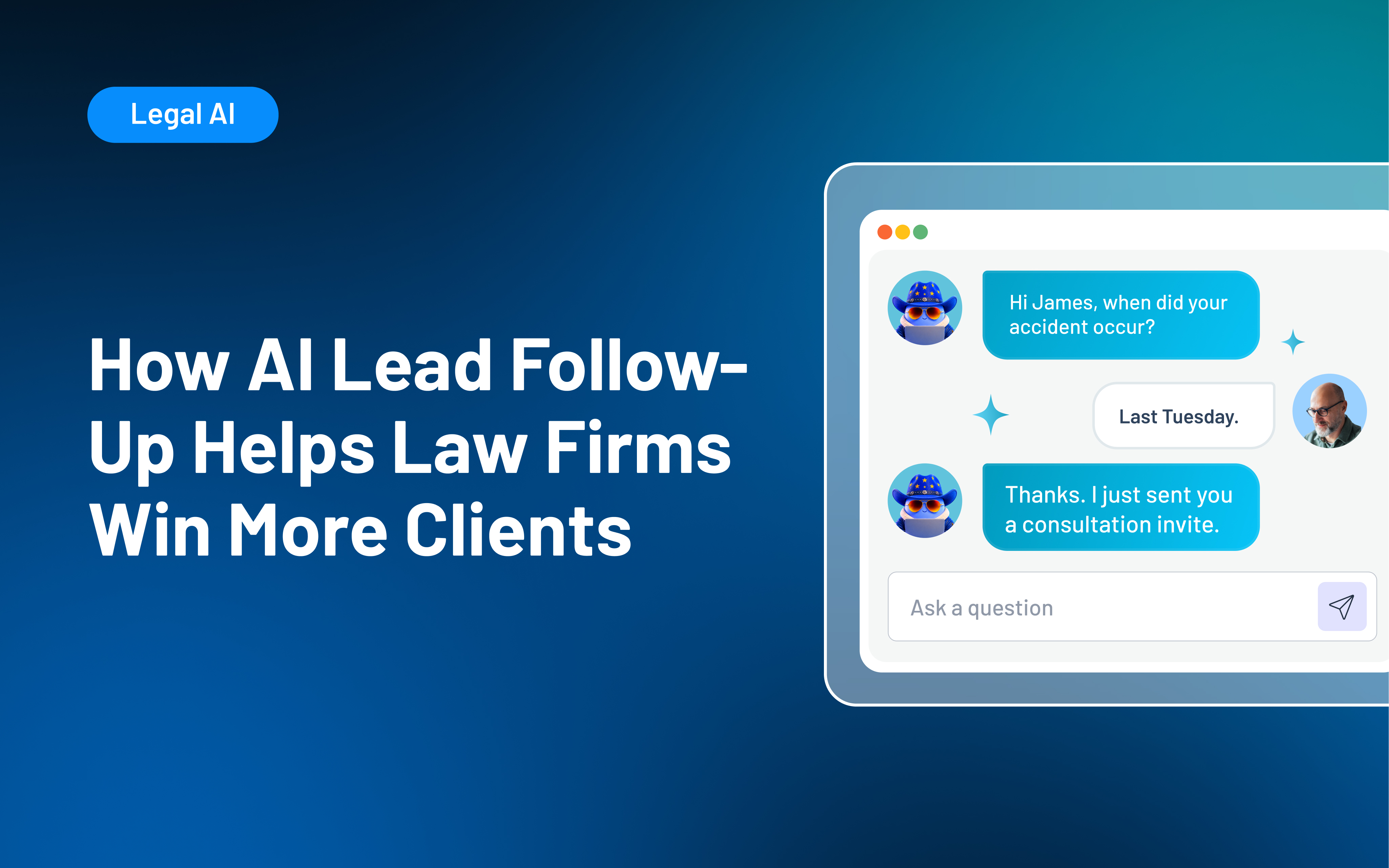
AI lead follow-up uses artificial intelligence, CRM data, and automated workflows to help law firms respond to inquiries and determine appropriate next steps. It can assist with personalized messages, lead evaluation, scheduling, reminders, routing, and ongoing nurture. Your firm should define the rules, approve communication boundaries, protect prospective-client information, and keep attorneys or intake staff responsible for sensitive conversations and final decisions.
A new inquiry can arrive at exactly the wrong moment: after hours, while your intake team is on another call, or during a packed day when follow-up gets pushed aside. AI lead follow-up can help close those gaps by making response, qualification, scheduling, and continued communication more consistent.
The follow-up gap is significant. In Hennessey Digital’s 2024 study of nearly 1,400 law firms, 27% did not respond to an online lead-form inquiry within seven days. For many firms, generating inquiries is only part of the challenge. Response and continued outreach can still depend too heavily on staff availability and memory.
AI can support a stronger process, but it still needs clear workflows and human oversight. This guide explains how AI lead follow-up works, where it can improve legal intake, and how to implement it without losing the human judgment prospective clients need.
What Is AI Lead Follow-Up?
AI lead follow-up uses AI-assisted software to review prospect information and help tailor messages, recommend next steps, or trigger the right follow-up action. Within the client intake process, that could include:
- Acknowledging an inquiry
- Interpreting form responses
- Evaluating whether an inquiry meets firm-defined criteria
- Recommending follow-up actions
- Personalizing an approved message
- Sending scheduling information
- Notifying a staff member
It is also important to separate intake-focused AI from tools used for substantive legal work. AI-assisted legal client intake software can support prospective-client communication, routing, and intake coordination. However, it should not provide legal advice, conduct legal research, determine case strategy, promise representation, or make the final decision to accept a matter.
AI Lead Follow-Up vs. Traditional Follow-Up Automation
Traditional automation and AI often work best together. A rules-based automation performs a predetermined action when a known trigger occurs. AI can interpret information, respond to differences in what a prospect shares, generate or adapt content, or recommend an action within boundaries set by your firm.
| Capability | Traditional follow-up automation | AI-assisted lead follow-up | |
|---|---|---|---|
| Trigger | A predefined event, date, or status | An event plus interpreted lead or conversation context | |
| Message | Fixed template or predefined sequence | Approved content adapted to known information or responses | |
| Lead handling | Routes inquiries using fixed fields and rules | Can interpret details and recommend a category, routing decision, or follow-up action | |
| Conversation path | Follows a predetermined sequence | May adjust within defined boundaries based on a response | |
| Staff involvement | Staff manage exceptions manually | Can flag situations that need staff review | |
| Best use | Confirmations, reminders, nurture, and task creation | Qualification assistance, contextual outreach, prioritization, and next-step recommendations |
AI is not necessarily the better choice for every part of intake. Appointment confirmations, standard reminders, opt-out handling, and fixed compliance messages may be better suited to more traditional automated legal intake.
A strong intake system uses both approaches intentionally: predictable automation for predictable steps and AI where interpretation can genuinely improve the next action.
How AI-Assisted Lead Follow-Up Works in a Law Firm
Effective AI lead follow-up should fit into your broader law firm lead management process rather than adding another isolated communication tool. Each step should build on what came before and help move the inquiry through the intake process.
1. Capture the inquiry in a central record
Prospects may reach you through forms, phone calls, advertising, referrals, virtual receptionists, chat, or other channels. Your legal CRM should capture available contact information, source, practice area, intake responses, communication activity, and pipeline status in a single record.
Integrations can help transfer information between systems, although the exact data available depends on the individual connection. Lawmatics, for example, supports integrations across lead generation, reception, communications, calendaring, practice management, and other categories.
2. Acknowledge the inquiry quickly
An immediate acknowledgment confirms the inquiry was received and tells the prospect what happens next. Depending on the workflow, that could mean completing a short form, selecting a consultation time, or knowing when to expect staff follow-up.
The message should stay within approved boundaries. It should not promise representation, imply that an attorney-client relationship already exists, or venture into legal advice.
3. Evaluate the information and route the lead
AI can review structured form fields and other available intake information against specific criteria your firm defines. Next steps might include:
- Prioritizing the inquiry for follow-up
- Requesting more information
- Assigning a practice-area team
- Referring the inquiry for attorney review
- Routing it through an approved referral or decline process
For example, Merlin Qualify in Lawmatics evaluates inquiries against firm-defined criteria, explains the reasoning behind its recommendation, and can trigger related workflows. The firm remains responsible for its qualification rules and final intake decisions.
4. Continue relevant follow-up
A prospect who missed a call needs different communication from someone who finished a consultation but has not signed an agreement. Relevant follow-up might remind someone to finish an intake form, provide a scheduling link, confirm an appointment, or reconnect after an unsigned agreement.
Merlin Engage in Lawmatics supports contextual prospect conversations designed to gather missing information, move inquiries forward, and support the qualification process.
5. Escalate when a person is needed
Your team should be able to step in whenever the situation calls for human attention. Escalation may be appropriate when someone:
- Requests legal advice
- Expresses distress
- Provides conflicting information
- Challenges an automated response
- Raises a potential conflict issue
- Needs a substantive conversation
The person taking over should have access to the communication and intake history so the prospective client does not need to start over.
6. Record the outcome and update the process
A reply, booked appointment, opt-out, referral, rejection, or signed agreement should update the record and change future activity accordingly. Connected legal intake automation helps prevent messages from continuing after a prospect replies, books a consultation, opts out, or moves to a different stage.
Benefits of AI Lead Follow-Up for Law Firms
AI-assisted follow-up can help close common intake gaps when the underlying process is already clear and consistent.
- Respond while the prospect is engaged: Faster acknowledgment and routing can shorten the gap between an inquiry and meaningful follow-up, including outside normal office hours.
- Make follow-up more consistent: Consistent automated lead follow-up reduces reliance on individual inboxes, memory, and manual reminders. Prospects are less likely to receive dramatically different experiences depending on who handles intake.
- Give your team more context: A centralized record can show intake responses, prior communication, source information, appointments, assigned staff, pipeline status, and recommended actions before a person joins the conversation.
- Increase staff capacity without automating every interaction: AI-assisted workflows can reduce routine drafting, manual record review, repetitive task creation, and basic information gathering. Staff have more room for conversations requiring empathy, judgment, or explanation.
These gains still depend on accurate intake information, thoughtful processes, appropriate integrations, staff adoption, and ongoing oversight. An AI tool alone will not automatically improve conversion, productivity, profitability, or the prospective-client experience.
Where Law Firms Should Keep Human Follow-Up
People often contact a law firm during a stressful or uncertain time. Automation can coordinate routine steps, but some conversations still need a person.
- Sensitive or emotionally difficult inquiries: Prospective clients may be dealing with an injury, criminal charge, family conflict, immigration issue, financial crisis, or another deeply personal concern. When emotion or urgency becomes clear, a person should be able to take over.
- Legal questions and expectation-setting: Automated communication should remain within approved informational boundaries.
- Complex qualification and conflicts: AI can organize intake information, but nuanced fit decisions, conflict review, and other judgment-heavy evaluations should remain with attorneys or qualified staff.
- Complaints, confusion, and exceptions: A frustrated prospect or an unclear response should not be forced through a predefined sequence. Build escalation paths for situations the system cannot handle confidently.
Lawyers’ professional responsibilities still apply when a firm uses generative AI. ABA Formal Opinion 512 provides guidance on lawyers’ responsibilities when using generative AI, including competence, confidentiality, communication, and supervision. Your firm should also review any rules that apply in your jurisdiction.
Risks and Challenges of AI Lead Follow-Up
AI follow-up can make parts of intake easier to manage, but it still needs clear safeguards. Before expanding the workflow, review how the system handles accuracy, sensitive information, qualification rules, messaging, and record updates.
- Incomplete or inaccurate responses: AI-generated language can misread facts or introduce unsupported information. Set clear boundaries, use approved content where appropriate, and test for ambiguous situations.
- Prospective client confidentiality and data handling: Sensitive information may enter your firm before representation begins. Review what data the tool receives, how it is handled, who can access it, and which privacy or professional-responsibility rules apply.
- Poor intake criteria: AI can apply flawed qualification rules consistently. Review your criteria for relevance, fairness, unintended exclusions, and alignment with actual intake outcomes.
- Over-automation and message fatigue: Too many messages or poorly timed outreach can frustrate prospects. Set clear rules for frequency, timing, stop conditions, and opt-outs.
- Disconnected records and unclear ownership: Separate tools can create duplicate or outdated outreach when they lack current status or communication history. A connected law firm CRM helps keep activity and ownership clear.
How to Choose and Implement AI Lead Follow-Up Software
The best starting point is a specific intake problem. Before choosing a tool, identify where prospects are getting stuck, where staff are spending unnecessary time, and which parts of the intake process would benefit from more consistency. From there, you can evaluate software against a clear need and test it before expanding its use.
- Start with one measurable gap: Identify a recurring issue, such as incomplete forms, slow responses, missed consultations, or inconsistent follow-up. Establish a baseline before changing the workflow.
- Map the current process: Document how an inquiry moves from first contact through engagement, including who owns each stage and where prospects tend to stall. Merlin Copilot in Lawmatics can help teams build and refine automations around that defined intake process.
- Evaluate the software against legal intake needs: Look for CRM integration, customizable criteria, communication controls, scheduling, automation, permissions, reporting, and relevant legal software integrations. Confirm what data the AI can access, which actions it can take, and when the system hands the inquiry back to staff.
- Test difficult scenarios: Use vague answers, conflicting facts, emotional language, legal questions, opt-outs, duplicate contacts, and other situations that may require staff involvement.
- Run a limited pilot: Start with one practice area, inquiry source, or intake stage. If you are using Merlin Qualify, begin with a defined workflow and review its recommendations before expanding.
- Measure the original problem: Track the metric tied to your goal, such as response time, intake completion, consultation booking, no-shows, signed agreements, or staff workload. Compare results with your original baseline.
Your rollout should also include staff training. Intake professionals need to understand what the system does, when to trust a standard workflow, when to investigate further, and when to take over.
Connect AI Lead Follow-Up to the Entire Intake Journey With Lawmatics
AI lead follow-up works best when it is connected to the same information and workflows your intake team already uses. Lawmatics brings legal client intake software, CRM, communication, automation, scheduling, pipeline management, and reporting into one legal-specific platform built to support the client journey from first contact through final signature.
Within that connected workflow:
- Keep intake information, communication, appointments, and pipeline activity in the same client record.
- Coordinate qualification, follow-up, scheduling, and internal actions across the intake journey.
- Use reporting and Merlin Copilot to review performance and refine the intake process over time.
Because these capabilities work alongside intake records, communication history, appointments, and pipeline activity, your team can keep follow-up connected while attorneys and intake staff retain control of final decisions. AI lead follow-up is most effective when it supports a defined process with reliable data and clear communication boundaries.
See how Lawmatics connects AI-assisted lead evaluation, prospect follow-up, scheduling, automation, and reporting in one legal CRM. Request a Demo.
Frequently Asked Questions: AI Lead Follow-Up
What is AI lead follow-up?
AI lead follow-up uses AI-assisted software to interpret lead information and help determine, personalize, or carry out the next appropriate communication or step. It can complement traditional rules-based automation rather than replace it.
How can AI improve law firm lead follow-up?
AI can support faster acknowledgments, contextual communication, lead evaluation and routing, scheduling, reminders, information gathering, task creation, and clearer next steps. Results depend on the quality of the firm's intake process, data, implementation, and oversight.
Can AI follow up with law firm leads after hours?
Yes. Software can acknowledge an inquiry, collect approved information, provide scheduling options, or initiate predefined workflows after hours. Sensitive, urgent, substantive, or uncertain conversations should follow your firm's escalation policy.
What is the difference between AI lead follow-up and legal intake automation?
Legal intake automation covers the broader process of moving an inquiry toward engagement through forms, communication, scheduling, tasks, documents, and workflows. AI lead follow-up is one component that uses AI to interpret information, assist with communication, or recommend next actions.
Should AI replace law firm intake staff?
No. AI can reduce repetitive work and make routine actions more consistent, but intake professionals remain essential for empathy, judgment, complex screening, expectation setting, sensitive conversations, and final decisions.
What should a law firm look for in AI lead follow-up software?
Look for legal workflow fit, CRM integration, firm-defined criteria, communication controls, clear human takeover, appropriate data protection, activity visibility, implementation support, and reporting tied to measurable intake outcomes. The strongest technology should fit into a process your team understands and can control.
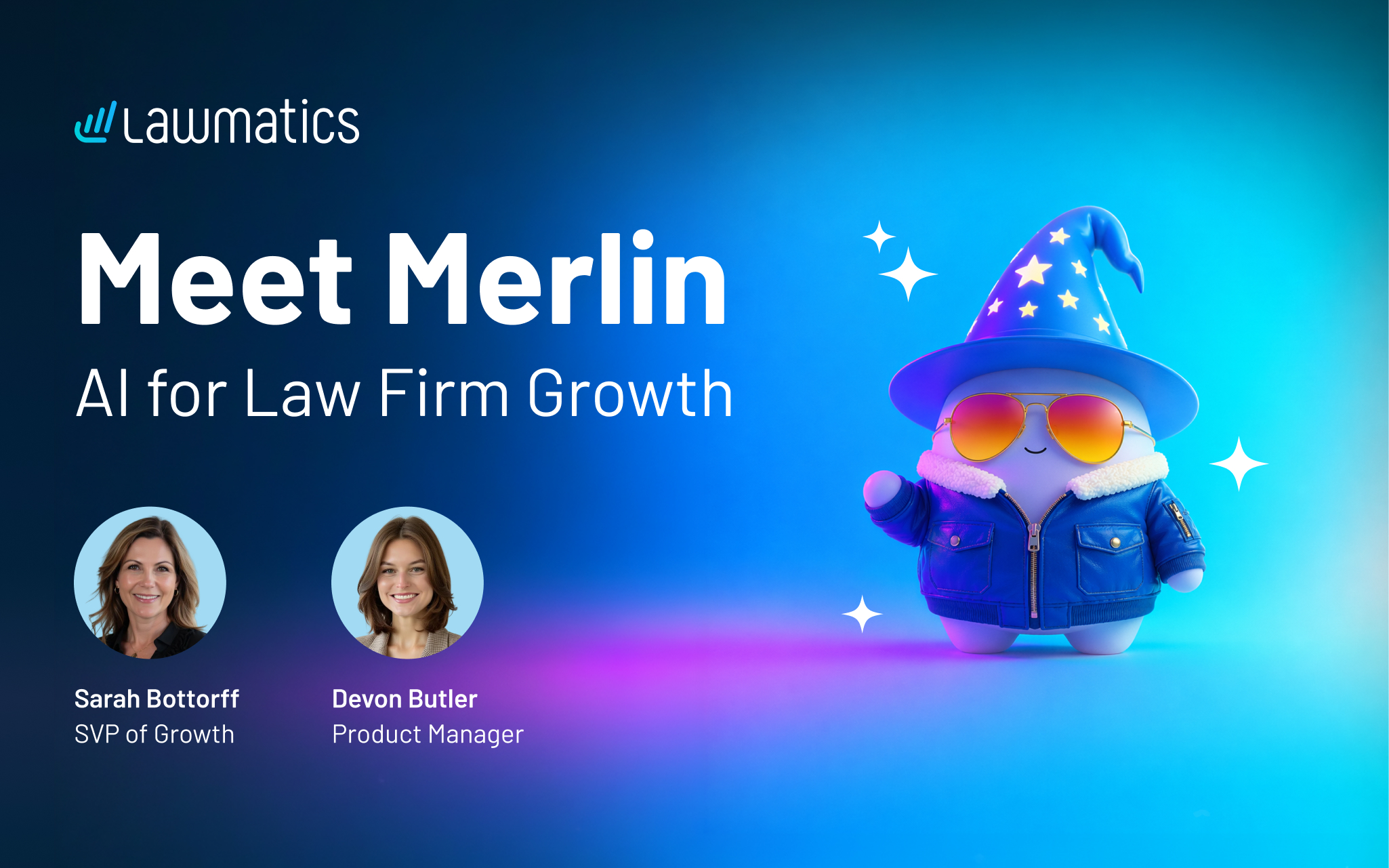
Every law firm knows the feeling when a lead comes in. For a moment, anything seems possible — maybe it's the biggest client in the firm's history, maybe it's a non-fit that you have to refer out. But too often, repetitive tasks and admin get in the way.
Someone has to review the lead, decide if it's worth pursuing, and respond before it goes cold, all while juggling everything else on the day’s list. By the time a firm gets to a good lead, they’ve already gone cold or hired another law firm.
Automation has always been at the core of how Lawmatics helps firms keep pace, and Merlin is the newest layer of that same approach. The new AI suite in Lawmatics currently includes three features:
- Merlin Qualify sifts through a high volume of leads and surfaces the best fits, so firms can respond while a lead is still fresh.
- Merlin Engage reaches out to leads to gather the information still missing, so intake keeps moving forward without anyone having to chase it down.
- Merlin Copilot builds rule-based automations, runs reports, and answers questions about your pipeline, all from a simple conversational prompt.
In this webinar, Devon Butler, product manager at Lawmatics, and Sarah Bottorff, SVP of growth, give an overview and demo of the whole suite.
Time stamps of key takeaways
6:07 — Where Merlin takes Lawmatics further
Sarah opens by grounding the session in what Lawmatics already does for firms: intake, marketing automation, CRM, and reporting that move leads toward becoming signed clients. Merlin builds on that same foundation, giving firms an extra layer of speed and consistency exactly where leads used to slow down: cold follow-up, repetitive qualifying work, and conversion rates that don't move no matter how many leads come in.
13:32 – Building a lead scoring model with Merlin Qualify
Devon walks through how firms configure Qualify, creating separate agents for different practice areas since each one calls for its own qualifying criteria. She shows how a built-in copilot helps generate that criteria so firms aren't starting from a blank page, and how an automation action lets Qualify start evaluating leads the moment they come in.
23:20 – Merlin Engage turning a cold lead into a Chase Hard client in minutes
Devon runs a live example: a new lead comes in with no information attached, gets qualified as inconclusive, and Engage reaches out by text within the same minute to collect what's missing. As the lead responds, Engage gets the lead requalified in real time, moving it from inconclusive to a high-confidence Chase Hard lead in a matter of minutes.
32:18 — Merlin Copilot building an automation from a single request
Devon closes the demo with Copilot, showing how it can build an entire automation from a plain-language request, including adding a Qualify evaluation step into that same automation, without leaving the conversation. She notes Copilot works with context from anywhere in the app, so firms don't need to be on a specific page to ask it for help.
40:30 – Wrap up and Q&A
Sarah recaps the throughline: every new lead gets qualified and engaged within minutes, a higher conversion rate means more of a firm's existing leads become clients, and firms can grow their pipeline without growing their headcount at the same rate.
Webinar slide deck

AI intake automation uses machine learning to automatically score, route, and follow up on every law firm inquiry. This eliminates manual triage, which causes slow response times, inconsistent screening, and lost leads. For managing partners, it means every inquiry gets a fast, consistent response, and intake staff focus their time on qualified conversations rather than manual sorting.
Most law firms don’t lose leads because of subpar service; they lose them because they take too long to respond to an initial inquiry. Given that 72% of legal consumers hire the first attorney they speak with, if your intake system is slow, you’re losing potential clients to competitors.
AI intake automation isn’t about filling a technology gap; it’s about stopping revenue leaks. Automated legal intake ensures you’re responding to high-quality leads every time, even when staff are busy. The result is you lose fewer of those leads to competitors and improve your firm’s bottom line.
The guide below is for managing partners trying to decide whether AI-powered intake tools can help fill this revenue gap without requiring a major overhaul to workflows. We’ll look at where manual intake falls short, how to implement an AI-automated intake system, and the legal intake solutions Lawmatics provides.
What is AI Intake Automation?
Before you automate intake, it helps to understand what AI intake automation actually does, where it fits in the funnel, and which decisions still require a human touch.
The difference between intake software and AI intake automation
AI intake automation is fundamentally different from basic intake software.
- Basic intake software collects information via forms, automates legal intake scoring, routes it to the right person, and triggers follow-ups. Basic intake software requires staff to sort through and assess data, but intake automation does this without staff intervention.
- True AI client intake automation is defined by three components: structured data capture, AI lead scoring, and workflow triggers. Each component builds on the last. Clean data leads to more reliable lead scoring, and reliable lead scoring leads to accurate routing and follow-up triggers.
AI intake automation is not just digital intake forms or case management intake screens. While these digitized versions of intake have advantages, they lack the automated intake scoring, routing, and follow-up triggers that define true automated legal intake.
What "automated" means at each stage of the intake funnel
Automation works differently at different stages of your funnel. When you understand each stage, it’s easier to identify where your current process falls short.
- Lead capture: This is the moment when a form is submitted, and a lead enters the pipeline. Your AI intake tool will automatically create a CRM record, and an acknowledgment will be triggered.
- Qualification: Within seconds of that initial lead capture, AI uses your firm’s defined criteria to automatically score the lead for practice area fit, case type, geography, timeline, and more. Merlin Qualify in Lawmatics is an example of AI-powered lead qualification for legal firms built directly into a legal CRM.
- Routing: The lead’s score tier determines which staff member or workflow the lead is routed to. For example, high-fit leads are routed directly to staff for immediate follow-up, while lower-fit leads may be sent to a referral sequence, nurture workflow, or disqualified entirely. Effective routing ensures that staff time is focused on leads most likely to convert into paying clients.
- Follow-up: Email and SMS sequences are triggered automatically according to each lead’s score tier. The right message goes to the right lead. Because you’re not depending on a staff member’s memory or availability, there’s a lower chance of leads getting needlessly dropped.
Where human judgment still belongs
AI intake automation doesn’t replace humans, and shouldn't be a cause for headcount reduction. Stages that require judgment still need attorneys or staff to step in. For example, attorneys need to own case fit decisions, fee conversations, and discussions that set client expectations.
What AI does is make triaging and sequencing leads faster and more efficient. Attorneys can focus on building client relationships and spend less time sifting through low-fit prospects.
The Four Places Manual Intake Bleeds Revenue
Manual intake issues often show up as small delays or missed steps, but over time, they can cost your firm qualified leads, staff time, and clear visibility into what is driving growth.
Slow first response: why 40% of law firm leads go unanswered
Responding quickly to leads is one of the best ways to reduce revenue bleed. You are 21 times more likely to qualify a lead if you respond within five minutes rather than waiting just 30 minutes. Yet only 25% of law firms respond within five minutes, and 40% of law firm leads go completely unanswered.
The reason for these slow response times is that most small firms don’t have an automated acknowledgment system. Instead, they rely on staff to make the first response. So, when a lead comes in after hours or during a busy period, it waits hours or days. During that wait, that potential client contacts your competitors.
Every hour of delay reduces the probability of booking a consultation. Relying on staff to fix the problem is unrealistic and often results in inconsistent outcomes.
Inconsistent screening: when the answer depends on who picks up
If your firm doesn’t have a standardized pre-screen process or scoring model, then intake quality will inevitably vary by staff member.
The result is that the same lead could end up being booked for a consultation by one staff member but declined by another. Both staff members are doing their jobs properly. The problem is that without a standard to guide them, they’re applying different judgment calls to the same lead.
No follow-up system: leads that stall after the first touch
If a lead doesn’t convert on first contact, that doesn’t mean they’ve stopped looking for representation. Many law firm leads take days or weeks to decide to book a consult. Unfortunately, too many firms lack a follow-up system for leads that stall after the first contact, even for high-fit leads.
And sending just a single follow-up email or SMS is not enough. You need an automated sequence triggered by a lead score that runs until the lead responds or is disqualified. With automated follow-up, your firm stays relevant to leads throughout the decision-making process.
Zero visibility: intake you can't measure, you can't fix
If you don’t have pipeline reporting, you’re making decisions based on instinct rather than data. Gut-based intake management leads to inconsistent results. It makes it impossible to forecast how marketing spend will impact revenue.
Pipeline reporting, on the other hand, means you can trace a retained client back to their first inquiry. That data helps you evaluate what stages of your pipeline are and aren’t working. When you can measure intake, you can identify where leads are dropping off, which sources produce retained clients, and which staff members are best at converting leads.
Before/After: Manual Intake vs. Automated Intake
The following table will help you understand where your current intake system is falling short. With that information, you can see how automated legal intake solutions can improve performance.
| Failure Mode | Manual Intake Outcome | Automated Intake Outcome |
|---|---|---|
| Slow first response | Lead waits hours or days; hires a competitor | Instant acknowledgment + scored and routed within minutes |
| Inconsistent screening | Outcome depends on which staff member answers | Every lead scored against the same firm-defined criteria |
| No follow-up system | Lead goes cold after first contact | Score-triggered sequences run automatically until lead responds or is disqualified |
| Zero visibility | No data on where leads drop or why | Pipeline dashboard tracks source, response time, qualification rate, and retained clients |
How to Implement AI Intake Automation: A Step-by-Step Framework
To get reliable results from AI intake automation, your firm needs the right foundation: clean intake data, clear qualification criteria, automated follow-up, and reporting that shows what is working.
Step 1: Standardize your intake data before you automate anything
For client intake automation to work, your data must be clean and structured. AI automation requires consistent data in order to generate accurate and reliable outputs.
To standardize your data, begin by auditing your existing intake forms. Look for missing fields, such as damages thresholds, case timeline, and geographic scope, that your staff currently asks prospective clients about verbally. If your forms include free-text response fields, consider replacing them with dropdowns or conditional sections to deliver more consistent data and reduce friction.
Avoid setting up an AI scoring system before you’ve cleaned up your intake data. Skipping this step leads to unreliable lead scores, a loss of confidence in the tool, and a reversion to manual scoring. Focus on clean data first, defining your qualification criteria second, and only then configuring your AI scoring system.
Step 2: Define what a qualified lead looks like for your practice
Next, define your criteria for a qualified lead. A complete definition should include practice area, case type, geography, damages threshold, and timeline. This definition should correlate with clients your firm can actually serve well, not just assumptions about what should qualify.
By not writing a definition down, your scoring criteria ends up using the tool’s defaults. When you let the tool define qualification criteria by default, the resulting scores are less likely to reflect the type of clients your firm is effective at retaining.
Step 3: Configure AI scoring to route and prioritize automatically
When you have your qualification criteria written down, map them directly into your scoring model. For example, Merlin Qualify uses your firm-defined criteria to then recommend one of four actions based on lead quality: Reject, Refer, Chase, or Chase Hard.
With these recommendations, staff can act on a clear signal rather than on instinct. Plus, because every recommendation includes a visible score rationale, your team can verify the accuracy of the output.
Avoid treating scoring configuration as a one-time setup. Your firm’s practice mix and case economics will shift over time, and your scoring model should be modified to reflect where your firm is today. Merlin Qualify can recommend adjustments based on firm feedback, but ultimately someone at your firm will need to implement them, either quarterly or monthly, depending on firm volume.
For a more in-depth look at how Merlin Qualify works, explore our AI lead-scoring guide.
Step 4: Build automated follow-up sequences triggered by lead score
Once your scoring system is configured, focus on building automated follow-up sequences. Follow-up sequences should trigger within minutes of a lead making contact and entering the funnel. If a lead doesn’t get an acknowledgment right away, momentum is lost, and the lead is more likely to look to one of your competitors. You can eliminate this gap with automated follow-up sequences.
However, not all follow-up sequences are the same. Their content and frequency should vary by score tier. Otherwise, you’ll waste staff time on low-quality leads. For example, a Chase Hard lead warrants an immediate text and same-day call, whereas a Refer lead may be better suited to an email sequence.
Before rolling out automated sequences, make sure your team understands the score rationale. When staff understand why a recommendation was made, they’re less likely to bypass the system.
Step 5: Connect intake performance to pipeline reporting
An intake performance dashboard provides key metrics across the funnel, including lead source, first-response time, qualification rate, consults booked, consults held, and retained clients.
For managing partners, pipeline reporting allows you to better forecast revenue from marketing spend and to justify marketing investments to firm leadership. Without this data, you’re making marketing spend decisions based on gut instinct.
You should establish a reporting baseline at launch rather than treating it as a set-and-forget system. By treating reporting as a priority from the start, you’ll be better able to measure improvements and trends over the long term.
Before You Go Live: AI Intake Automation Checklist
To ensure your AI intake automation delivers valuable, consistent results, use this checklist before you go live.
| Pre-Launch Item | Status |
|---|---|
| Intake forms audited for structured, consistent data fields | |
| Conditional logic applied to reduce friction without losing depth | |
| "Qualified lead" definition documented in writing | |
| Scoring criteria mapped to written qualification definition | |
| Score tiers defined with corresponding routing and follow-up actions | |
| Follow-up sequences built and tested for each score tier | |
| Staff trained on score rationale and how to act on recommendations | |
| Reporting baseline established (response time, qualification rate, consult booked) |
What AI Intake Automation Looks Like Inside Lawmatics
Lawmatics integrates AI intake automation with lead qualification, workflow automation, and reporting within a single legal CRM. That means firms can evaluate new inquiries faster, act on each lead’s score, and see how intake activity turns into retained clients.
Merlin Qualify: lead scoring built for legal intake, not generic B2B pipelines
Most lead-scoring tools are built for generic sales pipelines and trained on B2B data that’s only loosely adapted for law firms. Merlin Qualify is different because it uses your firm’s own defined criteria rather than benchmarks created for other industries.
More refined recommendations flow from the model based on intake outcomes, so scoring gets better over time. For example, as your team accepts or overrides recommendations, Merlin Qualify incorporates this feedback. Plus, the scoring rationale is visible in the Lawmatics legal CRM, so staff can trust the recommendation and audit it as needed.
Automated workflows that act on score without manual handoffs
In Lawmatics, you can create custom automations to trigger follow-up sequences, routing notifications, and calendar prompts based on lead score tier and without the need for manual handoff. High-priority leads receive immediate SMS and email outreach, while low-score leads are routed to referral or rejection workflows.
This automatic routing ensures that intake staff can spend their time on conversations with leads most likely to become retained clients.
Reporting that connects intake activity to retained clients
Lawmatics’ pipeline reporting gives you instant visibility into conversion rates, first-response times, lead source ROI, and qualification rates. As a managing partner, you’ll have the data needed to forecast revenue, make better marketing budget decisions, and identify bottlenecks early.
Lawmatics also integrates with existing case management tools, such as Clio, MyCase, and PracticePanther. Intake automation can run alongside your existing stack without requiring a forced migration, switching costs, or rebuilding your current legal automation workflows.
Ready to see how Merlin Qualify and Lawmatics automate intake end-to-end? Request a demo.
FAQ: AI Intake Automation
What is AI intake automation for law firms?
AI intake automation for law firms can score, route, and follow up on leads without manual triage. The result is faster response times, more consistent qualification, and less time wasted on low-fit leads.
How is automated legal intake different from a basic intake form?
A basic intake form only collects data that a staff member must then assess for firm fit. Automated legal intake goes further by scoring the lead, triggering workflows, and routing based on fit and likelihood to convert.
Will AI intake automation work with my existing case management software?
Yes, Lawmatics integrates with leading case management software, such as Clio, MyCase, and PracticePanther. There’s no forced migration or system replacement required, and you can maintain your current workflows.
How long does it take to see results from automated intake?
So long as automated intake is being used consistently, firms typically see faster first-response times and higher consult booking rates within the first 30 to 60 days. You’ll need to establish a reporting baseline at launch in order to track improvements from week one.
Does AI intake automation replace my intake staff?
No. You’ll need staff for conversations with qualified leads and to prepare consultations while AI handles triage, scoring, and follow-up sequencing. The result isn’t fewer staff, it’s freeing up time so staff can focus on higher-value work.
Generative AI for law firms refers to AI systems that produce drafts, summaries, and research synthesis from prompts, helping associate attorneys compress time on first-pass legal work. These systems accelerate research, document drafting, and intake preparation, but every output carries a verification burden that stays with the licensed attorney. Firms that pair generative AI with structured intake data and a Legal CRM get faster, more accountable results.
Generative AI for law firms has quickly gone from a novelty to an essential daily workflow tool for associate attorneys. However, greater adoption has created a core tension: Partners expect more time savings on first-pass work, but there’s real liability risk for firms if AI-assisted work goes unverified.
In this guide, we’ll go beyond just defining what legal generative AI is and instead provide a workflow-level playbook so attorneys can take advantage of AI’s benefits while being aware of its risks. By the end, you’ll have an adoption framework so you can use AI to improve efficiency. You'll also understand how to integrate it safely.
What Generative AI Actually Does in a Law Firm Context
How generative AI differs from search and traditional legal software
Traditional search retrieves data and information that already exists. For example, Westlaw retrieves cases, and your practice management system stores and organizes client records. Generative AI for legal work is different. Instead of retrieving already-existing information, it creates text based on patterns.
When you give generative AI a prompt, it will produce text, such as a draft, summary, or synthesis, that is entirely new. That distinction matters for legal work because AI can also generate hallucinations, or confident-sounding claims that are factually wrong.
What "generating" output means for legal work quality and verification
Generative AI is trained by recognizing patterns in large data sets. When an AI produces text, it generates a probabilistic prediction rather than a confirmed legal fact or citation. The result: even when the text sounds confident, that confidence is not a sign of accuracy. Verification is always required.
In the legal profession, you can increase the likelihood of accurate output by inputting more specific prompts and by ensuring a high quality of input data. But regardless of prompt specificity or data quality, associates must always verify drafts for accuracy.
Why the output is a starting point, not a finished work product
Treat AI as a fast first-draft engine. Attorneys should provide editorial oversight, ensuring your firm gets the most out of AI without producing problematic work. That way, your firm saves time creating early drafts while maintaining attorney involvement and expertise later on.
Where Generative AI Saves Associate Attorneys the Most Time Today
Legal research: first-pass synthesis and issue spotting
AI can produce impressive time savings during legal research, with associates able to cut initial research time by 40-60% on well-scoped queries. AI can synthesize across sources quickly, surface potential issues, and identify relevant case law to investigate further.
In this context, AI doesn’t replace tools like Westlaw or Lexis. Instead, it reduces the time spent on primary research, allowing you to use those tools more efficiently. AI’s use case is in the initial research stages, when you need to synthesize large amounts of data, spot potential issues, and identify relevant case law. It is still up to attorneys to verify citations and apply their own legal judgment.
Document drafting: standard motions, agreements, and correspondence
Drafting documents is one of the biggest benefits of generative AI for law firms. Routine motions, NDAs, and engagement letters can be drafted in minutes when an AI is paired with firm-approved templates. AI can generate structure and language, while attorneys review the documents for accuracy, jurisdiction fit, and client specifics.
By pairing AI generation with legal document automation software, the AI will produce more consistent and auditable first drafts. Understanding how legal document automation works will also give you more insights into how template-driven document generation saves law firms time. That efficiency allows firms to focus on higher-value work.
Summarization: deposition transcripts, discovery documents, and case files
AI can summarize large volumes of documents and information in minutes. Instead of having to read through a 200-page deposition transcript, for example, AI can summarize the key facts and open issues in under five minutes.
AI identifies themes, flags contradictions, and surfaces relevant details that attorneys then review for accuracy. The original document remains the authoritative source, with the AI summary providing a tool to help you better navigate the original data.
Even better, this use case is scalable. For large discovery sets where manual review would consume days of associate time, AI delivers especially valuable efficiency gains.
Client intake and matter preparation: a concrete example of AI-assisted briefing
Client intake and matter preparation are where AI delivers some of the most tangible benefits. When your intake forms capture structured data, like matter type, incident date, opposing parties, and prior counsel, AI can generate a one-page matter brief before the consultation begins.
The result is a summary of key facts, gaps in information, and proposed follow-up questions, helping you be better prepared for the consultation. Instead of having to spend 30 to 45 minutes manually reviewing intake data, you can spend just 5 to 10 minutes verifying an AI-generated brief. These time savings compound over time while ensuring potential clients feel more valued and understood by your firm.
Before/after time estimate table
The time savings with generative AI for legal work are substantial. Here’s how much time your firm could potentially save on different tasks.
| Task | Manual Time Estimate | AI-Assisted Time Estimate | Verification Step Required |
|---|---|---|---|
| First-pass research | 3-5 hours | 1-2 hours | Confirm citations in primary sources. |
| Standard motion draft | 2-4 hours | 30-60 minutes | Review of accuracy and jurisdiction fit. |
| Deposition summary | 2-4 hours | 15-30 minutes | Check against the original transcript. |
| Intake matter brief | 30-45 minutes | 5-10 minutes | Confirm facts before consultation. |
Legal Tasks Generative AI Cannot Safely Handle
Legal judgment and case strategy
AI can’t replicate the judgment and case strategy that an attorney brings to the table. Attorneys should weigh risks, client goals, and procedural context in order to develop a case strategy. Instead, AI can help surface options. It’s then up to attorneys to decide which option is best suited for which client.
Client counseling and sensitive communications
The client-attorney relationship is built on trust, empathy, and the ability to read a client’s emotional state in real-time. These are factors that can’t be imitated by AI and instead require a human attorney. Plus, handling sensitive communications carries professional responsibilities that AI can’t assume. Your clients expect a licensed attorney’s judgment, not just an AI-generated response, especially given the high stakes many legal cases entail.
Ethical responsibility and professional accountability
Professional accountability does not change because AI was involved. Failing to verify AI-assisted work can still expose you and your firm to malpractice risk. Courts have already sanctioned attorneys who have submitted AI-generated briefs that were found to contain hallucinated citations.
The American Bar Association’s Model Rule 1.1 requires attorneys to provide competent representation, including understanding the benefits and risks of any technology used, such as AI. Model Rule 1.6, meanwhile, covers what client information can be entered into a system, including AI tools. Entering client data into an AI product without a data processing agreement that ensures confidentiality is a potential violation.
Beyond the ABA’s Model Rules, you should also check with your state bar’s AI guidance. The NYSBA’s guidance on generative AI, for example, is a useful resource for New York firms trying to navigate their ethical responsibilities.
Situations where hallucinated output creates real risk
AI-generated hallucinations are especially risky when dealing with citation-heavy work, such as case names, docket numbers, and statutory references. According to one database, over 1,000 legal cases in the U.S. over the past three years have included AI-generated hallucinations, many of which have resulted in court sanctions.
Relatedly, attorneys who enter client data into consumer-grade AI tools are potentially breaking confidentiality rules. Many AI systems use input data to train their models, which can result in any sensitive data that’s been input being exposed to third parties.
A Practical Adoption Framework for Generative AI in Legal Work
AI risks vary depending on how the tool is used. With this three-tier framework, you can more easily assess how to integrate AI into your caseload while maintaining appropriate controls at each stage.
Tier 1: Internal-only drafting and summarization with mandatory review
At Tier 1, AI is used for internal-only drafting and summarization, such as research memos, first-draft motions, and deposition summaries. Because the AI-generated content stays internal, it poses the fewest risks. This makes it a good starting point for firms looking to integrate AI into their workflows. You can measure time savings and build familiarity with the tool before deciding whether or not to expand it to other areas.
Tier 2: Structured intake and workflow tasks with approval checkpoints
At the next tier, you can use AI to assist with intake screening, conflict check preparation, and matter brief generation. The key here is to ensure that AI-generated content has a defined approval and verification process before it influences a client record or workflow stage.
You’ll need to confirm that your client intake automation system supports structured data capture before deploying Tier 2 workflows. For example, structured intake fields like matter type, incident data, and opposing parties will improve the reliability of any AI-generated matter briefs.
Using AI-powered lead scoring via Merlin Qualify in Lawmatics can also assist with lead qualification. It can apply consistent qualification criteria to potential clients, ensuring a better intake process and reducing attorney review time.
Tier 3: Client-facing outputs requiring strict review and logging
At Tier 3, you can begin using AI for more client-facing work, such as status updates, engagement letter drafts, and correspondence. However, human review is mandatory before any AI output reaches clients and requires firm-level governance sign-off rather than relying solely on individual associates' discretion. You’ll also need to maintain a communication log and version history for accountability, which a Legal CRM can handle automatically.
This audit trail requirement can also give your firm a unique competitive and financial advantage. As the Harvard Center on the Legal Profession notes, clients are increasingly invested in how law firms utilize AI. By maintaining an audit trail, you demonstrate your commitment to responsible AI governance while improving efficiency, reducing write-offs, and potentially supporting alternative fee arrangements beyond the billable hour.
Governance essentials every associate should know before using AI tools
Before using any AI tools, your firm should have the following essentials in place:
- Approved tools list: Maintain a list of tools that have been vetted and authorized. Allowing associates to use tools that haven’t been approved exposes your firm to liability issues.
- Data handling rules: Any AI system must abide by confidentiality rules, including the ABA’s Model Rule 1.6. Client data should not be entered into a consumer-grade AI system without a data processing agreement that keeps that data private.
- Citation verification requirement: Associates must verify every citation in an AI-generated output by consulting the primary source.
- Escalation path: Establish an escalation path so that associates know who to contact when AI output looks wrong or inconsistent.
These essentials should form a part of your firm’s written AI policy. Without a written policy, you create unnecessary liability exposure. A lack of a policy also makes it harder for associates to know how to safely integrate AI into their work.
How Generative AI Fits Into a Connected Law Firm Workflow
Why isolated AI tools create more work, not less
Even with all of those essential precautions in place, avoid relying on AI tools that operate outside of your firm’s system of record. They’ll produce output that is harder to audit or version. Having to re-enter client data into isolated AI tools wastes staff time and increases the risk of errors. Plus, having disconnected tools creates parallel workflows that reduce efficiency and make accountability more difficult to track.
How structured intake data improves AI output quality and firm economics
Structured data greatly improves the reliability of your AI output, while incomplete intake data leads to unreliable drafts. Using a structured client intake automation to feed clean data into firm-approved templates and AI-assisted drafts reduces errors. Simultaneously, it reduces the time staff need to spend collecting data and writing briefs.
Structured intake data also improves AI-powered lead scoring and intake triage. With Merlin Qualify, data can be used to assess potential clients and ensure associates receive better-prepared matters before legal work begins.
Ultimately, better intake data gives your firm a financial boost. It reduces rework and write-offs and improves realization rates, leading to efficiency gains that are measurable and accountable.
How a Legal CRM connects AI-generated work to client records and pipeline
A legal CRM is essential for making AI-assisted work accountable and measurable, as it creates a verifiable audit trail and workflow. With a CRM, you can connect AI-generated drafts and summaries to client records, matter history, and pipeline stages. Associates can then work with complete client information rather than with data scattered across disconnected tools.
Explore the Lawmatics AI suite to see how intake automation, CRM, and AI-assisted workflows connect in practice and how this integration can achieve greater time savings for your firm.
How to Evaluate Generative AI Tools for Legal Practice
Questions to ask before adopting any AI tool at your firm
Before adopting any AI tool at your firm, you’ll need to assess it for its security and for how well it integrates into your current tech stack. To help determine which AI tool is right for your firm, ask the following questions:
- Does the vendor have a published data retention and training policy?
- Is client data used to train the vendor's models?
- What are the export, logging, and audit capabilities?
- Does the tool integrate with the firm's existing intake and CRM systems, or require standalone data entry?
Red flags that signal confidentiality or compliance risk
AI tools with confidentiality or compliance issues represent an unacceptable liability risk for your law firm. Watch out for these red flags when evaluating AI tools.
- No data processing agreement to protect client data
- No audit trail: Outputs cannot be logged, versioned, or exported
- Workflow doesn’t include built-in human review
- Lack of clear integration with existing legal systems
- Consumer-grade product not designed for professional legal data handling
What good legal AI integration looks like versus a standalone tool
An effective AI tool should connect to your existing intake and CRM data without requiring data re-entry, while also supporting approval workflows and creating auditable, versioned outputs. The best AI tools for lawyers fit within your current approved tech stack and include data agreements, role-based access, and integration with practice management tools.
To better understand what effective legal AI integration looks like in practice, explore the Lawmatics AI suite. You’ll see how AI can help your firm build a more connected workflow that delivers efficiency gains safely and responsibly. Request a demo to get started.
FAQs
What is generative AI for law firms?
Generative AI for law firms produces text-based output from prompts, such as drafts, summaries, and research synthesis. While it can speed up first-pass legal work, it still requires attorney review.
Is generative AI safe to use with confidential client information?
It can be, but only if the AI tool includes proper data agreements and is approved for legal work. You should never enter client data into a consumer-grade system. The ABA’s Model Rule 1.6 covers confidentiality obligations and requires you to confirm any vendor’s data policy before entering client data.
Which legal tasks benefit most from generative AI?
Generative AI works best for legal tasks that are repeatable and include clear verification steps. These include research synthesis, document drafting, deposition summarization, and intake matter brief preparation.
Can generative AI replace associate attorneys?
No. Generative AI automates tasks, but licensed attorneys are still accountable for what AI produces and must use their professional judgment in order to sign off on AI outputs. AI gives associates greater leverage and time savings, but it doesn’t replace them.
What should associates do before using a generative AI tool at work?
Associates should confirm that the tool is on the firm’s approved list, understand the data policy, and know what verification steps are required for any AI-generated outputs. Your firm should have a written AI policy to guide associates. Even without such a policy, competence and confidentiality obligations remain under ABA Model Rules 1.1 and 1.6.
How does generative AI connect to client intake and CRM workflows?
AI output quality improves when it’s being fed with clean intake data. A Legal CRM creates an auditable trail of AI-assisted work so that your entire workflow remains accountable and measurable. Explore how Lawmatics AI suite connects these workflows or request a demo to see the results firsthand.

An AI intake assistant is a software layer that conducts structured qualification conversations, routes leads by practice area and urgency, and automatically triggers follow-up workflows from first contact. The features that actually move the needle for managing partners are structured qualification logic, automated routing with speed-to-lead enforcement, embedded scheduling, downstream workflow triggers, and AI reporting to connect intake activity directly to retained clients and revenue growth.
Most law firms lose revenue not at marketing, but at intake. Slow response times, inconsistent qualification, and manual routing all create unnecessary friction. The result is that leads drop out of your intake funnel and turn to your competitors instead.
An AI intake assistant for law firms helps stop these revenue leaks. AI intake is more than a chatbot or a smarter web form. It’s a conversion system that optimizes intake so that leads more easily move from source to signed clients.
For managing partners evaluating AI tools, the challenge isn’t compiling a list of features, but understanding how they deliver measurable outcomes. In this guide, we’ll focus on five AI intake features (qualification, routing, scheduling, workflow automation, and reporting) and how they generate consultations and revenue for law firms.
What an AI Intake Assistant Actually Does in a Law Firm
Beyond the chatbot: where AI intake fits in the lead lifecycle
An AI legal intake assistant is a conversion layer between marketing and your case management system. It covers everything from the moment a lead first makes contact with your firm to when they’re either booked for a consultation or handed off to an attorney.
AI intake assistants cover many steps in the intake process, such as lead capture, lead scoring, routing to the right person or workflow, and scheduling triggers. They don’t replace your intake system but act as connective tissue to help it run more efficiently.
What AI intake handles versus what still requires attorney judgment
AI doesn’t replace staff or attorneys. Instead, it handles repetitive and time-consuming steps, such as data synthesis, scoring, routing, and scheduling. When a staff member or attorney steps in, they have more complete information and can focus on higher-value work that requires judgment, such as case fit, strategy, and client conversations.
Intake staff spend less time sorting and chasing leads and more time building relationships with potential clients. For example, without AI lead scoring, staff have to manually collect basic case details, re-ask questions that have already been submitted, and decide whether the case qualifies.
With AI qualification, these steps are done automatically according to your firm’s predefined criteria. Even when there’s a spike in inquiries, you don’t need to hire additional staff or worry about leads going unacknowledged. Your AI legal intake system works in the background to move leads through the pipeline so staff can focus on relationship-building.
Why intake is the highest-leverage place to apply AI in a law firm
Slow response times, inconsistent qualification criteria, and manual handoffs cause leads to get ignored and dropped. Just a one-hour delay responding to a first contact can cut conversion rates significantly.
Reversing this revenue loss is not difficult with AI intake software for law firms. For example, with AI qualifying and acknowledging leads even when staff are unavailable, you keep those leads engaged until a staff member can reach out to them personally.
That’s why effective intake will help you get the most out of your marketing spend. No matter how much you budget for SEO, paid ads, or referrals, their success depends on an intake system that actually converts.
Feature 1: Structured AI-Led Qualification That Mirrors Your Criteria
Why consistent qualification questions change conversion outcomes
If you’re using a generic intake script, you’re missing case-specific details that determine whether a lead is likely to convert. When firm-approved questions align with practice areas, you get comparable lead data that allows you to better refine your intake process.
Likewise, if you’re using inconsistent qualification criteria, whether a lead moves through the pipeline depends on which staff member handles it. With AI lead scoring, you have consistent qualification criteria that don't depend on individual staff members’ intuition.
What the intake coordinator's role looks like after AI qualification is in place
AI qualification doesn’t replace the intake coordinator. Instead, it frees up their time to focus on more high-value work. Without AI qualification, your intake coordinator may spend 20 to 30 minutes of an inquiry call collecting basic case details and manually deciding if the lead is a firm fit.
With AI qualification, these routine tasks are automated. The intake coordinator can focus on building rapport with the lead, confirming next steps, and moving them toward scheduling. The intake process becomes more efficient and focused on building relationships.
What good qualification output looks like: scored leads, not just collected data
Good qualification output provides a clear lead status, such as qualified, borderline, or refer out, and includes case details that support that recommendation. Merlin Qualify in Lawmatics does just this by conducting a structured conversational intake, flagging leads by fit, and feeding the results into automated workflows based on likelihood to convert.
For example, at a personal injury firm, the AI intake assistant can send leads it classifies as “Chase Hard” (i.e., high-fit leads most likely to convert) directly to intake staff, while lower-fit leads are either disqualified or routed to an automated email and SMS workflow.
For managing partners, enabling intake staff to focus only on the highest-quality leads means fewer wasted consultations and a higher consult-to-signed rate.
Feature 2: Automated Routing and Speed-to-Lead Response
Why routing rules matter more than response templates
Effective routing ensures the right person immediately owns the lead, so follow-up happens in minutes rather than hours. Client intake automation with configurable logic automatically routes leads based on practice area, matter type, urgency, and geography.
Without AI routing, leads are often sent to a shared inbox and wait for someone to manually decide where they go, creating sorting delays that kill conversion rates. Attorneys receive more complete intake context with AI routing, eliminating these delays.
For time-sensitive firms, even a small delay has a major impact on conversions. For example, a criminal defense firm needs to respond to inquiries immediately. With an automated intake system that routes, say, DUI inquiries to the on-call DUI associate, response times drop from hours to minutes.
After-hours and missed-call coverage: the gap most firms ignore
For firms that don’t have an automated legal intake system, after-hours and weekend inquiries are at especially high risk of getting lost. Without an automated response, a prospect who reaches out on Friday evening will receive no acknowledgment until Monday morning. At that point, they'll have most likely contacted other firms.
AI closes this gap. When a lead comes in outside of business hours, they automatically receive an immediate acknowledgment and a self-scheduling link. If a call is missed, an outreach sequence is triggered so that the lead isn’t left wondering when they’ll hear back.
SLA enforcement: what happens when a lead sits too long
It’s one thing to have speed-to-lead standards, but if no one is enforcing them, those leads will stall and drop off. An AI intake assistant automatically enforces SLA escalation rules. It alerts a manager if a lead has not been contacted within a defined window.
For example, if a qualified inquiry doesn’t get a response within two hours, the person responsible for that lead is automatically notified. Leads are less likely to drop off, and managing partners gain accountability and visibility without having to manually audit the pipeline.
Feature 3: Scheduling Integration That Removes Friction From Consultation Booking
Self-serve scheduling tied to the right calendar and matter type
Relying on generic calendar links is a recipe for mismatched bookings and low show rates. Instead, your legal calendaring software should automatically route to the correct attorney or intake owner based on matter type, practice area, and availability.
For example, imagine an immigration firm that previously allowed leads to book consultations without first assessing which attorney would be the best fit. Because of mismatched bookings, staff wasted time on manual rescheduling. By switching over to an AI system that automatically matched inquiries with the right attorney (and took into account that attorney’s availability), the need for rescheduling dropped dramatically.
Automated confirmations and reminders that reduce no-shows
Consultation reminders are one of your best ways to reduce no-shows. However, manual reminder processes are too inconsistent to be effective. An automated reminder cadence that triggers at booking, 24 hours before consultation, and the day of can improve show rates while reducing the need for staff oversight. Similarly, if a prospective client is a no-show, a re-engagement workflow is triggered to get them to reschedule.
| Reminder Type | Trigger | Channel |
|---|---|---|
| Booking confirmation | Immediately after scheduling | Email + SMS |
| 24-hour reminder | Day before consultation | Email + SMS |
| Day-of reminder | Morning of consultation | SMS |
| Re-engagement | 48 hours after a no-show |
Pre-consultation intake delivered automatically after booking
Attorneys are better able to convert inquiries into retained clients when they go into consultations having already reviewed intake data. With pre-consultation intake forms delivered automatically after booking but before the consult, attorneys get valuable context without any additional manual steps.
As a managing partner, you should track your consult show rate and average days from inquiry to booked consultation. Both metrics are heavily influenced by scheduling automation and can directly connect to revenue.
Feature 4: Workflow Automation Triggered by Intake Outcomes
How intake results should trigger downstream actions automatically
AI intake doesn’t stop at qualifying leads. The result of qualification automatically triggers different workflows that optimize your firm’s time, reduce manual handoffs, and improve conversion rates.
For example, a family law firm could implement AI qualification so that when a lead is qualified, a document checklist and conflict check workflow are triggered. The lead is then routed to the appropriate associate, who can verify the conflict check results. Even if staff are busy or unavailable, the lead continues to move through the pipeline.
Nurture sequences for leads that are not ready to retain
For leads that are borderline or not yet qualified, a separate structured nurture sequence is more appropriate. While these leads may not convert at first contact, many do with consistent, relevant follow-up over time.
For example, dynamic email workflows that are segmented by matter type, qualification status, and lead source ensure your content remains relevant. This sort of automated workflow stops revenue leaks while also ensuring staff don’t waste time on low-fit prospects.
Document requests, conflict check tasks, and onboarding triggers
Custom automations, like document requests, conflict checks, and onboarding workflows, eliminate time-consuming manual steps and improve pipeline performance. For example, conflict check software generates conflict check tasks as soon as party names and case details are gathered, preventing wasted consultations and reducing compliance risk.
Similarly, e-signature workflows trigger automatically when a lead reaches “ready to retain” status. This helps maintain momentum and reduces the time from consult to signed agreement.
Feature 5: Reporting That Connects Intake Activity to Revenue Outcomes
The metrics a managing partner actually needs from an AI intake tool
An AI intake assistant without reporting is a black box: you cannot improve what you cannot measure. Your AI intake assistant should provide visibility into time-to-first-response, lead-to-consult conversion rate, consult show rate, consult-to-signed rate, and lead source performance.
| Metric | What It Measures | Why It Matters |
|---|---|---|
| Time-to-first-response | Minutes from inquiry to first contact | Directly tied to conversion rate |
| Lead-to-consult rate | Percentage of leads that book a consultation | Reveals qualification and routing effectiveness |
| Consult show rate | Percentage of booked consultations that happen | Measures reminder and scheduling workflow quality |
| Consult-to-signed rate | Percentage of consultations that become retained clients | Reflects overall intake and attorney conversion |
| Lead source performance | Qualified leads and retained clients by channel | Connects marketing spend to revenue |
Each metric matters because it’s not focused merely on activity, but on getting leads to the next step in the funnel. When taken together, they allow you to see where your intake process is and isn’t working and to make more informed decisions about process changes.
Lead source attribution: knowing which channels produce retained clients
Lead source attribution is an area where activity data alone can lead to misleading conclusions. For example, if a channel generates 50 inquiries but only two retained clients, it’s performing worse than one that generates 20 inquiries but eight retained clients.
That’s why your legal analytics software should show which channels (paid search, organic, and referral) actually drive qualified leads and retained clients. Software that focuses only on inquiry volume tells you only half the story.
Identifying intake bottlenecks before they become revenue problems
Your KPI dashboard should show where leads are stalling, such as at qualification, scheduling, or between consult and signed agreement. Identifying these bottlenecks early ensures they don’t turn into lost revenue.
As a managing partner, you need pipeline reporting that gives you full-funnel visibility, from lead source to signed client. That view allows you to make more informed budget and staffing decisions. This reporting needs to be tied to intake volume and conversion rates, not just new inquiries, so that you can see where you’re losing revenue.
What to Watch Out For: Features That Look Good but Underdeliver
Generic chatbots dressed up as AI intake tools
A generic chatbot that only collects information is not an AI intake assistant. While both are sometimes marketed as AI, they produce different outcomes. As a baseline, a real AI intake assistant includes structured qualification logic, lead scoring, and downstream workflow triggers.
A chatbot that can’t produce a lead status with supporting case details is little more than a digital intake form with a conversational interface. A real AI intake assistant doesn’t just capture data; it qualifies, scores, and uses that data to save your team time.
Intake tools that don’t connect to your existing case management stack
Watch out for intake tools that don’t integrate with your existing case management stack or that require you to replace your current case management platform entirely. The best AI intake solutions work alongside your existing stack, not instead of it.
Standalone intake tools that don’t integrate with platforms like Clio, MyCase, or PracticePanther cause more problems than they solve. They require duplicate data entry, and they break the handoff from intake to matter management.
Qualification without routing: why half a workflow creates new problems
Qualification without automated routing doesn’t fix bottlenecks. Staff still have to manually sort and assign leads, wasting time on tasks that an effective AI intake tool could automate.
When comparing tools, you want one that doesn’t just report on activity (such as forms submitted and chats completed). It should also report on outcomes (consults booked, leads converted, and matters signed).
Evaluate any AI intake tool’s capabilities with the following questions:
| Capability | What to Ask |
|---|---|
| Qualification logic | Does it apply your firm's criteria, or a generic script? |
| Lead scoring output | Does it produce a status and supporting detail, or raw form data? |
| Routing rules | Does it automatically route by matter type, urgency, and location? |
| Downstream triggers | Does qualification outcome trigger tasks, scheduling, and conflict checks? |
| Reporting | Does it show conversion outcomes, not just activity volume? |
| Integrations | Does it connect to your case management platform without replacing it? |
How Lawmatics Delivers AI Intake Inside a Legal CRM
Merlin Qualify: Structured lead qualification built for law firm workflows
Merlin Qualify is a structured AI lead qualification for law firms. It scores leads against your own qualification thresholds. Leads are then flagged as qualified, borderline, or referred out. These results feed directly into routing, scheduling, and follow-up workflows inside the same platform, eliminating handoff gaps between qualification and next steps.
One system from first contact to retained client
Lawmatics doesn’t function as a bolt-on intake tool, but rather as the system of record for the entire client relationship lifecycle. It enables your entire intake workflows to live inside the same legal CRM. As a managing partner, you can track leads, consultations, and retained clients in a single dashboard, making budget and marketing decisions easier. You’ll get visibility into how leads move through your pipeline, without having to track down data across different platforms.
Built to work alongside Clio, MyCase, and PracticePanther
Lawmatics integrates with the leading case management platforms, such as Clio, MyCase, and PracticePanther. You can automate your intake system without overhauling your entire tech stack. Because Lawmatics communicates data into your case management system at conversion, it eliminates duplicate entries and broken handoffs.
For attorneys and staff already comfortable with their software, this integration makes adopting AI intake a seamless process. Your firm can quickly enjoy the time-saving benefits of AI intake while avoiding the need to relearn workflows.
Request a demo to see how Lawmatics handles AI intake, qualification, routing, and reporting as a single connected system.
FAQ
What is an AI intake assistant for law firms?
An AI intake assistant for law firms is a type of software that conducts structured qualification conversations, routes leads, and triggers follow-up workflows. AI intake assistants don’t replace staff or attorney judgment. Instead, they reduce manual intake work for staff and improve speed-to-lead.
How does AI intake qualification work?
AI qualifies leads by scoring leads against your firm’s criteria and routing qualified prospects to scheduling or staff review. If a lead is borderline or unqualified, it enters an automated nurture sequence designed to get them to book a consultation in the future.
Can an AI intake assistant replace my intake staff?
No. An AI intake assistant can handle repetitive qualification and routing tasks, but staff are still required for high-value client interactions. Attorney judgment remains essential for determining case fit and strategy, although that judgment is faster thanks to the preparatory work done by AI.
What is the most important feature to look for in an AI intake tool?
Your AI intake tool should feature structured qualification logic tied to your firm’s criteria. Automated routing and downstream workflow triggers are also essential. With them, intake bottlenecks are resolved rather than simply being moved elsewhere.
Does an AI intake assistant work with case management software like Clio or MyCase?
Yes, a good legal CRM with AI should integrate with case management platforms like Clio and MyCase. Intake data flows directly into your existing platform, so you don’t have to contend with duplicate entries or replacing your existing tech stack.
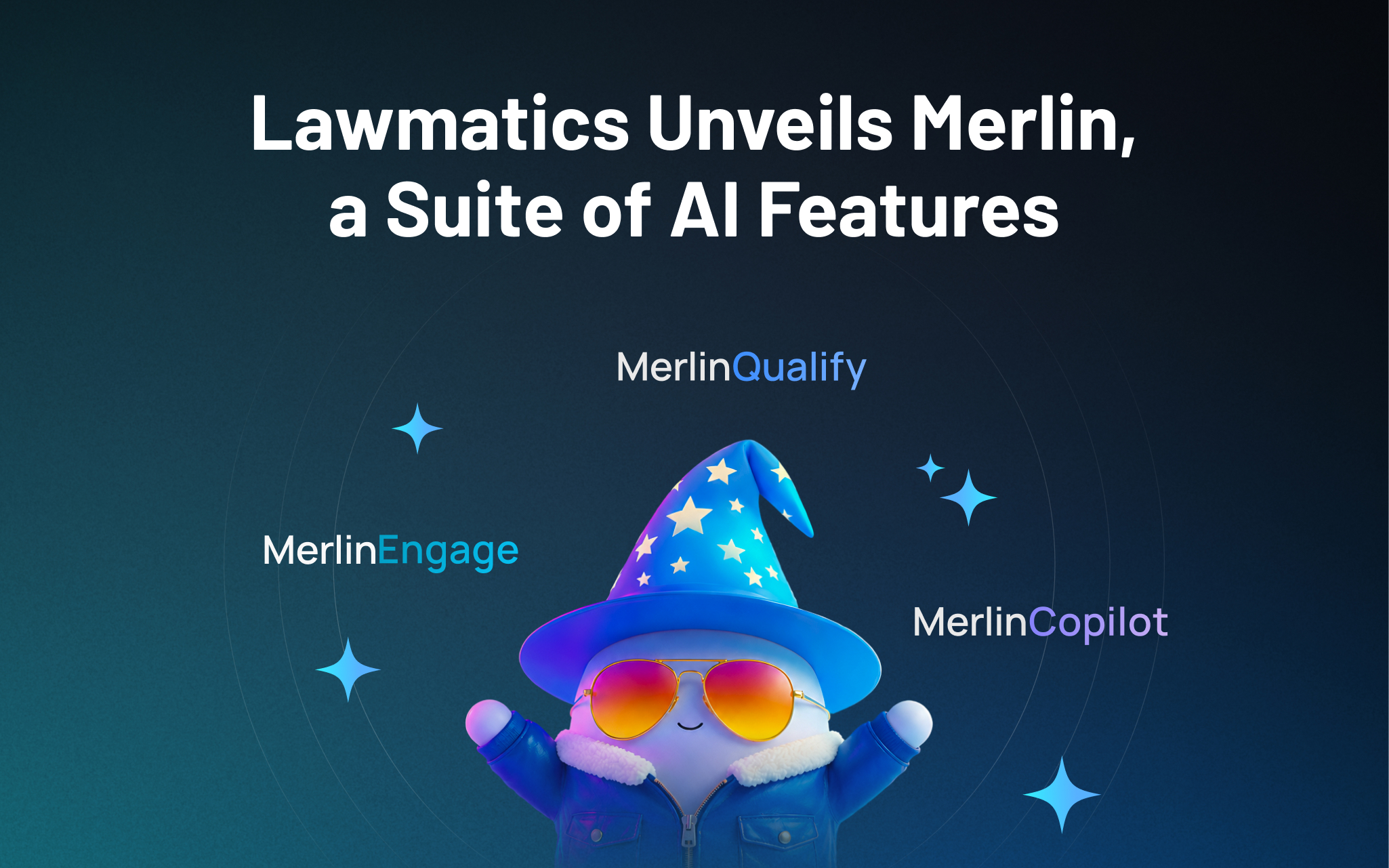
Lawmatics, the leading intake and growth platform for law firms, today introduced Merlin, a new family of AI features built natively in Lawmatics to help law firms grow. The suite, which includes a just-released conversational interface called Merlin Copilot, takes on the repetitive work that moves prospects toward signing, freeing staff to focus on client service, legal work, and strategy, while giving firms the speed and responsiveness that competitive consumer law markets demand.
For most law firms, growth happens at the front of the business — the speed from inquiry to first contact, how consistently leads are evaluated, and how clearly firms can see what's working across their pipeline. These are the points where revenue is won or lost, and they're the points that most legal AI hasn't reached. Today's legal AI tools tend to focus on case work or general productivity. The cost of that technology gap is felt in law firms every day: leads that go unanswered too long, qualified prospects lost to faster competitors, and skilled staff spending hours on repetitive work instead of on clients.
Merlin is designed for the part of a firm that comes before the case: lead intake, prospect engagement, and the operations that convert potential clients into retained clients.
"CRMs were built to track opportunities. Lawmatics goes further, because growth doesn't come from tracking opportunities. It comes from acting on them," said Matt Spiegel, founder and CEO of Lawmatics. "Merlin is how we put AI to work in Lawmatics for law firms, helping with everyday tasks that move a prospect toward signing, so that law firms can maximize every opportunity without having to ask their people to do more.”
The Merlin suite currently includes three features, each available as an add-on to the Lawmatics platform:
- Merlin Copilot, a conversational user interface that creates automations, generates reports, and surfaces insights from firm data through plain-language prompts.
- Merlin Qualify, an AI agent that evaluates and prioritizes incoming leads based on fit, urgency, and engagement signals defined by the firm. Released earlier this year, Merlin Qualify has been recognized with an Excellence in AI Award from Business Intelligence Group, which honors innovation across technology sectors.
- Merlin Engage, the agentic AI for dynamically engaging with prospects through SMS, email, website chat, and phone calls. Currently in beta.
"Our firm saw a higher closing percentage within the first week of using Merlin Engage," said Glenn Gilmour, Director of Operations at Sawyer & Associates, LLC. "Engage makes our intake team so much more efficient and helps 24/7. It even handled a lead that came in over the weekend that resulted in a $12,000 sale."
Merlin represents how Lawmatics sees the future of legal practice: more law firms reaching their full potential, with the time and capacity to pursue the work they set out to do, on their own terms. Merlin is Lawmatics' commitment to that future, and it is only the beginning.

Will AI replace lawyers? Artificial intelligence (AI) will not replace lawyers, but it is fundamentally changing how they get legal work done. As AI becomes more embedded in research, document review, and client intake, firms are increasingly automating many traditional legal tasks. This article examines whether AI can truly replace lawyers, which legal functions are most affected, how law firms are using AI today, and what these trends mean for associate attorneys navigating an AI-driven legal industry.
AI is already reshaping how your firm gets work done. It’s changing how you handle research, drafting, intake, billing pressure, and the future of associate work.
For many firms, the real question is how to use AI without disrupting the way they already work. Firms are figuring out where AI adds value and where attorneys still need to stay hands-on, while navigating how these tools change the work without changing who’s ultimately responsible.
In this guide, we’ll examine where AI affects legal tasks, why associate attorneys feel the most pressure, how firms are using AI today, and what the next 12-24 months are likely to bring.
Will AI Replace Lawyers or Just Change the Job?
The short answer is no: AI will not replace lawyers. What it can do is automate or accelerate certain tasks lawyers have traditionally handled manually, and that distinction matters.
When people ask, "Will lawyers be replaced by AI?" or "Can AI replace lawyers?" they are usually reacting to how quickly these tools have improved at summarizing information, reviewing documents, and generating draft language.
But those capabilities are not the same as practicing law. Lawyers are still responsible for legal judgment, ethical obligations, advocacy, and client outcomes. And courts, clients, and regulators continue to hold licensed attorneys accountable.
A better question is: “Which parts of your work is AI already automating, and what does that mean for you?”
Why Associate Attorneys Feel Most at Risk
If any group in the profession feels exposed by AI, it is associate attorneys. Associates often spend a large share of their time on high-volume, repeatable work:
- Document review
- Contract comparison
- Drafting from templates
- Follow-up tied to matters in progress
Those are also the kinds of tasks AI is taking on.
It’s no surprise that many associates feel pressure as these tasks shift. Many associates are already under pressure to be faster, more accurate, and easier to justify to cost-conscious clients.
But "most exposed" does not mean associates are the most likely to be replaced. It means the tasks that make up their role are among the first to be reshaped by AI, while expectations for more substantive work rise earlier.
Legal Tasks AI Can Replace or Automate
AI is most effective at handling structured, repetitive, text-heavy, and rules-based work that slows your team down.
Legal research and case summarization
AI is already changing the first layer of legal research. Attorneys can use it for a faster first pass to:
- Scan cases, statutes, and regulations quickly
- Summarize large volumes of text
- Highlight recurring themes
- Spot potential issues faster
That means less time gathering information and more time testing whether the output is accurate, relevant, and persuasive. These are the kinds of outputs that actually move cases forward.
Contract review and document analysis
Contract review is another area where AI can help. AI can be useful in due diligence, compliance review, procurement workflows, and any matter involving large volumes of contracts or standard language, including:
- Identifying clauses
- Comparing language across document sets
- Flagging deviations from standard terms
- Surfacing inconsistencies that manual review might otherwise miss
Many firms are also exploring legal document automation software to streamline repetitive drafting and review tasks while keeping attorneys in control of the final output.
Intake, qualification, and administrative work
Some of the fastest wins come from automating intake and follow-up with predefined criteria, so no potential client gets lost. These are areas where automation and AI can reduce a major administrative burden:
- Client intake
- Lead qualification and routing
- Follow-up
- Automated scheduling and reminders
Legal Tasks AI Cannot Replace
For all the attention on automation, there are still core parts of legal practice that AI cannot replace.
AI cannot replace certain legal tasks
Legal work often involves high-stakes decisions where the details matter, and the right call isn’t always obvious. Many matters require attorneys to navigate uncertainty, emotional dynamics, and practical risk in ways that go beyond pattern recognition.
Lawyers do more than surface information. They interpret ambiguity, weigh tradeoffs, and make recommendations when the answer is not obvious. AI can help organize information and support analysis, but legal judgment still depends on attorneys.
Advocacy and negotiation
Legal advocacy is deeply human. Whether in court, at a mediation table, or in a negotiation, persuasion depends on judgment, timing, credibility, listening, and adaptation.
Strong advocates read tone, pressure, resistance, leverage, and opportunity. AI can assist with preparation, but it cannot respond to the human dynamics that shape negotiation and advocacy in the moment.
Ethical responsibility and accountability
The biggest boundary in legal practice around AI use is accountability. Lawyers have ethical duties to clients, courts, and the profession, including competence, confidentiality, candor, supervision, and professional judgment.
Those duties still rest with attorneys. They must verify the work, protect client information, exercise judgment, and stand behind the advice they give.
How Law Firms Are Using AI Today
Law firms are using AI in several practical ways today. It supports legal work by improving intake and connecting workflows inside a legal client relationship management (CRM) system.
AI as an assistant, not a replacement
In many firms, AI is being used to accelerate research, support drafting, improve consistency, and reduce time spent on routine tasks. It helps attorneys work more efficiently, but they still have to review outputs, make decisions, and stand behind the final work product.
AI in client intake, lead qualification, and routing
One of the clearest applications of AI for law firms is in client intake. AI can help firms improve the quality of information they collect, apply qualification criteria more consistently, and move leads through the right next steps with less manual effort.
For example, AI can:
- Evaluate urgency: Identify inquiries that may need faster attention based on timing, case type, or stated circumstances.
- Screen for practice fit: Help determine whether a matter aligns with the firm’s services before teams spend time reviewing it.
- Assess lead quality: Apply defined qualification standards consistently to help teams focus on stronger opportunities. Tools like QualifyAI support this process by helping firms automate intake screening and matter qualification without crossing into the realm of legal advice.
- Collect intake information: Use custom forms and structured workflows to gather client details and create more complete records from the start.
- Route inquiries intelligently: Sort leads by priority, stage, or next step and direct them to the right person or process.
- Automate follow-up: Trigger responses, reminders, and outreach to ensure promising leads do not stall due to delayed communication.
- Support scheduling: Move qualified leads into consultations with less back-and-forth and fewer manual touchpoints.
- Reduce administrative drag: Improve upstream intake so attorneys spend less time on triage and more time on billable work.
AI paired with legal CRM workflows
AI becomes more useful when it works inside a broader system. That works best when legal CRM software and legal software integrations connect intake, follow-up, and client information into a single centralized system.
When intake data flows directly into a centralized CRM, follow-up can happen automatically, and attorneys can work from more complete, organized information.
What Will Actually Change for Associate Attorneys in the Next 12-24 Months
The table below illustrates which legal tasks firms are already automating, which are likely to change in the next 12-24 months, and which still depend on human judgment.
| Legal task category | Examples of tasks | Level of AI impact | Timeline |
|---|---|---|---|
| Intake and administrative work | Intake data collection, lead qualification, follow-up, and scheduling | High | Already happening |
| Legal research and summarization | First-pass case law research, statute summaries, issue spotting | High | Already happening |
| Contract review and analysis | Clause identification, risk flagging, document comparison | High | Already happening |
| Drafting standard legal documents | Routine motions, template-based agreements with attorney review | Medium | 12-24 months |
| Litigation prep and discovery support | Document organization, evidence tagging, timeline creation | Medium | 12-24 months |
| Intake decision support | Applying firm-defined qualification rules without legal advice | Medium | Already happening |
| Legal judgment and strategy | Case strategy, risk assessment, application of law to facts | Low | Unlikely to be replaced |
| Client counseling and advocacy | Client advice, negotiation, courtroom advocacy | Low | Unlikely to be replaced |
| Ethical and professional accountability | Malpractice liability, ethical judgment, licensing responsibility | None | Not replaceable |
Fewer low-value tasks, higher expectations
Associates will likely spend less time on intake administration, document work, and other repetitive tasks that can be standardized. As a result, firms may expect associates to handle more substantive work earlier.
As routine work takes up less of the role, firms may place greater value on analytical skills, precision, and the ability to take on client-facing responsibility.
Faster feedback loops
AI-assisted systems can make performance more visible. When workflows are digitized and standardized, firms can see turnaround times, follow-up completion, response rates, matter progression, and other indicators sooner.
Faster feedback loops help strong associates stand out while also making expectations around consistency and execution clearer across the board.
Increased leverage for AI-literate associates
The associates who benefit most from AI will be the ones who adopt it quickly and use it responsibly. That starts with understanding how to prompt, review, verify, and refine outputs. It also involves knowing where automation adds value and where it introduces risk.
The real advantage comes from turning saved time into stronger work, not just faster work.
The real risks of AI in legal practice
AI can create leverage, but only if you understand the risks that come with it. Key concerns include:
- Hallucinations and inaccurate outputs: AI can produce confident-sounding errors, including fabricated citations, misread authority, or oversimplified legal distinctions. In legal work, every output requires attorney verification.
- Confidentiality and data privacy: Firms must handle client information carefully, and not every AI tool is appropriate for legal workflows. Tools can create risk when firms do not understand how data is processed, stored, or reused. That is why firms need clear policies, controlled workflows, and tools built for legal use cases.
- Unauthorized practice of law: AI cannot independently provide legal advice. Firms can use AI to support intake, qualification, and internal workflows, but if implementation crosses into unsupervised legal advice, the risk becomes regulatory exposure.
- Over-reliance and skill atrophy: Attorneys still need to build judgment, pattern recognition, and analytical strength. If AI is responsible for too much thinking, it can result in weaker legal reasoning over time.
How Associate Attorneys Can Future-Proof Their Careers
The strongest position is knowing where AI supports your legal work and where your judgment still matters most.
Focus on high-judgment legal work
The more your value depends on strategy, counseling, nuanced analysis, negotiation, and client communication, the harder you are to replace. Look for opportunities to build skills in asking better questions, improving communication, and taking ownership of recommendations.
Become AI-literate, not AI-dependent
Lawyers do not need to become AI experts. They need to understand how AI fits into their day-to-day workflows.
Learning how to evaluate outputs, identify weak reasoning, spot missing context, and supervise automated processes will better equip you to leverage AI without becoming dependent on it.
Use AI to protect billable work
AI should protect time for more meaningful work. When firms automate low-value administrative steps, intake bottlenecks, or repetitive drafting processes, you can focus your time where it adds the most value: analysis, advocacy, and client service.
The Future of Law in an AI-Driven Legal Profession
AI isn’t changing who’s responsible for legal work. It’s changing how efficiently you can get that work done.
For attorneys, AI is most useful when it automates administrative tasks and streamlines intake, follow-up, and qualification, allowing them to spend more time on substantive legal work.
As a legal CRM, Lawmatics helps firms automate intake, follow-up, and qualification through custom automations. You receive better information and fewer administrative bottlenecks, so you can spend more time practicing law.
To see how AI-supported intake fits into a modern Legal CRM, request a demo.
FAQ
Will AI replace lawyers entirely?
No. AI can automate parts of legal work, but it cannot replace legal judgment, ethical accountability, or advocacy. Lawyers are still responsible for advising clients, applying the law to specific facts, and standing behind the decisions and filings.
Are associate attorneys more vulnerable to AI?
Associate attorneys are more affected by AI-driven task automation because early-career roles often include more routine, document-heavy, and process-driven work. With AI, the structure of their work is changing, with more emphasis on analysis, judgment, and client-facing readiness.
Can AI practice law on its own?
No. AI cannot practice law independently or provide legal advice without attorney oversight. It can support research, intake, and administrative workflows, but licensed attorneys are still responsible for verifying outputs, protecting client information, and exercising professional judgment.
What legal work is safest from AI?
Legal work that depends on strategy, advocacy, negotiation, and client counseling is the least likely to be automated. These responsibilities require judgment, persuasion, relationship management, and the ability to respond to nuanced facts and human dynamics.
Should lawyers be worried about AI?
Lawyers should prepare for change, but not assume AI is replacing the profession. Firms and attorneys who learn how to use AI responsibly will be in a stronger position than those who ignore it.
Agentic AI is a shift from prompt-based GenAI to goal-driven systems that can plan steps, use tools, and execute workflows with limited supervision.
For legal professionals, the near-term value of artificial intelligence is not "AI replaces lawyers." The real opportunity is more practical — and more controllable.
Agentic AI introduces systems that can reduce cycle time across intake, matter updates, research, drafting, and operational follow-up, while keeping attorneys firmly in control through clear review gates.
At the same time, the risk profile changes. Generative AI tools respond to prompts. Agentic systems can take actions. Once an AI system can update records, trigger workflows, or draft client-facing communications, law firms must rethink their approach to permissions, auditability, confidentiality, and accountability.
This guide can help managing partners and associate attorneys understand what agentic AI is and how it differs from generative AI in a law practice. It also offers guidance on adopting agentic AI safely, without disrupting existing case management systems or compromising professional responsibility.
What Is Agentic AI for Legal Professionals?
Agentic AI refers to AI systems that can pursue a goal with limited supervision by planning steps and automatically taking actions, often using tools, coordinating subtasks, and checking progress along the way.
To put it simply, instead of prompting a system with "draft this clause," you define an objective, and the system gathers information, identifies gaps, structures the output, and presents a draft for review at defined checkpoints.
In the legal industry, this distinction matters for artificial intelligence. A legal AI agent is not just generating content. It is executing workflows. That makes agentic AI in legal settings powerful but requires more oversight than other AI tools attorneys may already use.
Agentic AI vs. GenAI for Law Practice
Generative AI (GenAI)
Generative AI tools generate text, summaries, or drafts from a single prompt. These tools are well-suited for first-pass drafting, summarization, brainstorming, and language cleanup.
However, they are not meant to manage multi-step execution. Each prompt is largely isolated, and the system does not reliably track dependencies, permissions, or downstream effects.
Agentic AI
Agentic AI decomposes tasks, selects tools, executes steps, and can trigger workflows. It can help identify missing information, retrieve data from structured systems, propose record updates, and initiate follow-ups pending approval.
That ability to act is what changes the risk profile. While there are inherent benefits, there are also implications for both managing partners and associate attorneys regarding the use of Agentic AI.
For managing partners, this means gaining greater leverage per staff hour, enabling the firm to increase operational output without increasing headcount. But with that comes the need for strict governance, approvals, and auditability.
Associate attorneys can obtain faster research paths and stronger first drafts, but consistent verification and quality control remain non-negotiable.
High-Leverage Use Cases for Legal AI Agents
Intake and lead qualification
One of the highest-ROI areas for agentic AI in legal is improving and streamlining the intake process. With human approval guardrails, using agentic AI for client intake automation can reduce intake lag. Legal AI agents can:
- Capture inquiry details across channels
- Normalize facts into structured fields
- Identify missing or inconsistent information
- The route leads to the correct practice area
- Propose follow-up sequences and scheduling prompts
This process is also where intake and automation capabilities function as the control plane for agent-like follow-up. Tools like Merlin Qualify further support AI-powered lead scoring for law firms, enabling them to prioritize high-value inquiries without manual triage.
Matter status and client communication
Agentic systems can draft client updates based on matter notes, flag open items, and propose next steps. Attorneys still review and approve, but without repetitive status update emails. The key is that no communication is sent without review. Agentic AI assists preparation, not client representation.
Research and drafting workflows
Legal agentic AI can also assist in creating research plans, retrieving and organizing sources, drafting internal memos, and proposing argument structures. These workflows must require citation checking and internal review, but they can significantly reduce prep time for associates while improving consistency.
Contract review and playbook application
In transactional practices, agentic AI can extract key terms, compare them against playbooks, propose edits, and escalate exceptions. This use case augments, not replaces, attorney work. The system flags risk, but attorneys must still decide how to respond.
Legal operations and reporting
Agentic systems can surface issues such as intake bottlenecks, conversion-rate drop-offs, and follow-up delays. When tied to legal CRM software reporting and dashboards, firms gain additional visibility into operational friction that was previously a blind spot.
The Risk Profile: What Can Go Wrong When Legal Agents Take Actions
As soon as AI systems connect to tools and systems, risk increases. Agentic AI further increases risk by its ability to act. Here are some common risks associated with legal AI agents:
- Confidentiality risks rise when agents access client data across platforms.
- Explainability challenges grow as workflows span multiple steps and tools.
- Accountability questions arise regarding who is responsible when an agent's actions cause harm.
Common failures of AI in the legal industry include incorrect facts or citations, miscommunication, or actions taken based on incomplete or inaccurate intake data.
Still, these risks do not mean firms should avoid agentic AI. Rather, they must govern it with a structured framework of policies and human oversight.
A Safe Adoption Framework for Law Firms
Adopting agentic AI in a law firm requires more than enabling new technology. It requires structure, boundaries, and accountability. A clear framework ensures that innovation strengthens operations without increasing ethical, compliance, or confidentiality risks.
Set boundaries by workflow tier
Creating tiers with defined boundaries provides guardrails for Agentic AI and defines clear tasks for each tier.
- Tier 1: Internal drafting and summarization: Must include citation and research review.
- Tier 2: Internal actions: Record updates or task creation that require approvals.
- Tier 3: Client-facing actions: Require strict review, logging, and ownership.
Governance essentials
Any agentic AI deployment should include clearly defined role-based permissions to ensure access aligns with responsibility. These permissions should also enforce explicit approval checkpoints before the agent takes any action, particularly when updating records or generating client-facing communications.
Comprehensive audit logs and version history must be maintained, so every action can be reviewed, traced, and explained. Firms should establish clear ownership and escalation paths to ensure accountability if issues arise.
Vendor and system due diligence
Evaluate a vendor's data retention and training policies to understand how it stores client information and whether it uses this data to train models. Assess the vendor's security controls, including encryption, access management, and incident response procedures.
Finally, examine the integration architecture to ensure the system connects safely and reliably with existing client relationship management (CRM) and case management platforms.
It is critical to understand how the system handles failures, including whether rollback options exist to reverse unintended or incorrect actions.
How to Implement Agentic AI in a Law Firm Without Losing Control
Phase 1: Use Agentic AI to augment legal work, not replace it
Begin with low-risk internal workflows, such as summarization, research planning, and first drafts. Require attorney review on every output, and track time saved to establish a baseline. This phase is where agentic AI in legal and AI law practice tools can prove value safely.
Phase 2: Introduce agent actions inside controlled systems
Allow agents to suggest CRM updates, intake completions, or task creations. But never let them execute these tasks autonomously. Enforce role-based permissions and audit logs. In this phase, the legal AI agent concept becomes more operational.
Phase 3: Expand to client-facing workflows with approval gates
Draft intake follow-ups and confirmations, but prohibit responses without review. Maintain communication logs and tie performance to intake response time and conversion metrics.
Phase 4: Optimize and hold Agentic AI accountable to outcomes
Measure data points like consult booking rate, lead-to-client conversion, and attorney hours reclaimed to hold agentic AI accountable to outcomes. Decommission workflows that do not deliver measurable gains. Treat agentic AI as an operational system, not an experiment.
How to Evaluate Agentic AI Tools for a Law Practice
Start with a clear job to be done and develop a forward-thinking strategy for agentic AI. Select and test one workflow to improve outcomes with agentic AI. Simply adding an agentic AI tool without processes and goals in place will only create confusion.
Next, consider your firm's must-haves. Examples include human review gates, audit trails, configurable permissions, and clear CRM and case-management integrations.
Finally, consider red flags when evaluating Agentic AI tools. Watch out for opaque data handling, lack of exportability, AI agents acting without approval, or weak support for legal-specific context.
Where Lawmatics Fits: Enabling Agent-Like Workflows Inside a Legal CRM
Lawmatics is a legal CRM designed to systematize intake, follow-up, and client communication while integrating seamlessly with case management platforms.
For agentic AI, infrastructure matters. Lawmatics provides the structured data, workflow controls, and reporting visibility that make agent-like systems safer and more effective.
- Client intake: Structured, consistent data reduces downstream agent errors, while Merlin Qualify supports automated lead scoring and prioritization.
- Custom automations: Workflow triggers, approvals, and task creation act as safe action rails for agent-driven suggestions.
- Reporting: Marketing and intake activities directly drive demos and pipeline outcomes, aligning AI adoption with leadership key performance indicators (KPIs). Strong integration with a legal marketing automation platform may deliver additional insights.
- Integrations: Lawmatics integrations include platforms like Clio, MyCase, and PracticePanther, connecting marketing automation, lead intake, and CRM with case management systems.
Time tracking and billing can support broader operational maturity, but the core value remains CRM-driven intake and workflow control.
Turning Agentic AI Into a Real Competitive Advantage for Law Firms
Agentic AI in legal is not about chasing novelty or experimenting with the latest technology trend. Its real value lies in measurable workflow execution: reducing cycle time, increasing conversion rates, and improving operational consistency across the firm.
Start with a single high-impact workflow, define clear approval checkpoints, and measure results against concrete metrics such as intake response time, consult booking rate, and lead-to-client conversion.
Treat agentic AI as an operational investment that must prove its ROI. These tools can significantly reduce administrative drag, but professional judgment, verification, and quality control must remain non-negotiable.
When implemented within a governed, workflow-driven system, agentic AI becomes a durable competitive advantage.
To see how Lawmatics can help your firm improve client intake and follow-up workflows while seamlessly integrating with your case management stack, request a demo.
Agentic AI in legal FAQ
What does 'agentic AI' mean in the legal industry?
Goal-driven AI that can plan and execute multi-step workflows using tools, with limited supervision.
Is a legal AI agent safe to use with confidential client data?
Yes, if strict access controls, audit trails, and human review are enforced for client-facing actions.
How is agentic AI different from legal generative AI tools?
GenAI generates responses. Agentic AI decides steps and takes actions across systems, increasing both leverage and risk.
What are the best first use cases for agentic AI in a law practice?
Intake triage, internal summaries, follow-up task creation, and first-pass drafting with review.
What guardrails should managing partners require?
Approval checkpoints, role-based permissions, logging, incident response plans, and clear accountability.
How does a legal CRM help agentic AI work better?
Clean intake data, consistent workflow states, and automation create predictable rails for agents, reducing errors and making outcomes measurable.
A legal AI agent is an artificial intelligence system that can complete multi-step legal workflows (plan steps, use tools, produce deliverables), not just answer prompts.
Most conversations about choosing the best legal AI agent miss a key detail: it depends on the job you’re hiring it for.
- For associate attorneys, the priority is faster first-pass research, drafting, redlining, deposition prep, and record-grounded briefing they can verify with confidence.
- For managing partners, the focus shifts to intake conversion, standardization, reporting, and integrations that reduce tool sprawl and protect margins.
For many firms, the fastest return on investment (ROI) comes from intake and lead qualification. This is where legal CRM software solutions like Lawmatics improve speed-to-lead and stop valuable opportunities from slipping through the cracks.
What Is a Legal AI Agent?
A legal AI agent is more than a smarter chatbot. It’s a system that can plan steps and take actions across a workflow, often using your existing tools and data along the way.
Instead of just answering a prompt, a legal AI agent can:
- Gather inputs: Client details, case files, and prior communications.
- Run checks or lookups: Search the record, review documents, and check deadlines.
- Generate structured outputs: Summaries, drafts, checklists, and lead scores.
- Trigger next steps: Create tasks, update statuses, and send follow-ups.
In practice, that might mean reviewing a set of contracts and producing an issues list, or scoring new leads and routing them into the right intake pipeline.
The best legal AI agent is one that does this in a way you can understand, verify, and control.
It’s also important to be clear-eyed about the market. A lot of tools use “agent” language in their marketing, but they still behave like assistants. They respond to prompts and produce text, but don’t reliably orchestrate multi-step work or interact with your systems.
When you evaluate any AI legal agent, look for real workflow execution, not just a rebranded chatbot.
Legal AI Agents vs LLM Chatbots
Most attorneys have already tried a large language model (LLM) chatbot. It’s helpful, but it has limits. An LLM chatbot's capabilities at a glance:
- Answers questions and drafts text in a single interaction.
- Doesn’t remember your firm’s workflows or playbooks unless you restate them.
- Usually can’t take actions in your systems (CRM, DMS, calendar) on their own.
A legal AI agent, by contrast, is designed to complete multi-step work. It can gather information, run checks, generate structured outputs, and sometimes trigger actions via integrations with tools such as your legal client relationship management (CRM), document, or intake platforms.
A simple example:
- Chatbot: “Draft a client update email.”
- Agent: “Draft a client update email, summarize recent matter activity, propose next steps, and log a follow-up task in our system.”
For a law AI agent to be genuinely useful, it needs two things: access to the right data (matters, communications, intake records) and clear boundaries for what it can and cannot do.
That’s why many firms pair agents with systems like legal CRM software and intake platforms, so automation is anchored to real workflows, not just one-off prompts.
Top 9 Legal AI Agents for Lawyers and Law Firms
| AI agent | Primary workflows | Strengths | Trade-offs and considerations | Integration footprint |
|---|---|---|---|---|
| Lawmatics Merlin Qualify | Lead qualification, intake routing, prioritization | Built for intake outcomes inside a legal CRM, standardizes qualification, improves speed-to-lead, and ensures consistency | Not for substantive legal research or drafting; requires clear qualification criteria and structured intake fields | Native to Lawmatics intake; integrates with case management, marketing, and reporting systems |
| Harvey | Drafting, analysis, knowledge work, document workflows | Multi-step legal workflows for complex drafting and analysis | Cost and governance overhead; not intake or CRM native | Typically enterprise-oriented; footprint varies by deployment |
| Thomson Reuters CoCounsel | Research, analysis, drafting, document review | Task-based legal “skills”; strong alignment with legal research workflows | Best value within the Thomson Reuters ecosystem; limited cross-system execution | Strongest inside the TR stack; other integrations vary |
| Lexis+ AI | Research, drafting, analysis | Authority-grounded outputs; effective for memos and surveys | Best in Lexis ecosystem; citation verification still required | Strongest inside Lexis stack; other integrations vary |
| Vincent by Clio | Research and citation-backed analysis | High transparency and traceability; validation-friendly | Research-first focus; coverage varies by jurisdiction | Research-centric; limited operational integrations |
| Clearbrief | Litigation drafting anchored to the record | Evidence-linked drafting reduces unsupported assertions | Litigation-only focus; not a research replacement | Document and litigation workflow-centric |
| Spellbook | Contract drafting and redlining in Microsoft Word | Word-native drafting; fast transactional wins | Transactional-only; requires disciplined playbooks | Word-centric; limited operational or CRM integration |
| Clio Duo (Manage AI) | Matter context, summaries, drafting inside practice management | Embedded where attorneys already work; low adoption friction | Depends on Clio data hygiene; limited cross-system automation | Strong inside Clio; broader reach depends on firm stack |
| Dialzara | Phone intake, call handling, lead qualification, consult scheduling | 24/7 AI virtual receptionist for law firms; prevents missed-call lead loss | Voice-channel only; not a CRM or full intake system | Integrates with scheduling and intake tools; strongest when paired with a legal CRM |
1. Lawmatics Merlin Qualify
Merlin Qualify is Lawmatics’ lead qualification feature. It helps firms score and prioritize leads, so teams can sign the right clients faster within a unified legal CRM intake workflow.
Instead of treating every inquiry the same, Merlin Qualify evaluates each lead against your firm’s criteria, so your team can focus on the right matters first.
Because it lives inside Lawmatics, Merlin Qualify works hand in hand with client intake automation. Online forms, scheduled consults, automated emails and texts, and task workflows all stay connected to a single contact record.
When you layer in AI-powered lead scoring for law firms, your intake process becomes both faster and more consistent, from first touch through signed agreement.
Pros and considerations of Lawmatics Merlin Qualify
- Built for intake outcomes, not generic drafting. Merlin Qualify is designed specifically for qualification, prioritization, and speed-to-lead.
- Tightly integrated with Lawmatics intake workflows. Merlin Qualify can automatically update pipelines, trigger follow-ups, and assign tasks. This helps standardize intake, reduce lead leakage, and ensure every inquiry gets a timely, appropriate response.
- Aligned with partner priorities and reporting. Merlin Qualify naturally supports managing partners who care about consistency, visibility, and pipeline-aligned reporting. Lead evaluations, outcomes, and response times all feed into Lawmatics dashboards.
- Designed to complement, not replace, other AI tools. Merlin Qualify pairs well with tools focused on research, drafting, and review, while Lawmatics remains the system of record for intake, CRM, and marketing.
- Works best with clear criteria and structured intake. Like any lead evaluation model, Merlin Qualify performs best when a firm has defined what “qualified” means and captures that information in structured fields.
- Ideal for firms with a steady flow of new inquiries. Merlin Qualify delivers the most value for firms that receive regular inbound leads and want to ensure no opportunity slips through the cracks.
Lawmatics Merlin Qualify use case example
Lead evaluation and prioritized follow-up. A personal injury firm receives dozens of new inquiries each week through web forms, referrals, and phone calls. With Merlin Qualify, every inbound lead is scored against the firm’s criteria — case type, jurisdiction, severity, and engagement signals.
High-fit prospects are flagged at the top of the intake queue. Lawmatics automatically routes them to the right team member, triggers tailored follow-up sequences, and logs every touchpoint.
Partners can then review intake reports that connect lead scores to booked consults and opened matters. These reports give them a clear view of which campaigns, channels, and workflows are driving the most valuable clients.
2. Harvey
Harvey is best suited for midsize to Am Law firms that want configurable, repeatable AI-driven workflows for legal research, drafting, contract analysis, and internal knowledge across practice groups.
Pros and cons of Harvey
Harvey use case example
Mergers and acquisitions (M&A) diligence first pass. Harvey reviews a data room of contracts and flags change-of-control and assignment clauses. It then drafts a diligence summary and produces an issues list for attorney validation.
3. Thomson Reuters CoCounsel
CoCounsel is designed for law firms that want task-based legal AI embedded in research, analysis, drafting, and document review. It is especially suited for firms already using Westlaw or Practical Law.
Pros and cons of CoCounsel
CoCounsel use case example
Deposition preparation assistant. CoCounsel analyzes pleadings, transcripts, and exhibits. It then generates a witness outline, flags inconsistencies, and drafts cross-examination questions for attorney refinement.
4. Lexis+ AI
Lexis+ AI supports firms already invested in Lexis+ that want AI-assisted legal research, drafting, and analysis grounded in LexisNexis sources.
Pros and cons of Lexis+ AI
Lexis+ AI use case example
Multi-jurisdiction survey foundation. Lexis+ AI generates a structured survey outline, highlights key differences, and exports a draft table for attorney validation.
5. Vincent AI by Clio
Vincent AI, part of the vLex platform acquired by Clio in 2025, is positioned for practices that prioritize citation-backed legal research and want AI assistance with clear traceability to sources.
Pros and cons of Vincent AI
Vincent AI use case example
Early matter research triage. Vincent AI identifies controlling and persuasive authorities, summarizes holdings, and produces an issue outline for associate review and memo drafting.
6. Clearbrief
Clearbrief is built for litigators who want drafting support anchored to the evidentiary record, with verification that reduces unsupported factual assertions.
Pros and cons of Clearbrief
Clearbrief use case example
Summary judgment support. Clearbrief reviews declarations and exhibits. It then flags unsupported statements, generates a chronology, and links assertions directly to the record.
7. Spellbook
Spellbook focuses on transactional attorneys who draft and review contracts in Microsoft Word and want AI embedded directly in the drafting environment.
Pros and cons of Spellbook
Spellbook use case example
Vendor agreement review. Spellbook reviews a master service agreement (MSA). It then flags indemnity and liability risks, suggests fallback language, and drafts a negotiation priorities summary.
8. Manage AI (Formerly Clio Duo)
Manage AI is embedded AI for firms standardized on Clio Manage that want faster access to matter context, summaries, and drafting support inside practice management.
Pros and cons of Manage AI
Manage AI use case example
Matter status briefing. Manage AI summarizes recent communications, identifies upcoming deadlines, and drafts a client update email for associate review.
9. Dialzara
Dialzara is an AI-powered virtual receptionist built specifically for law firms to handle inbound phone calls, qualify leads, and schedule consultations 24/7 without the risk of missed calls.
Pros and cons of Dialzara
Dialzara use case example
24/7 phone intake and lead qualification. Dialzara answers inbound calls when a firm’s staff is unavailable. It asks qualifying questions, captures caller details, and schedules consultations. Qualified leads are then passed into the firm’s intake workflow for follow-up and conversion.
How to Evaluate a Legal AI Agent
Choosing the best legal AI agent isn’t just about features. It’s about whether the tool can safely fit into your firm’s workflows, protect client data, and actually move the needle on performance. Use these lenses as you compare options.
Automation, security, and confidentiality
Any AI legal agent that touches client information must meet your security bar before it ever meets your team. Consider:
- Role-based permissions: Can you control who can run which automations and see which data?
- Audit logs and activity history: Can you see who did what, when, and with which inputs?
- Data retention and training: Are prompts and outputs stored? Are they used to train the vendor’s models?
- Vendor security posture: Is there accessible documentation on encryption, SOC 2, Health Insurance Portability and Accountability Act (HIPAA), and incident response (if applicable to your firm)?
For example, if you’re evaluating a legal marketing automation platform, you should be able to confirm how automation rules are secured, who can edit them, and how client communications are logged.
Grounding and verification
A law AI agent is only as useful as your ability to trust and verify what it produces. Ask:
- Does it cite sources? For research or record-based work, you should see links to cases, documents, or transcripts, not just confident prose.
- Can attorneys review the underlying authority or record? One click from answer to source should be the norm.
- How does the tool handle uncertainty? Look for tools that flag low-confidence answers or gaps, rather than guessing.
The goal isn’t blind trust. It’s faster validation, so attorneys can spend more time on judgment and less on hunting down where a statement came from.
Workflow and integrations
Even the smartest legal agent fails if it lives off to the side of your actual work. Evaluate:
- Fit with existing workflows: Does it align with how your team already does research, drafting, or intake, or will it force a complete reset?
- Connections to matter and intake systems: Can it read and write to your CRM, document management system (DMS), and practice management tools?
- Impact on tool sprawl: Will this consolidate systems or add “one more tab” to monitor?
Solutions like Lawmatics integrations show how this can work in practice. AI-driven intake and lead analysis stay connected to case management, email, and calendar tools, so automation is anchored to real matters and contacts.
Governance readiness
Finally, even the best legal AI agent needs a clear playbook. You’ll want:
- Written policy and approved use cases: Which workflows are in scope? Which are not?
- Training plan by role: Partners, associates, intake staff, and marketing should each know how (and when) to use the tool.
- Escalation paths and quality assurance (QA) checks: Who reviews outputs? How are issues reported, corrected, and shared?
With these foundations in place, AI agents become part of a disciplined system rather than a collection of experiments running in parallel.
Turning Legal AI Agents Into Measurable Firm Growth
At the end of the day, the best legal AI agent is the one that matches your role and workflow.
If you want a clear ROI, start where revenue leaks occur: slow or inconsistent follow-up, unclear qualification criteria, and limited reporting on which leads convert.
Fixing those gaps with AI-driven lead scoring, routing, and standardized workflows compounds quickly. Every faster response and better-fit client shows up in the bottom line.
Lawmatics and Merlin Qualify are built to operationalize those gains inside a legal CRM. They connect intake, automation, and reporting with your existing tools. This way, performance is visible in the metrics leadership cares about: speed-to-lead, consult conversion, and matters opened.
Ready to see how this looks in your firm? Request a demo.
AI Legal Agents FAQ
What is the best legal AI agent for a law firm?
The best legal AI agent depends on whether you need:
- Associate productivity (research, drafting, review)
- Firm growth (intake qualification, follow-up, reporting)
Many firms find intake easier to measure for ROI.
What is the difference between a legal AI agent and a legal AI assistant?
An assistant responds to prompts. An agent executes multi-step workflows and may use tools or integrations to produce structured outputs.
Are legal AI agents safe for confidential client information?
They can be, but only with governance: role-based access controls, audit logs, a clear retention policy, and a firm usage policy.
Do legal AI agents replace associate attorneys?
In practice, they reduce repetitive work and speed first-pass drafts. Attorneys still own judgment, verification, and final outputs.
What legal workflows should firms automate first?
High-volume and controlled workflows first: lead qualification, intake follow-up, document summarization, first-pass memo scaffolds, and record organization.
How do managing partners measure ROI from legal AI agents?
Track time saved, speed-to-lead, lead-to-consult conversion, reduced lead leakage, and improved reporting visibility into what drives booked work.
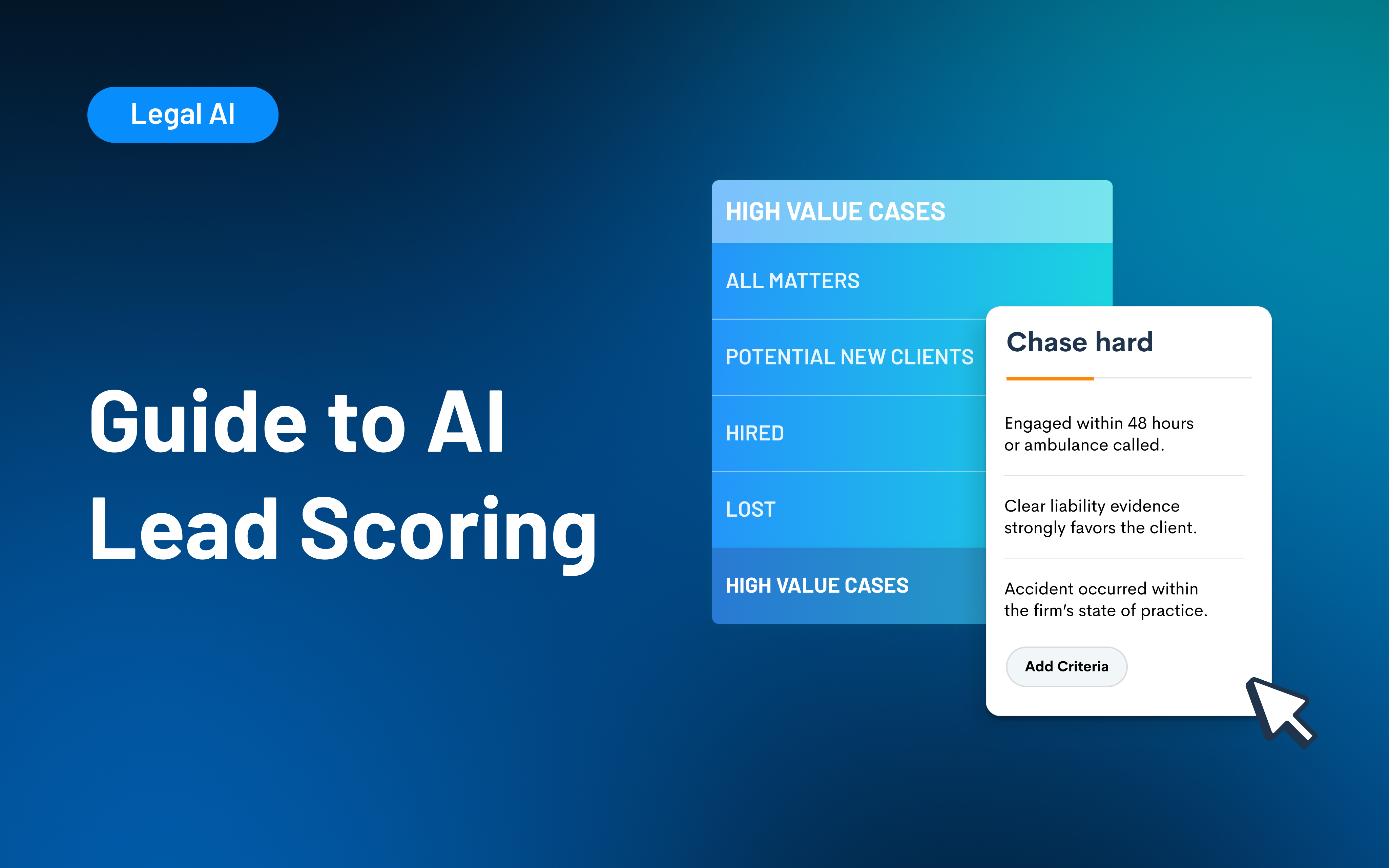
AI lead scoring uses artificial intelligence and machine learning to automatically prioritize leads based on how well they fit a firm’s ideal client profile. For law firms, it ensures intake teams focus on high-quality prospects rather than chasing every inquiry. With tools like Lawmatics Merlin Qualify, firms can now automate qualification, save time, and capture more clients effortlessly.
Believe it or not, many small and midsize firms still qualify leads the hard way: manual review, gut instinct, and whoever calls back first.
That makes it easy to burn time on the wrong matters while strong opportunities slip through the cracks. AI lead scoring changes that narrative for you and your teams.
In this guide, we’ll break down how it works, what it means for your intake process, and how tools like Lawmatics’ Merlin Qualify help your team focus on the right clients, faster — without adding headcount.
What Is AI Lead Scoring?
AI lead scoring is an essential part of legal software. AI scoring (or artificial intelligence scoring) uses predictive analytics to prioritize leads, helping busy teams strategically orient themselves.
It differs from manual scoring, which uses adaptive-learning-based models. AI lead scoring can analyze information across intake forms, practice areas, case types, location, and any other details identified as necessary by the law firm.
Merlin Qualify from Lawmatics is a next-generation solution that uses a lead-scoring machine based on criteria defined by the firm. This allows firms to adjust the requirements based on new experiences.
The result for legal teams is smarter follow-ups, fewer missed opportunities, and a better bottom line.
Why Law Firms Should Care About AI Lead Scoring
There are many variables in the world of law firms. It's no surprise that managing partners value predictable growth and strong return on investment (ROI) of sales initiatives.
This is made even more vital when you consider that 40% of law firm lead conversations go unanswered. Plus, up to 50% of legal consumers will hire the first attorney who returns their call or email. Teams that can’t keep up with leads are leaving money on the table.
With automated lead scoring, every inquiry gets evaluated and instantly prioritized. This saves teams money and ensures team capacity is well spent.
Unlike other lead-scoring tools that further silo data, Merlin Qualify integrates seamlessly with Lawmatics CRM and client intake. It provides a frictionless way to route and prioritize high-quality teams. This helps ensure team uptake.
How AI Lead Scoring Works
- Capture data: First, the AI will capture as much data as possible across client intake forms and the legal CRM.
- Analyze intake information: Using machine learning, the AI will then analyze each entry against criteria tailored to each law firm.
- Recommend an action: Once the information is analyzed, the AI lead-scoring tool will recommend a specific action based on the defined criteria. This could include Reject, Refer, Chase, or Chase Hard.
- Automated workflows: The AI will then trigger an automated workflow based on the overall score. This could include an email, a reminder, or even a demo prompt.
For example, Merlin Qualify uses a dynamic learning model that evaluates leads based on every firm’s different intake criteria.
Via "continuous learning,” the system will refine the recommendations over time based on each firm’s intake criteria. This way, the scoring always reflects what qualifies as a “good case” for that particular practice, not a hypothetical law firm.
Merlin Qualify can integrate directly with a law firm’s tech stack, including CRM, to ensure messaging is followed across the teams — no data warehouse or API setup required.
Lead Scoring Implementation — Best Practices for Law Firms
AI lead-scoring tools are very easy to use and, for the most part, self-explanatory. However, there are best practices for law firms to consider to make the most of their lead-scoring marketing automation efforts.
Audit existing data
Before adopting a new automation, teams should first take inventory of their existing legal CRM platform and its overall data hygiene. For best results, teams should perform a data cleanup before investing in an automation tool.
Define what a “qualified lead” is
The clearer the parameters, the better a legal workflow automation platform can assist legal teams. Teams should collaboratively define what “good” means to them. Ideally, this should be based on the attributes that lead someone to book a consultation or sign a retainer.
Consider your ecosystem
To prevent the growing pains that come with adopting new software, teams should look for solutions that integrate with their existing tools. For example, Lawmatics Merlin Qualify works smoothly with both Clio and MyCase.
Set up automations
Teams don’t need to set up all their automations overnight, but many find it easiest to start with follow-up and nurture campaigns. Client intake automation is also useful. It helps team your lead scoring system on what good looks like.
Train staff
Most AI lead-scoring systems are easy to use. However, it’s best to set aside time for staff to learn how to interpret lead categories and prioritize accordingly. As your staff learns, your AI will learn too, and you’ll find performance improves across the board over time.
Track performance
Track your performance metrics to monitor overall software ROI and firm performance. Many platforms, Lawmatics included, come with legal reporting and analytics tools that show you conversion rate and intake response time at a glance.
Common Lead Scoring Challenges (and How to Avoid Them)
Predictive lead scoring, by its very nature, is easy to use and almost always a net positive for any time. However, it’s better to be aware of potential issues in advance. This could include things like:
- Data quality issues: If the automated lead scoring is working on inaccurate data, its output will be inaccurate, too.
- Human oversight: AI workflows help make teams more efficient, but they don’t replace human expertise. Staff should monitor every AI suggestion for anomalies.
- Bias and compliance: Custom automations for law firms, like for lead qualification, should always be transparent and auditable. This way, teams know they’re getting suggestions that are true to them, not just the algorithm.
- Change management: Change can be hard, but teams can secure attorney buy-in early by showing results through a visual medium, such as a demo dashboard.
Choosing the Right Client Intake Tools
The software a team uses can have a real impact on their overall revenue and operations. Teams looking to invest in AI lead scoring tools should consider the following before making a decision:
- Integrations: AI lead scoring tools should complement the systems you already have in place, including legal CRM systems and client intake automation workflows. Lawmatics integration with Clio, MyCase, and PracticePanther means teams can rely on all their everyday tools to work together.
- Accuracy: Your scoring tool is only as powerful as the data beneath it. Once your internal data is cleaned and standardized, an AI model should be able to evaluate leads based on your firm’s actual intake patterns.
- Transparency: Look for tools that clearly explain why a lead received a specific score. Your team should be able to see the inputs, logic, and recommended next steps.
- Usability: Choose software with intuitive dashboards, minimal setup, and clear scoring outputs so that teams can act quickly without a steep learning curve.
See how Merlin Qualify compares to generic scoring tools
Merlin Qualify, launched by Lawmatics in 2025, combines advanced machine learning and natural language processing to evaluate leads using the information captured during intake.
The system analyzes responses, identifies intent signals, and predicts case quality with an accuracy that generic scoring tools can’t match.
Merlin Qualify works seamlessly within the tools firms already use. Instead of forcing teams to replace their tech stack, Lawmatics enhances existing CRM and client intake workflows by integrating cleanly across systems. This means that all pathways lead to a single, unified, automated workflow.
See how Merlin Qualify transforms intake automation and lead scoring. Request a demo.
The Future of AI Lead Scoring for Law Firms
AI lead scoring is the next frontier in intake efficiency, giving firms a more innovative, faster way to qualify leads and improve response times.
Lawmatics Merlin Qualify helps law firms focus on the right opportunities by using artificial intelligence to analyze, score, and qualify every inquiry using firm-defined criteria. It saves time, reduces guesswork, and helps firms respond more quickly.
Explore Lawmatics pricing and plans, or request a demo to experience how Merlin Qualify in Lawmatics helps your firm convert more leads into clients.
FAQ Section
What is AI lead scoring?
AI lead scoring uses machine learning to evaluate incoming leads and rank them based on their likelihood to fit a firm’s ideal client profile. This helps teams prioritize the highest-value opportunities.
What makes Merlin Qualify different?
Merlin Qualify is built specifically for law firms. It analyzes intake responses, engagement patterns, and firm-defined criteria to generate predictive scores that lead to more demos, more consultations, and faster conversions.
How does AI improve intake?
AI removes manual triage by evaluating leads automatically and alerting staff the moment a high-quality prospect enters the pipeline.
Can AI lead scoring integrate with my existing systems?
Yes. Lawmatics integrates seamlessly with the tools firms already rely on. It enhances CRM and client intake workflows without requiring teams to rebuild their tech stack.
Does AI lead scoring replace human decision-making?
No. AI enhances human judgment with data-driven insights. Your team still decides how to follow up. AI simply ensures you’re acting on the right opportunities at the right time.

In 2026, leading solutions such as Lawmatics, Casetext, and Harvey AI are empowering attorneys to work smarter, reduce administrative hours, and focus more on clients. This article compares the 10 best legal AI tools to enhance efficiency, accuracy, and profitability for modern law practices. It draws on insights from Thomson Reuters’ 2025 AI report and expert recommendations for choosing the right software.
If you feel like legal AI tools went from buzzword to business priority almost overnight, you’re not alone.
According to the 2025 Generative AI in Professional Services Report, the share of organizations actively using generative AI nearly doubled in a year. And, 95% of professionals believe it will become central to their workflows within five years.
For law firms, that shift is already showing up in the day-to-day. Partners and office managers are under pressure to move faster on client intake, keep up with research, and protect margins without burning out their teams.
At the same time, it’s hard to know which AI tools are truly built for law and which are generic AI wrapped in legal marketing.
The Legal Industry Report 2025 from the American Bar Association found that, when considering investments in legal-specific generative AI tools:
- 43% of respondents prioritized integration with trusted software.
- 33% highlighted the importance of the provider’s understanding of their firm’s workflows.
- 29% expressed greater trust in the output of legal-specific tools compared to consumer-based options.
- 26% and 23% cited ethical alignment as a key consideration.
This guide breaks down 10 of the best legal AI tools for 2026. You’ll see where each tool fits, how firms are using them in practice, and what to look for when choosing software that actually supports your billable work — not just your tech stack.
10 Best AI Tools for Law (2026 Edition)
A curated list of the most impactful AI tools modern law firms are using today.
1. Lawmatics: Legal client intake, automation, and AI lead scoring
Lawmatics is a legal client relationship management (CRM) that combines client intake, marketing automation, and data reporting into a single agentic AI platform. It’s a unified solution for helping law firms convert more leads into clients and deliver a five-star experience throughout the client journey.
From first contact to final signature (and beyond), Lawmatics helps firms capture more of the right leads and reduce time spent on manual administration. Its automated workflows handle repetitive tasks so attorneys and staff can stay focused on billable work and client strategy.
Additionally, its AI capabilities are built directly into the CRM. Lead scores are tied to every contact, intake form, and pipeline stage. Let’s learn more about it.
Key features
- QualifyAI (Beta) for AI lead scoring. Lawmatics’ QualifyAI uses intake data and criteria to automatically score new leads, helping teams prioritize high-value matters and respond quickly to the right potential clients.
- Client intake and workflow automation. Firms can customize online intake forms, trigger automated emails, send reminders, and move matters through intake pipelines without manual data entry.
- Marketing automation and reporting. Lawmatics includes email campaigns, audience segmentation, and performance dashboards that connect marketing efforts to new matters and revenue. This gives firms clearer visibility into ROI across channels.
- Time, billing, and data reporting inside the CRM. Because time tracking, invoicing, and analytics live alongside intake and CRM records, firms can see the whole journey in a single system.
- Legal software integrations. Lawmatics integrates with legal software like Clio, 8am™ MyCase, Smokeball, CARET Legal, Gmail, Outlook, and CallRail, so firms can sync matters, calendars, and communications without double-entry.
Lawmatics is ideal for firms looking to scale and that need a unified platform to:
- Customize and streamline intake.
- Organize and segment contacts.
- Automate repetitive tasks and follow-ups.
- Run marketing campaigns and manage referrals.
- Track growth and performance across the client lifecycle.
For firms comparing the best legal AI tools for intake and lead management, Lawmatics stands out as legal’s #1 CRM for client intake, marketing automation, and data reporting, with AI lead scoring built in.
2. Smokeball + Archie AI
Smokeball is a cloud-based practice management platform for small law firms that combines case management, document automation, and billing. Its Archie AI Matter Assistant layers AI on top of that data to help lawyers work faster inside their existing workflows.
Key features
- Matter-aware AI assistant. Archie can answer questions about a specific case, search within documents stored in a matter, and surface relevant information within Smokeball.
- Drafting and summarizing support. Archie AI can help lawyers draft client correspondence, adjust the tone to match the firm, client, or situation, and summarize long documents, which speeds up review.
- Privacy-first AI. Smokeball emphasizes that Archie operates in a secure, ring-fenced environment. Firm and client data is not shared outside Smokeball or used to train external AI models.
Smokeball plus Archie AI is a strong fit for firms transitioning from manual processes to full automation. This is especially true for those already using Smokeball for matter management and billing.
3. Casetext (CoCounsel)
CoCounsel, built on Casetext technology and now offered by Thomson Reuters, is a GenAI legal assistant. It’s designed to handle research, drafting, and document review tasks that traditionally take associates hours.
Key features
- AI-driven legal research. CoCounsel can answer complex legal questions in natural language, pulling from Thomson Reuters’ legal content to deliver grounded, cited answers.
- Brief and document drafting. It helps lawyers draft and refine briefs, memos, and other written work products, reducing the first-draft lift while keeping lawyers in control of final edits.
- Document review workflows. CoCounsel can review contracts and other documents against specific instructions or checklists, helping teams spot issues faster during case prep or transactional work.
For firms focused on research speed and case prep accuracy, CoCounsel is one of the best legal AI tools to consider.
4. Harvey AI
Harvey is a domain-specific AI platform for law firms, in-house teams, and large enterprises. It’s used by hundreds of leading organizations and a significant portion of AmLaw100 firms.
Key features
- AI assistant for complex work. Harvey’s Assistant is tuned for legal, regulatory, and tax domains, which allows lawyers to ask questions, analyze documents, and draft faster.
- Knowledge and Vault for research and document analysis. Knowledge supports rapid research with grounded results and accurate citations, while Vault lets firms securely upload, store, and analyze large volumes of documents.
- Workflow automation for high-volume matters. Harvey’s Workflows and Workflow Builder enable firms to design repeatable AI workflows for due diligence, contract review, and litigation, embedding firm-specific expertise at scale.
Harvey AI is suited for enterprise-level firms that handle complex, high-volume work, where contract review, risk analysis, and compliance workflows are central to operations.
5. Spellbook
Spellbook is an AI contract review and drafting tool that lives inside Microsoft Word. This makes it a natural fit for transactional lawyers who already work heavily in Word.
Key features
- Drafting with legal-trained AI. Spellbook uses AI trained on legal data to draft and suggest contract clauses directly in Word, helping lawyers move faster while maintaining control over the final language.
- Review and issue spotting. It can review contracts, flag potential problems, and suggest edits, effectively acting as a second set of eyes for common deal types.
- Designed for law firms and in-house teams. Spellbook highlights use cases across real estate, intellectual property (IP), formation, estate planning, and mergers and acquisitions (M&A).
Spellbook is an appealing option for transactional lawyers and corporate counsel who want AI assistance without leaving Word or overhauling their current drafting workflow.
H3: 6. Luminance
Luminance is a Legal-Grade™ AI platform widely used for contract review, compliance, and M&A due diligence. It’s designed to help legal teams quickly understand large document sets and uncover risk.
Key features
- AI-powered contract analysis. Luminance identifies key clauses, anomalies, and areas of risk in contracts at scale, so teams can focus on the provisions that matter most.
- Due diligence and compliance workflows. Firms use Luminance for M&A due diligence, regulatory compliance reviews, and continuous monitoring of contractual obligations.
- Visualization and collaboration tools. The platform provides dashboards and visualizations that help teams track review progress and collaborate across significant matters.
Luminance is a strong candidate for firms and corporate legal teams that regularly handle high-volume contract review and regulatory work.
7. Clio Duo
Clio’s AI capabilities are embedded into Clio Manage as Manage AI, an AI-powered case management assistant that evolved from Clio Duo. The tool focuses on providing firms with a legal AI assistant within their existing practice management system.
Key features
- Drafting and summarizing assistance. Manage AI helps lawyers draft emails and summarize case notes. This can reduce the time spent turning raw matter information into polished communications and records.
- More innovative scheduling and deadlines. The tool can extract deadlines from court documents, create calendar events and tasks, and keep teams aligned on critical dates, reducing the risk of missed deadlines.
- Billing support. Manage AI can generate draft invoices, route bills for approval, and match receipts and expenses to matters, helping firms accelerate collections and reduce manual billing work.
Manage AI is best for firms already committed to Clio that want legal AI software tightly integrated with their case management, billing, and calendars.
8. Lexis+ AI
Lexis+ AI is LexisNexis’ GenAI platform for drafting, research, and analysis. It’s built on LexisNexis’ extensive legal content and is explicitly designed for legal workflows.
Key features
- Conversational legal research. Lawyers can ask questions in natural language and get answers backed by LexisNexis’ legal research data, with linked authorities and verified citations.
- Drafting and document analysis. Lexis+ AI supports drafting arguments, summarizing documents, and analyzing legal texts, helping lawyers move faster from research to written work product.
Lexis+ AI is a strong choice for firms that already rely on LexisNexis and want one of the best legal AI tools for research and drafting with robust citation support.
9. CaseText CARA
CARA (Case Analysis Research Assistant) is Casetext’s well-known brief analysis tool. It helps lawyers improve their arguments by surfacing relevant case law they might have missed.
Key features
- Brief analysis and case suggestions. CARA analyzes uploaded briefs to suggest additional relevant cases and authorities, helping close research gaps before filing.
- Contextual research. Instead of starting from scratch with a keyword search, CARA uses the brief's context to prioritize the most relevant authorities.
CARA remains helpful to associates and litigators who want to improve research accuracy and efficiency, especially when reviewing work products before submission.
10. MyCase IQ
MyCase IQ is MyCase’s suite of legal AI tools. Built into its practice management platform, MyCase IQ is designed to enhance writing, translation, and overall workflow efficiency.
Key features
- AI writing assistant. MyCase IQ refines sentences in emails, notes, and case summaries to keep communication consistently sharp and professional, while concise and client-ready.
- Translation assistant. The IQ translation assistant helps firms communicate clearly across languages by translating client communications while preserving legal nuance and tone.
- Workflow and data insights. As MyCase continues to expand its AI feature set, IQ is positioned to help firms automate administrative work and gain better insight into platform performance.
MyCase IQ is a natural fit for firms already using MyCase that want legal AI software woven into everyday writing, communication, and case management tasks.
What Are Legal AI Tools?
Legal artificial intelligence tools are software applications that use technologies like machine learning and large language models to support legal work.
Instead of being general-purpose chatbots, legal AI software is trained on legal data and built around firm workflows to interpret matters, documents, and client information in context.
In practice, legal AI tools sit inside the systems you already use. For example, AI can help your client intake software automatically qualify and route new leads, draft or personalize follow-up emails, and schedule consultations without manual back-and-forth.
In document-heavy matters, AI-powered document automation can generate first drafts, summarize lengthy documents, and flag missing information. This way, attorneys can focus on review rather than retyping boilerplate messages.
On the back end, billing and time-tracking tools can suggest time entries or categorize work. Meanwhile, research copilots quickly surface relevant cases and authority.
How AI Is Transforming the Legal Industry
AI is now a competitive advantage, not a side experiment. Across the best legal AI tools, four themes are changing day-to-day practice:
- Automated client communication and scheduling.
- Predictive analytics for lead scoring and conversion.
- AI-assisted document review.
- Intelligent reporting and performance tracking.
AI for law powers intake forms, email and text reminders, and calendar booking. Prospects get quick responses without the need for constant manual follow-up. Lawmatics weaves this into client intake software and CRM workflows to keep every lead moving without adding to your to-do list.
Instead of guessing which inquiries are worth a consult, AI-driven systems evaluate intent, case fit, and history.
Lawmatics’ QualifyAI uses firm-specific intake data and criteria to score leads and recommend next steps. This helps teams focus on the right matters first while automations handle outreach.
Critically, this isn’t just about speed. A study from Harvard Law School’s Center on the Legal Profession notes that AI can flip the traditional “80/20” balance of legal work.
The researchers also found that 90% of the firms interviewed expected productivity gains to improve service quality, not simply cut prices, and that clients are largely comfortable with that outcome.
How to Choose the Right Legal AI Software for Your Firm
Selecting the right AI solution depends on your firm’s needs, practice area, and workflow. The following key areas can guide your evaluation.
1. Data quality and accuracy
Look for tools trained on legal-grade datasets instead of open internet data. Verified data means fewer hallucinations and better reliability.
For example, Lawmatics QualifyAI uses structured intake data and firm-defined criteria to score leads. This means recommendations are grounded in your actual caseload and priorities — not generic assumptions.
2. Security and compliance
Any AI tool touching client data must meet your bar’s ethics rules and your firm’s security standards. Choose vendors that prioritize encryption and data isolation.
Ensure the software complies with bar standards and regulations, such as the Health Insurance Portability and Accountability Act (HIPAA), if your practice handles clients’ medical information. Lawmatics keeps all client data protected with secure, role-based access controls.
3. Customization and integration
The best legal AI tools integrate with your existing systems rather than forcing you to rebuild everything. Look for platforms that integrate with your CRM, billing, and case management tools and allow firm-specific workflows, fields, and automations.
4. Reporting and ROI tracking
AI should make it easier — not harder — to see what’s working. Focus on tools that link automation and efficiency to real ROI metrics.
Lawmatics provides AI-powered reporting dashboards and legal time-tracking software that connect marketing, intake, and time-tracking data.
5. Support and training
Even the most innovative tool falls flat without strong onboarding. Favor partners that offer live support, training resources, and ongoing updates, not just a login and a help center link.
The right vendor will help your team roll out AI in stages, answer questions as you go, and keep you informed as new capabilities are released.
Consumer AI vs Legal AI Tools: Why Specialized Legal Software Wins for Law Firms
| Feature | Consumer AI tools | Legal AI tools |
|---|---|---|
| Focus | General-purpose | Domain-specific for law and compliance |
| Data sources | Public internet data | Verified legal and client-intake data |
| Accuracy | Variable; may lack citations | Highly trained for legal precision |
| Security | Standard encryption | SOC 2-level encryption |
| Compliance | Minimal | Meets bar and legal data standards |
| Customization | Limited | Deep integrations with CRM, billing, and intake |
| Support | Community-based | Dedicated onboarding and firm training |
Consumer AI tools are general-purpose, while legal AI platforms are trained on verified case law and compliance data to deliver accurate, ethics-safe results.
Legal AI tools protect client data with strong encryption and integrate with systems like a legal CRM, billing, and intake. They don’t simply operate as standalone chatbots.
Lawmatics connects automation and AI lead scoring directly to ROI, helping firms work smarter and convert faster.
With built-in legal workflow automation, firms can tailor processes to their practice areas, maintain compliance, and ensure AI supports the way their teams already work.
Embrace the Future of Legal AI Tools and Law Firm Automation With Lawmatics
Legal AI is reshaping how firms are managed, from intake and communication to reporting and client relationships.
Lawmatics helps you automate intake, prioritize high-value leads, and save hours every week. This means your team can focus on billable work and better client service, not repetitive admin and busywork.
The future of AI in law isn’t about replacing attorneys. It’s about enhancing their work with more intelligent workflows, more precise data, and tools that support every step of the client journey.
Explore pricing, or request a demo to see how Lawmatics uses AI to streamline client intake and automation for your firm.
Legal AI Tools FAQs
What are legal AI tools used for?
They automate intake, billing, research, and client communications to help firms work more efficiently.
Are legal AI tools replacing lawyers?
No. AI enhances accuracy and saves time by automating admin work, so lawyers can focus on clients.
Which AI tools are most useful for law firms?
Top picks include Lawmatics, Perplexity, Casetext, and Harvey AI for automation, research, and compliance.
How much do legal AI tools cost?
Pricing varies by firm size and features. Lawmatics offers flexible pricing for automation, reporting, and AI intake tools, such as QualifyAI.
Are legal AI tools secure?
Yes. Leading vendors use encrypted, compliant data environments designed for legal confidentiality.
What are the benefits of using legal AI tools?
Using legal AI tools can benefit law firms and their clients by increasing efficiency, reducing costs, and improving the quality of work.