The Lawmatics Blog
Insights on legal marketing, automating the law practice, and legal tech in general
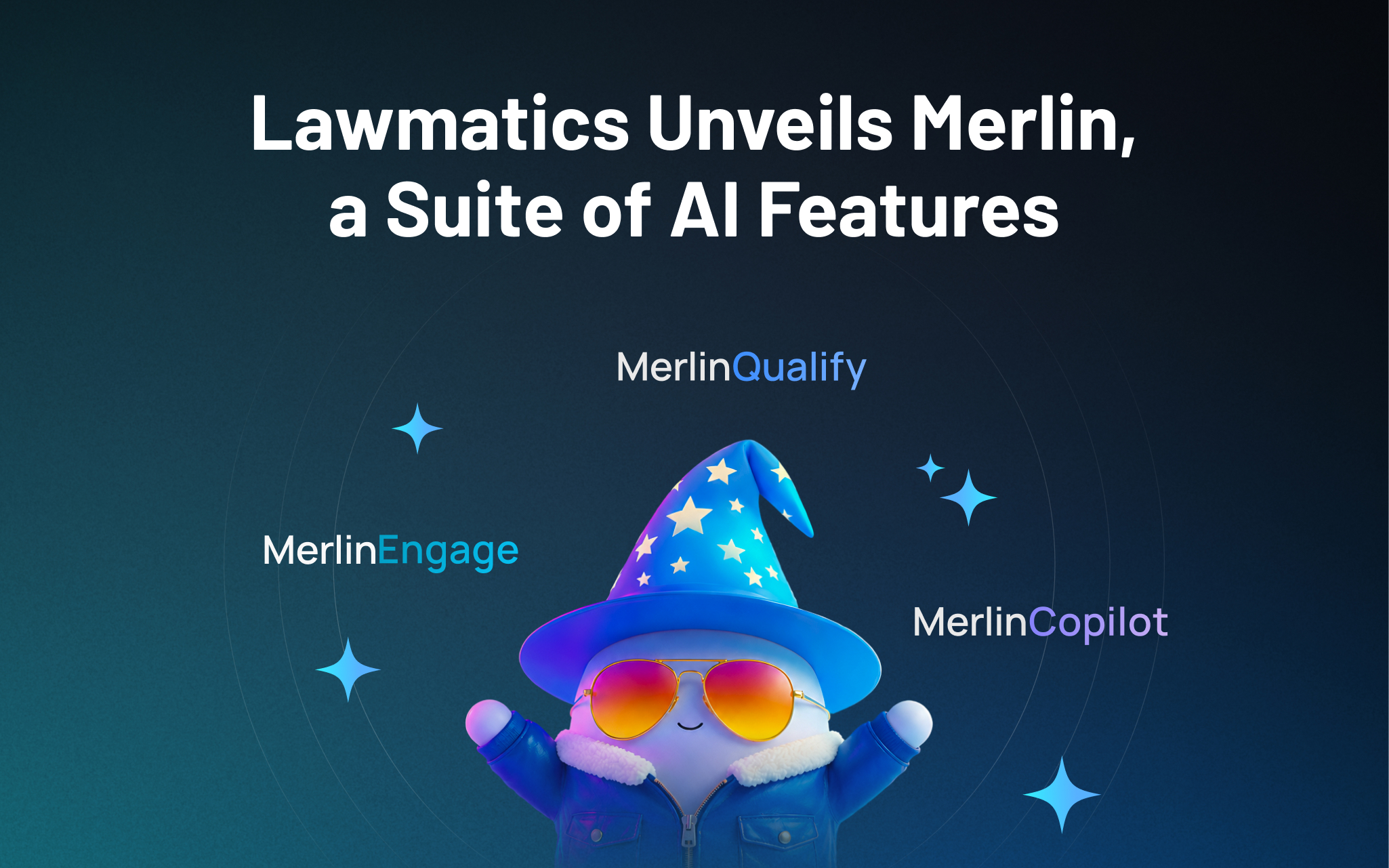


Lawmatics, the leading intake and growth platform for law firms, today introduced Merlin, a new family of AI features built natively in Lawmatics to help law firms grow. The suite, which includes a just-released conversational interface called Merlin Copilot, takes on the repetitive work that moves prospects toward signing, freeing staff to focus on client service, legal work, and strategy, while giving firms the speed and responsiveness that competitive consumer law markets demand.
For most law firms, growth happens at the front of the business — the speed from inquiry to first contact, how consistently leads are evaluated, and how clearly firms can see what's working across their pipeline. These are the points where revenue is won or lost, and they're the points that most legal AI hasn't reached. Today's legal AI tools tend to focus on case work or general productivity. The cost of that technology gap is felt in law firms every day: leads that go unanswered too long, qualified prospects lost to faster competitors, and skilled staff spending hours on repetitive work instead of on clients.
Merlin is designed for the part of a firm that comes before the case: lead intake, prospect engagement, and the operations that convert potential clients into retained clients.
"CRMs were built to track opportunities. Lawmatics goes further, because growth doesn't come from tracking opportunities. It comes from acting on them," said Matt Spiegel, founder and CEO of Lawmatics. "Merlin is how we put AI to work in Lawmatics for law firms, helping with everyday tasks that move a prospect toward signing, so that law firms can maximize every opportunity without having to ask their people to do more.”
The Merlin suite currently includes three features, each available as an add-on to the Lawmatics platform:
- Merlin Copilot, a conversational user interface that creates automations, generates reports, and surfaces insights from firm data through plain-language prompts.
- Merlin Qualify, an AI agent that evaluates and prioritizes incoming leads based on fit, urgency, and engagement signals defined by the firm. Released earlier this year, Merlin Qualify has been recognized with an Excellence in AI Award from Business Intelligence Group, which honors innovation across technology sectors.
- Merlin Engage, the agentic AI for dynamically engaging with prospects through SMS, email, website chat, and phone calls. Currently in beta.
"Our firm saw a higher closing percentage within the first week of using Merlin Engage," said Glenn Gilmour, Director of Operations at Sawyer & Associates, LLC. "Engage makes our intake team so much more efficient and helps 24/7. It even handled a lead that came in over the weekend that resulted in a $12,000 sale."
Merlin represents how Lawmatics sees the future of legal practice: more law firms reaching their full potential, with the time and capacity to pursue the work they set out to do, on their own terms. Merlin is Lawmatics' commitment to that future, and it is only the beginning.
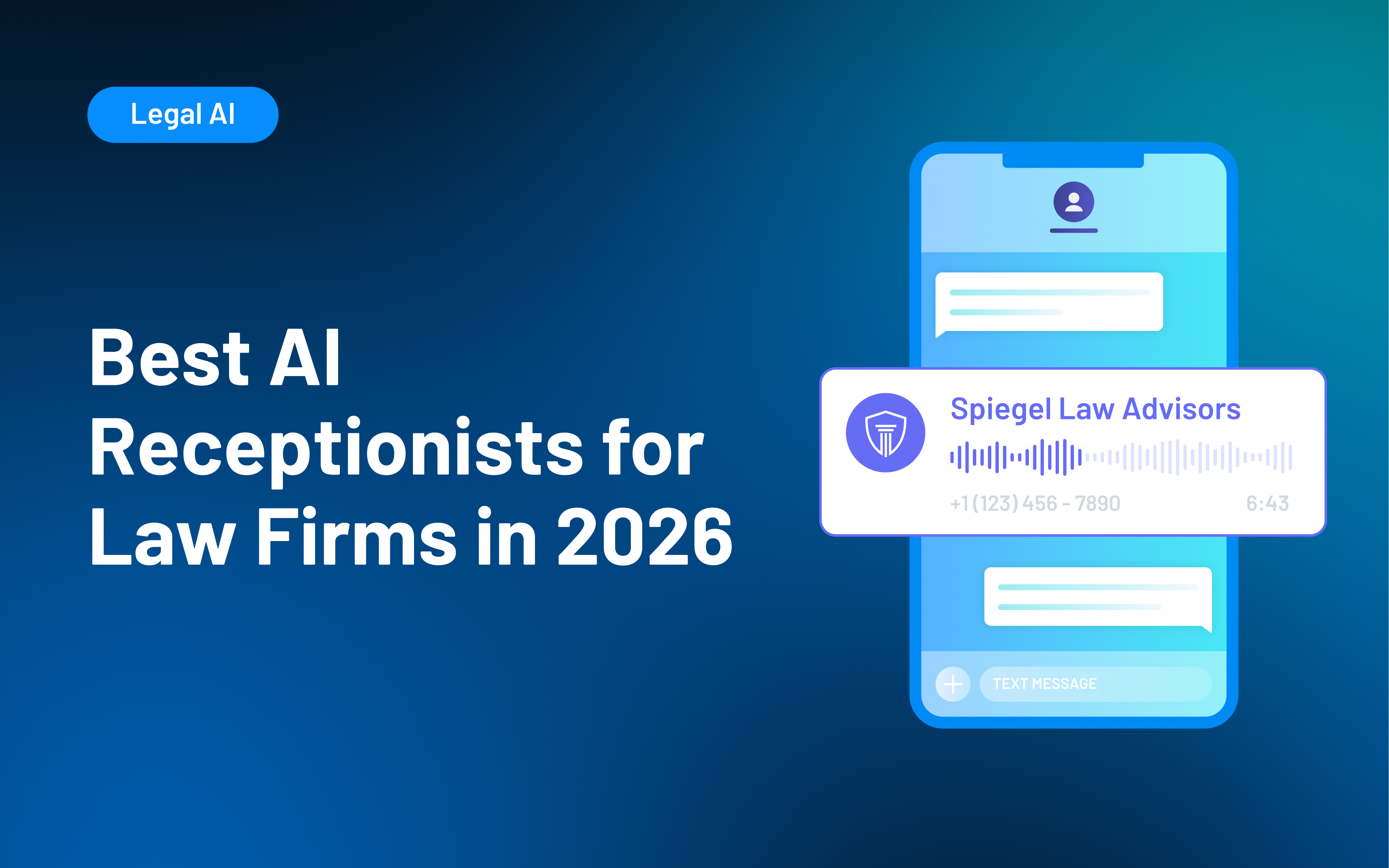
An AI receptionist for law firms uses conversational AI to answer calls and, depending on the provider, collect intake information, route callers, schedule consultations, answer approved questions, or escalate conversations. Alternatives include human virtual receptionists and hybrid services that combine AI with live support. The right choice depends on your call volume, intake complexity, practice areas, hours, integrations, escalation needs, and the experience you want prospective clients to have.
When attorneys and staff are unavailable, an unanswered call can quickly become a lost opportunity. An AI receptionist for law firms can help keep prospective clients engaged by answering inquiries, collecting information, and directing callers toward the next step.
Your options now extend well beyond traditional answering services. Firms can choose AI receptionists, live virtual receptionists, or hybrid models that combine automation with human support. The bigger consideration is what happens after the call is answered: how well the service captures intake information, schedules consultations, transfers data into your systems, and escalates more complex conversations.
This guide compares leading receptionist options and explains how to choose a model that supports the complete intake journey.
What Is an AI Receptionist for Law Firms?
An AI receptionist handles inbound conversations that might otherwise reach your front desk, intake team, or voicemail. Depending on its setup, it may identify why someone is calling, collect contact and matter details, route the call, answer approved questions, or schedule a consultation.
Unlike a human virtual receptionist or traditional answering service, the interaction is handled primarily through AI. Some providers combine both approaches.
Reception is still only one part of the client intake process. Your firm may still need to evaluate the inquiry, collect additional information, follow up, prepare engagement documents, and track whether the prospect becomes a client.
AI Receptionists for Law Firms Compared
The services below take different approaches to reception and intake. Some are built around live receptionists, some use AI, and others combine the two. Lawmatics is included because Merlin Engage supports AI-assisted prospect engagement as part of the broader legal CRM software and intake process.
| Provider | Best for | Model | Legal intake | Lawmatics connection |
|---|---|---|---|---|
| Lawmatics | Managing AI-assisted intake beyond first contact | AI-assisted legal CRM | Intake, qualification, scheduling, follow-up, pipeline management | Native platform |
| Smith.ai | AI coverage with human escalation | Hybrid | Structured intake, screening, scheduling, routing | Yes |
| Answering Legal | Legal-only live reception | Human | Custom legal intake and message capture | Yes |
| LEX Reception | Established legal call answering | Human | Legal intake, scheduling, transfers | Yes |
| Ruby | Personalized human caller experience | Human | Intake, routing, scheduling, messages | Yes |
| Abby Connect | Choice of human or AI reception | Human and AI | Screening, intake, scheduling, routing | Yes |
| Back Office Betties | Legal-focused human support | Human | Legal intake, scheduling, payment collection | Yes |
| PATLive | Flexible overflow and after-hours coverage | Human | Intake, lead capture, scheduling, escalation | Yes |
| Lexidesk | AI-native legal intake | AI | Phone/chat intake, qualification, scheduling, follow-up | Yes |
| LegalClerk.ai | Practice-area-specific AI workflows | AI with optional human escalation | Qualification, intake, scheduling, reporting | Yes |
Features, service models, and integrations were reviewed in August 2026 and may change. Confirm the current capabilities and exact data transferred directly with each provider.
10 Best AI and Virtual Receptionist Solutions for Law Firms in 2026
Choosing a receptionist service starts with deciding what you actually need handled. A firm looking only for after-hours coverage has very different requirements from one that wants detailed intake, scheduling, CRM updates, and escalation.
The options below include AI, human, and hybrid services. Lawmatics differs from outsourced receptionist providers by managing the broader journey and incorporating AI-assisted engagement within the same legal CRM.
1. Lawmatics: Best for managing the full AI-assisted intake journey
Lawmatics is designed for firms that want reception and prospect engagement to flow directly into the rest of the intake process. Merlin Engage in Lawmatics can engage prospects and gather missing information, while the broader platform connects intake, scheduling, communication, pipeline activity, and reporting.
Merlin Qualify in Lawmatics evaluates inquiries against criteria your firm defines and recommends next steps. Merlin Copilot in Lawmatics can help build workflows, generate reports, and surface information from firm data.
Best for: AI-assisted engagement connected with the complete intake workflow.
Key strengths:
- Keeps prospect information and downstream screening activity connected.
- Supports custom forms, appointment scheduling, automated communication, pipeline management, and reporting.
- Helps teams evaluate and prioritize inquiries while leaving final decisions with your staff.
- Pro: Reviewers frequently highlight automation, customization, and centralized intake workflows.
- Consideration: Some reviewers describe a learning curve when configuring more complex workflows.
2. Smith.ai: Best for hybrid AI and human receptionist coverage
Smith.ai offers both an AI receptionist and live virtual receptionists, making it useful when your firm wants automation backed by access to a person. Its AI service supports 24/7 answering, lead qualification, appointment booking, call routing, and escalation to live receptionists.
Best for: AI efficiency with human receptionists available for escalation.
Key strengths:
- AI and live receptionist options
- Intake, screening, appointment booking, and routing
- Human escalation for conversations that need it
- Pro: Reviewers frequently mention efficient screening, ease of use, responsive support, and smooth escalation.
- Consideration: Some reviewers say callers can react negatively when they realize they are speaking with AI.
3. Answering Legal: Best for legal-only live reception
Answering Legal is a human legal answering service built for law firms. Its receptionists provide 24/7 answering, customized call handling, bilingual support, message taking, call forwarding, and legal intake.
Best for: Legal-focused human receptionists instead of an AI-first service.
Key strengths:
- Focused specifically on law firms
- 24/7 live answering
- Custom legal intake
- Pro: Reviewers frequently praise professional call handling, dependable service, and responsive customer support.
- Consideration: Some reviewers report problems with setup or scripts that did not initially match their preferred call-handling process.
4. LEX Reception: Best for established legal call answering
LEX Reception focuses on traditional live legal reception, with 24/7 answering, firm-specific scripts, scheduling, and call transfers.
Best for: Established, human-led legal reception.
Key strengths:
- Legal-focused live receptionists
- Around-the-clock coverage
- Screening, scheduling, messages, and transfers
- Pro: Reviewers have cited straightforward setup and useful integrations.
- Consideration: G2 currently has only two reviews, so the feedback base is too small to treat any individual criticism as broadly representative.
5. Ruby: Best for personalized human call handling
Ruby is a human-first virtual receptionist service that emphasizes live, personalized call handling. Its legal services include 24/7 answering, screening, routing, messages, intake, and appointment scheduling.
Best for: A polished, human caller experience.
Key strengths:
- Live human receptionists
- Offers an app for managing communications when away from the office
- Personalized greetings, screening, and routing
- Pro: Reviewers often praise friendly receptionists, easy setup, and reduced interruptions.
- Consideration: Some reviewers mention pricing, billing, or inconsistent experiences with more complex instructions.
6. Abby Connect: Best for combining dedicated human teams with AI coverage
Abby Connect gives firms a choice between live virtual receptionists and an AI receptionist. Human receptionist services can use dedicated teams, while Abby AI supports 24/7 answering with customizable call flows, routing, and scheduling rules.
Best for: Flexibility between human and AI receptionist models.
Key strengths:
- Both human and AI options
- After-hours and overflow coverage
- Custom routing and scheduling
- Pro: Reviewers frequently praise account support, responsiveness, and the ability to adapt workflows.
- Consideration: Some reviewers mention pricing or call-handling details such as time spent on unwanted calls.
7. Back Office Betties: Best for dedicated human support for small law firms
Back Office Betties specializes in legal answering and administrative support. Its virtual legal receptionists can follow firm-specific screening workflows, qualify leads, schedule consultations, collect payments, take messages, and assist with other caller needs.
Best for: Human receptionists familiar with legal intake.
Key strengths:
- Human call answering and intake
- Consultation scheduling
- Custom scripts and administrative support
- Pro: Verified clients praise the team's professionalism, reliability, personalized service, and ability to streamline scheduling and receptionist work.
- Consideration: Clutch currently has only three reviews, so the feedback is positive but based on a limited sample.
8. PATLive: Best for flexible overflow and after-hours answering
PATLive provides U.S.-based human receptionists around the clock. Law firms can use the service full time or for specific gaps such as after-hours and overflow coverage.
Best for: Flexible human coverage outside normal front-desk capacity.
Key strengths:
- 24/7/365 human answering
- Firm-specific call handling
- Inquiry handling, scheduling, routing, and escalation
- Pro: Reviewers frequently highlight reliability, responsive support, professional service, and helpful onboarding.
- Consideration: Some feedback suggests there can be an initial learning curve when setting up or configuring the service for a firm's needs.
9. Lexidesk: Best for AI-native legal intake
Lexidesk is an AI receptionist built specifically for consumer-facing law firms. It handles phone calls and website chat, gathers new client information, evaluates callers using qualification criteria set by your firm, schedules consultations, and can transfer appropriate callers to staff.
Best for: Legal-specific AI intake across phone and online conversations.
Key strengths:
- 24/7 AI phone and website intake
- Consultation booking and transfers
- Follow-up for prospects who do not book
- Pro: Reviewers highlight detailed intake conversations, qualification capabilities, integrations, and reduced manual work.
- Consideration: Some reviewers mention that certain callers may be uncomfortable interacting with AI and note limitations around specific scheduling or user-management preferences.
10. LegalClerk.ai: Best for practice-area-specific AI intake workflows
LegalClerk.ai provides a 24/7 AI receptionist built for legal intake. It supports qualification, caller-detail collection, appointment scheduling, call summaries, transcripts, reporting, and integrations with legal software.
Best for: Configurable AI intake connected with existing legal systems.
Key strengths:
- Legal-focused AI answering and screening
- Qualification and consultation scheduling
- Reporting and call summaries
Reviews: There is not enough visible verified review content to support a reliable user-review pro-and-con summary.
AI vs. Human vs. Hybrid Receptionists: Which Model Fits Your Firm?
The right model depends on the kinds of calls your firm actually receives. What works for a high-volume personal injury practice may feel completely wrong for an estate planning firm where callers expect longer, more personal conversations.
- AI receptionists fit firms that need scalable, consistent coverage for common intake paths. They can work well when your questions, routing logic, and escalation rules are clearly defined.
- Human receptionists can be a stronger fit when callers regularly need reassurance, flexible conversations, or nuanced handling. Pricing may rise as call volume or talk time increases.
- Hybrid models give you a middle path. AI can handle predictable conversations while a human steps in for situations that are sensitive, unusual, or difficult to resolve.
Your firm can also mix models by time of day. You might use staff during business hours, a live virtual receptionist for lawyers for overflow, and AI for predictable after-hours inquiries.
What Should a Virtual Receptionist for Lawyers Handle?
A receptionist should do more than ensure someone picks up the phone. The real test is whether each useful conversation creates a clear next step for the caller and your team.
Look for these baseline capabilities:
- Reliable answering and routing: Your provider should know who receives which calls, what happens after hours, and when a message is enough.
- Structured legal intake: An answering service with legal intake should collect the information your firm needs, not simply a name, number, and vague description.
- Consultation scheduling: When appropriate, a caller should be able to schedule a consultation without unnecessary phone tag.
- Escalation rules: Urgent, sensitive, or unusual calls need a defined path to a person.
- Clean data transfer: Information should reach your client intake software in a usable form rather than creating another manual transcription task.
- Quality and outcome visibility: Your team should be able to review activity and understand what happened after calls were answered.
Ask providers what they mean by “legal intake.” Basic message taking, a fixed questionnaire, and conditional screening that changes based on the caller's responses are different services.
Ask the same question about integrations. A connection may transfer only contact information, or it may populate forms, add notes, schedule appointments, and trigger legal workflow automation.
How to Choose an AI Receptionist for Your Law Firm
A demo can make almost any service sound convincing. The better test is whether it holds up under the calls your firm handles every week. Start with your existing inquiry process and identify where coverage breaks down.
- Review your call patterns: Look at volume, peak hours, missed calls, after-hours traffic, existing clients, new inquiries, vendors, and spam. You may need overflow coverage rather than a complete replacement for your front desk.
- Match intake depth to your practice areas: A simple consultation request may require only basic contact information. An inquiry into new family law, immigration, criminal defense, or personal injury may require a more structured conversation before your team can decide what happens next.
- Test realistic calls: Do not limit a demo to the easiest scenario. Try an incomplete answer, an emotional caller, someone who changes topics, an existing client, and an inquiry that should be escalated.
- Define escalation before launch: Decide which conversations require a live person, who receives them, and what happens when that person is unavailable.
- Test the handoff: Confirm what information reaches your existing systems and what your staff still need to enter manually.
- Review privacy and professional responsibility issues: Ask how calls are recorded, where information is stored, how long it is retained, when callers are told they are interacting with AI, and how prospective-client information is protected.
- Compare the full cost: Account for overages, transfers, setup, intake fees, integrations, and premium features rather than relying on the advertised starting price.
- Measure outcomes beyond answered calls: Track which inquiries reach consultations, fit your firm's criteria, and become clients.
The American Bar Association's guidance on lawyers' use of AI highlights duties around competence, confidentiality, communication, and supervision. Firms should also review applicable state rules, privacy requirements, consent laws, and advertising requirements. This is general information, not legal advice.
Keep the Intake Process Connected After the Call
Answering the phone is only one step in the client journey. Lawmatics helps your firm manage what happens next by keeping intake information, appointments, follow-up, pipeline activity, and reporting in one legal CRM.
Documented receptionist integrations can send inquiry data into Lawmatics, where your team can continue automated legal intake with custom forms, scheduling, email and SMS communication, tasks, and notifications. Merlin Qualify can help evaluate and prioritize inquiries, while Merlin Engage and Merlin Copilot support prospect communication and workflow management.
No matter which receptionist model you choose, the handoff after the call still matters. Lawmatics helps keep inquiry data and follow-up activity connected so your team can follow each prospect from first contact through consultation and signed engagement.
See how Lawmatics connects legal client intake, follow-up, scheduling, and reporting around every new inquiry. Request a demo.
FAQ: Virtual Receptionists
What is the best AI receptionist for a law firm?
The best AI receptionist depends on your firm's intake complexity, practice areas, hours, budget, integrations, and need for human support. A firm with predictable, high-volume intake may value AI coverage, while a practice with longer or more sensitive calls may prefer a human or hybrid model. Test providers with real scenarios before deciding.
Can an AI receptionist complete legal intake?
Some AI receptionists can complete structured or conditional intake by asking questions, collecting responses, scheduling consultations, and transferring information into legal software. Capabilities vary considerably. Your firm should define where automated intake ends and when staff or attorneys need to intervene.
An AI receptionist should not provide legal advice, promise representation, or make your firm's final case-acceptance decisions.
What is the difference between an answering service and a virtual receptionist?
Historically, an answering service focused on taking messages while a virtual receptionist handled a broader range of tasks, such as routing calls and scheduling appointments. Today, the categories overlap.
Instead of relying on the label, ask what the provider actually does during and after a call: what information it collects, whether it schedules, how it escalates calls, and where the data goes.
Can a virtual receptionist integrate with legal CRM software?
Yes, many providers connect with legal CRMs, but integrations are not identical. A direct integration may create contacts or matters, populate intake fields, add notes, or schedule appointments. Other providers may rely on Zapier, APIs, web forms, or simple email handoffs.
Ask the provider to demonstrate which information moves between systems and which actions the integration can trigger.
Should a law firm use an AI or human receptionist after hours?
Either can work. AI can provide scalable coverage for predictable intake paths, while human receptionists may be preferable when after-hours callers frequently need a more flexible or sensitive conversation.
Some firms combine the two, using AI for routine inquiries and escalation to a person when defined conditions are met. Choose the model based on your actual callers and workflow rather than assuming one approach is universally better.
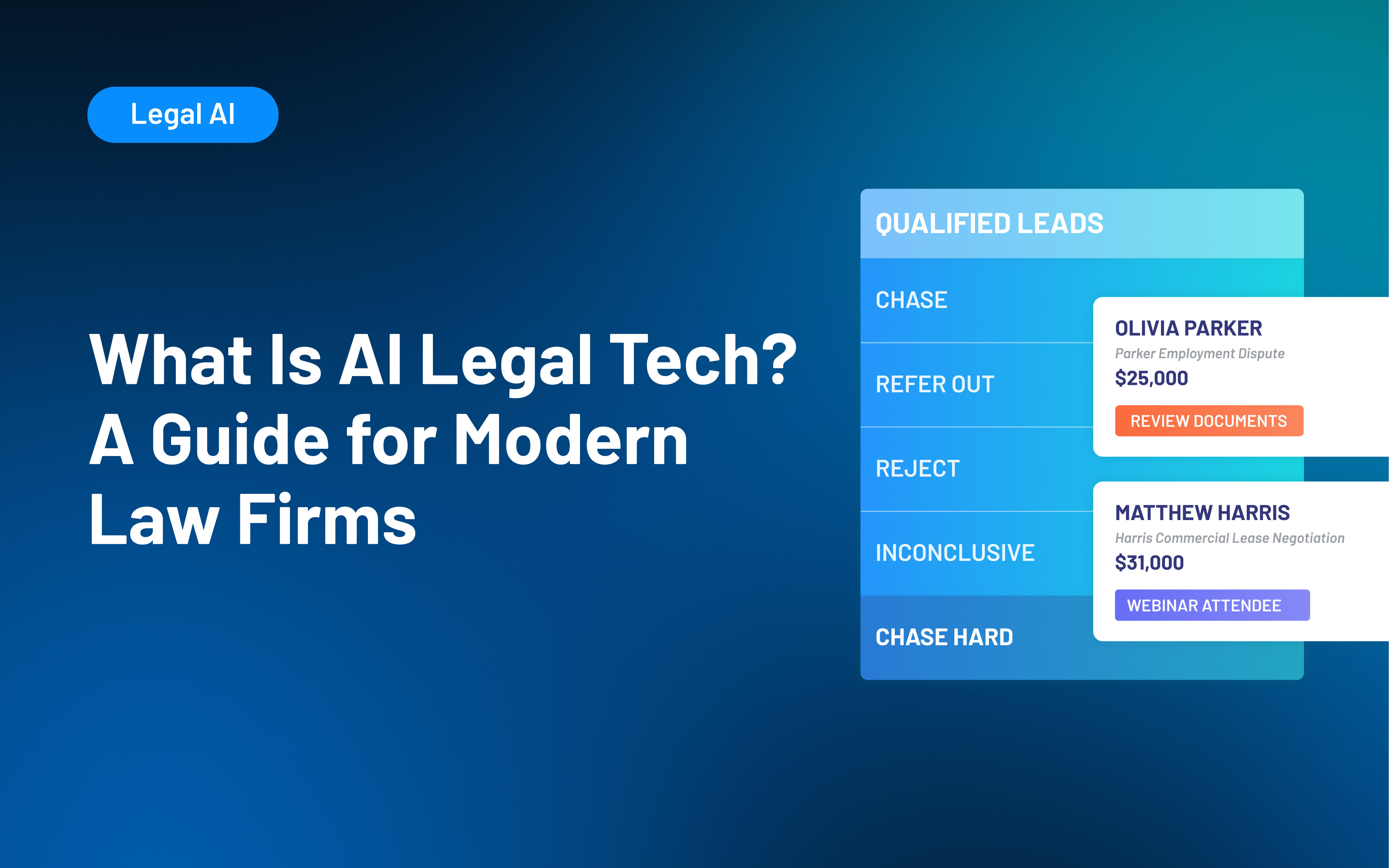
AI legal tech is software that uses artificial intelligence to support legal work or law firm operations. Depending on the platform, it may assist with research, drafting, document review, client intake, communication, workflow creation, or reporting. Legal AI should support attorney judgment, professional responsibility, and human review rather than replace them.
Law firms face growing pressure to adopt AI legal tech, but the label now appears on tools that do very different jobs. One platform may help draft a motion, another may review contracts, and another may support client intake or firm reporting.
For firm leaders, the harder question is not whether AI belongs in legal work. It’s where the technology can solve a specific problem without creating new risks, disconnected systems, or unnecessary complexity. Interest is already substantial: 69% of legal professionals surveyed for 8am’s 2026 Legal Industry Report said they used generative AI at work.
AI can help law firms with both legal work and the day-to-day operations behind it. This guide explains the main types of AI legal technology, where they can help, and how to evaluate the right fit for your firm.
What Is AI Legal Tech?
AI legal tech is software that uses artificial intelligence to interpret information, generate content, identify patterns, recommend actions, or assist with legal and operational workflows.
The category is broad. Some AI tools for lawyers focus directly on legal work, such as finding relevant authorities, comparing documents, or preparing an initial draft. Others support law firm operations through client intake, communication, workflow management, or reporting.
A few distinctions can make the category easier to understand:
- General-purpose AI works across industries. A general AI tool may help with writing, summarizing, brainstorming, or information retrieval without being built around legal terminology, legal sources, or law firm workflows.
- Legal AI is designed for legal use cases. Depending on the product, that may mean working with legal authorities, documents, firm data, intake criteria, or processes specific to legal practices.
- AI differs from traditional automation. A rules-based automation follows predetermined instructions: for example, sending a specific email when a prospect reaches a certain stage. AI can interpret information, generate content, classify inputs, or recommend a next step.
- Many platforms combine both. Legal AI software may use AI alongside forms, databases, templates, workflow rules, integrations, and other conventional software capabilities.
Many platforms combine AI with traditional software capabilities, but legal-specific design does not make every output reliable or every product appropriate for your firm.
The American Bar Association's guidance on lawyers' use of generative AI emphasizes that existing duties involving competence, confidentiality, communication, supervision, and reasonable fees continue to apply when lawyers use these tools.
Types of AI Legal Technology
It is easier to evaluate legal AI tools by the work they support than by the terminology a vendor uses. Two products described as "legal AI platforms" can solve entirely different problems.
| Category | Common AI Uses |
|---|---|
| Legal research and analysis | Finding authorities, summarizing cases, identifying issues |
| Drafting and document work | Drafting, summarizing, comparing, and reviewing documents |
| Litigation and transactional support | E-discovery, evidence review, clause extraction, and risk identification |
| Client intake and communication | Evaluating inquiries, collecting information, scheduling, and follow-up |
| Workflow and reporting | Building processes, retrieving firm information, and summarizing performance |
The first three categories focus more on substantive legal work, such as research, drafting, contract comparison, and document review. These uses still require human review, especially when outputs could influence legal advice or a client matter.
The other categories center on firm operations and client relationships, including evaluating inquiries, collecting missing information, retrieving firm data, and building workflows. An AI-assisted client intake process still depends on firm-defined criteria and staff oversight.
Some tools span multiple categories. Newer approaches, such as agentic AI in legal, may also take steps within a defined process, such as gathering missing information or triggering a follow-up, rather than only returning an answer.
When comparing AI software for law firms, prioritize fit with the systems and processes your team already uses. Confirm the tasks each platform actually supports and whether those capabilities fit the work your firm needs help with.
Benefits of AI Legal Tech for Law Firms
The most useful benefits of AI for lawyers are practical. Good technology can reduce repetitive work or make information easier to act on, giving your team more capacity for work that requires judgment, expertise, and human interaction.
Thomson Reuters' 2025 Future of Professionals Report found that professionals already using AI most often identified efficiency, productivity, and cost savings among its significant benefits. The research also points to stronger results when organizations approach AI with a clear strategy rather than relying on scattered, informal use.
For law firms, AI can support three broad outcomes:
- Increase capacity: AI can assist with first drafts, information retrieval, document review, routine communications, and administrative analysis. Your team may spend less time gathering or organizing information before doing the work that requires professional judgment.
- Create more consistent workflows: AI can apply defined criteria, templates, review steps, and follow-up processes across a larger volume of work. For example, an intake system may evaluate inquiries against the same qualification criteria before staff review.
- Improve responsiveness and visibility: AI can surface relevant information sooner, help move routine tasks forward, and make it easier for leaders to understand intake activity, workload, or performance data.
None of these outcomes come automatically from buying legal AI software. The results depend on how well the technology fits the work and how effectively your team uses it.
Challenges of Using AI for Lawyers
Some of the hardest AI problems have little to do with the AI itself. A new tool can speed up an established process, but it cannot create a clear process where one does not exist.
Before adding AI for law firm operations or legal work, look for the operational barriers that could limit its usefulness:
- Fragmented systems and data: AI has less useful context when client records, matter information, intake details, communications, and reporting data live in different places. Adding another standalone tool can increase fragmentation if information does not move reliably between systems.
- Unclear processes and accountability: Your team should know who owns each stage, what information is required, and how work moves from one person or system to the next.
- Adoption and change management: Attorneys and staff need approved use cases, practical training, and clear expectations. Thomson Reuters' 2025 research found that more than 40% of surveyed professionals reported skill gaps within their teams in areas including technology, data knowledge, and technical expertise.
- Difficulty proving value: "Saving time" is too broad to evaluate on its own. Tie AI use to a specific workflow and compare results such as review time, completed follow-ups, staff adoption, reporting effort, or intake consistency.
These barriers can limit even capable technology. Addressing them first gives your firm a stronger foundation for adopting AI successfully.
Risks and Responsibilities When Using Legal AI
Mistakes involving legal AI can carry more weight than an ordinary software error. An inaccurate answer, exposed client information, or a poorly reviewed recommendation can have consequences that extend well beyond a frustrating user experience.
Before using legal AI, pay particular attention to four risks:
- Incorrect or fabricated output: Generative AI can produce inaccurate facts, incomplete analysis, or nonexistent authorities and citations. Lawyers need an appropriate process for checking any material used in legal work.
- Confidentiality and data practices: Before entering client or prospective client information, review how the provider stores, processes, retains, and protects data, as well as who may access it.
- Bias and inconsistent recommendations: AI systems can reflect problems in their inputs, criteria, training, or design. Consistent application of a rule does not guarantee that the rule itself is appropriate or unbiased.
- Overreliance: AI should have defined review and escalation points. AI assistance does not shift responsibility away from the attorneys and staff overseeing the work.
ABA Formal Opinion 512 explains that lawyers using generative AI remain responsible for duties such as competence and confidentiality, including protections that may apply to prospective-client information.
Your firm should define approved uses, set data and review requirements, train staff, and establish a process for reporting inaccurate or unexpected results. You should also review applicable privacy, consent, advertising, professional-responsibility, and jurisdictional requirements.
This is general information, not legal advice. Requirements vary by jurisdiction, technology, data, and use case.
How to Choose and Implement AI Legal Software
A long feature list will not tell you whether a tool will improve the work your team does every day. Start with a recurring problem, then evaluate the technology against that problem.
A practical implementation process looks like this:
- Define one use case: Choose a recurring bottleneck, such as document review, intake evaluation, follow-up, reporting, or internal information retrieval. Define what success looks like before introducing AI.
- Understand what the tool does: Determine whether it generates, retrieves, classifies, summarizes, recommends, or takes action. Confirm what data informs the output and how it handles uncertainty.
- Test realistic scenarios: Go beyond ideal demos. Test incomplete, ambiguous, unusual, and high-risk inputs your team actually encounters.
- Review data and security practices: Understand how information is stored, retained, accessed, and potentially used for model training. Review these practices based on the sensitivity of the data your firm plans to use.
- Check integrations: Confirm the tool works with systems your firm already trusts. The 2025 Legal Industry Report found that integration with existing software was an important consideration for legal-specific generative AI investments.
- Set review and ownership: Define what AI can handle, what requires approval, and who is responsible for review. In intake, for example, AI may help categorize an inquiry without making the final representation decision.
- Run a limited pilot: Start with a small group, provide training, and track how the tool affects the workflow before expanding access.
- Measure before expanding: Track metrics tied to the original problem, such as review time, intake consistency, follow-up completion, reporting effort, adoption, or error rates.
Your firm does not need to adopt AI everywhere at once. One well-chosen use case gives you room to learn what works, where oversight is needed, and whether expansion makes sense.
How Lawmatics Uses AI Across Intake and Firm Operations
Lawmatics focuses AI on a different part of the legal workflow than research, contract analysis, or litigation platforms. As a legal CRM, Lawmatics supports the client journey and firm operations through connected intake, communication, automation, pipeline management, reporting, and related capabilities.
The Merlin suite brings AI-assisted capabilities into those existing workflows.
- Merlin Qualify in Lawmatics: Evaluates inquiries against firm-defined criteria, explains its reasoning, recommends next steps, and can trigger follow-up workflows. Your team still defines the criteria and decides how recommendations affect intake.
- Merlin Engage in Lawmatics: Follows up with prospects by text to collect missing information and keep intake moving. It works with Merlin Qualify to fill information gaps and can escalate conversations when needed.
- Merlin Copilot in Lawmatics: Lets staff use plain-language requests to build automations, generate reports, retrieve firm data, and answer operational questions inside Lawmatics.
These capabilities work within the broader Lawmatics CRM, alongside contacts, forms, appointments, communications, pipeline stages, source data, and reporting. AI is more useful when it supports a defined workflow instead of operating in isolation.
By keeping these capabilities connected to the same CRM as your intake, communications, pipeline, and reporting, Lawmatics helps AI support the client journey without adding another disconnected system.
To see how Lawmatics connects AI-assisted intake, prospect engagement, automation, and reporting in one legal CRM, request a demo.
Frequently Asked Questions: AI Legal Tech
What does AI legal tech mean?
AI legal tech is software that uses artificial intelligence to assist with legal work or law firm operations. It can include tools for research, drafting, document analysis, client intake, communication, workflow creation, reporting, and other tasks.
The category is broader than generative AI and includes technologies that retrieve information, classify inputs, identify patterns, or recommend actions.
How are law firms using AI?
Law firms use AI across both legal and operational work. Common examples include legal research, first drafts, document review, summarization, intake evaluation, prospect communication, workflow creation, and reporting.
The right use depends on the firm's processes and the level of human judgment each task requires.
What is the difference between legal AI and generative AI?
Generative AI is technology that creates new content, such as text, based on a user's prompt and other available information. Legal AI is a broader category.
A legal AI tool may use generative AI, but it can also rely on retrieval, classification, analysis, recommendations, or workflow capabilities designed for legal work or law firm operations.
Is AI legal tech safe for confidential information?
There is no universal answer. Suitability depends on the product's data handling, security controls, retention practices, contract terms, configuration, and the type of information your firm plans to use with it.
ABA guidance makes clear that lawyers' confidentiality obligations continue to apply when generative AI is used. Review a provider's practices and your firm's applicable obligations before entering sensitive information.
What should a law firm look for in legal AI software?
Start with workflow fit. The software should address a specific problem your firm can define and measure.
Then evaluate its legal focus, the sources behind its answers, data practices, security, human review controls, integrations, usability, and performance in realistic scenarios. A narrowly useful tool that fits your existing process can be more valuable than a broader AI platform your team does not consistently use.
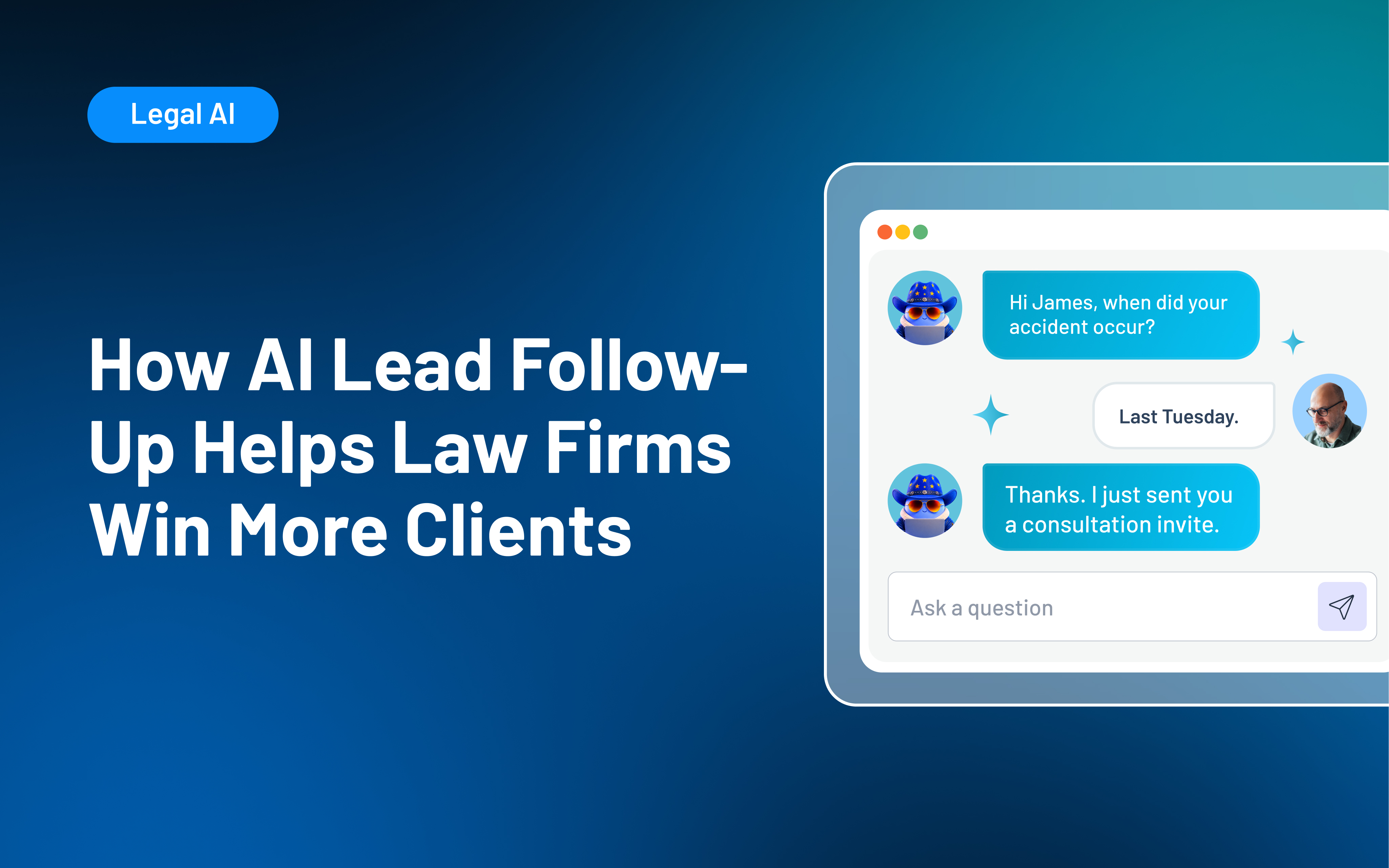
AI lead follow-up uses artificial intelligence, CRM data, and automated workflows to help law firms respond to inquiries and determine appropriate next steps. It can assist with personalized messages, lead evaluation, scheduling, reminders, routing, and ongoing nurture. Your firm should define the rules, approve communication boundaries, protect prospective-client information, and keep attorneys or intake staff responsible for sensitive conversations and final decisions.
A new inquiry can arrive at exactly the wrong moment: after hours, while your intake team is on another call, or during a packed day when follow-up gets pushed aside. AI lead follow-up can help close those gaps by making response, qualification, scheduling, and continued communication more consistent.
The follow-up gap is significant. In Hennessey Digital’s 2024 study of nearly 1,400 law firms, 27% did not respond to an online lead-form inquiry within seven days. For many firms, generating inquiries is only part of the challenge. Response and continued outreach can still depend too heavily on staff availability and memory.
AI can support a stronger process, but it still needs clear workflows and human oversight. This guide explains how AI lead follow-up works, where it can improve legal intake, and how to implement it without losing the human judgment prospective clients need.
What Is AI Lead Follow-Up?
AI lead follow-up uses AI-assisted software to review prospect information and help tailor messages, recommend next steps, or trigger the right follow-up action. Within the client intake process, that could include:
- Acknowledging an inquiry
- Interpreting form responses
- Evaluating whether an inquiry meets firm-defined criteria
- Recommending follow-up actions
- Personalizing an approved message
- Sending scheduling information
- Notifying a staff member
It is also important to separate intake-focused AI from tools used for substantive legal work. AI-assisted legal client intake software can support prospective-client communication, routing, and intake coordination. However, it should not provide legal advice, conduct legal research, determine case strategy, promise representation, or make the final decision to accept a matter.
AI Lead Follow-Up vs. Traditional Follow-Up Automation
Traditional automation and AI often work best together. A rules-based automation performs a predetermined action when a known trigger occurs. AI can interpret information, respond to differences in what a prospect shares, generate or adapt content, or recommend an action within boundaries set by your firm.
| Capability | Traditional follow-up automation | AI-assisted lead follow-up | |
|---|---|---|---|
| Trigger | A predefined event, date, or status | An event plus interpreted lead or conversation context | |
| Message | Fixed template or predefined sequence | Approved content adapted to known information or responses | |
| Lead handling | Routes inquiries using fixed fields and rules | Can interpret details and recommend a category, routing decision, or follow-up action | |
| Conversation path | Follows a predetermined sequence | May adjust within defined boundaries based on a response | |
| Staff involvement | Staff manage exceptions manually | Can flag situations that need staff review | |
| Best use | Confirmations, reminders, nurture, and task creation | Qualification assistance, contextual outreach, prioritization, and next-step recommendations |
AI is not necessarily the better choice for every part of intake. Appointment confirmations, standard reminders, opt-out handling, and fixed compliance messages may be better suited to more traditional automated legal intake.
A strong intake system uses both approaches intentionally: predictable automation for predictable steps and AI where interpretation can genuinely improve the next action.
How AI-Assisted Lead Follow-Up Works in a Law Firm
Effective AI lead follow-up should fit into your broader law firm lead management process rather than adding another isolated communication tool. Each step should build on what came before and help move the inquiry through the intake process.
1. Capture the inquiry in a central record
Prospects may reach you through forms, phone calls, advertising, referrals, virtual receptionists, chat, or other channels. Your legal CRM should capture available contact information, source, practice area, intake responses, communication activity, and pipeline status in a single record.
Integrations can help transfer information between systems, although the exact data available depends on the individual connection. Lawmatics, for example, supports integrations across lead generation, reception, communications, calendaring, practice management, and other categories.
2. Acknowledge the inquiry quickly
An immediate acknowledgment confirms the inquiry was received and tells the prospect what happens next. Depending on the workflow, that could mean completing a short form, selecting a consultation time, or knowing when to expect staff follow-up.
The message should stay within approved boundaries. It should not promise representation, imply that an attorney-client relationship already exists, or venture into legal advice.
3. Evaluate the information and route the lead
AI can review structured form fields and other available intake information against specific criteria your firm defines. Next steps might include:
- Prioritizing the inquiry for follow-up
- Requesting more information
- Assigning a practice-area team
- Referring the inquiry for attorney review
- Routing it through an approved referral or decline process
For example, Merlin Qualify in Lawmatics evaluates inquiries against firm-defined criteria, explains the reasoning behind its recommendation, and can trigger related workflows. The firm remains responsible for its qualification rules and final intake decisions.
4. Continue relevant follow-up
A prospect who missed a call needs different communication from someone who finished a consultation but has not signed an agreement. Relevant follow-up might remind someone to finish an intake form, provide a scheduling link, confirm an appointment, or reconnect after an unsigned agreement.
Merlin Engage in Lawmatics supports contextual prospect conversations designed to gather missing information, move inquiries forward, and support the qualification process.
5. Escalate when a person is needed
Your team should be able to step in whenever the situation calls for human attention. Escalation may be appropriate when someone:
- Requests legal advice
- Expresses distress
- Provides conflicting information
- Challenges an automated response
- Raises a potential conflict issue
- Needs a substantive conversation
The person taking over should have access to the communication and intake history so the prospective client does not need to start over.
6. Record the outcome and update the process
A reply, booked appointment, opt-out, referral, rejection, or signed agreement should update the record and change future activity accordingly. Connected legal intake automation helps prevent messages from continuing after a prospect replies, books a consultation, opts out, or moves to a different stage.
Benefits of AI Lead Follow-Up for Law Firms
AI-assisted follow-up can help close common intake gaps when the underlying process is already clear and consistent.
- Respond while the prospect is engaged: Faster acknowledgment and routing can shorten the gap between an inquiry and meaningful follow-up, including outside normal office hours.
- Make follow-up more consistent: Consistent automated lead follow-up reduces reliance on individual inboxes, memory, and manual reminders. Prospects are less likely to receive dramatically different experiences depending on who handles intake.
- Give your team more context: A centralized record can show intake responses, prior communication, source information, appointments, assigned staff, pipeline status, and recommended actions before a person joins the conversation.
- Increase staff capacity without automating every interaction: AI-assisted workflows can reduce routine drafting, manual record review, repetitive task creation, and basic information gathering. Staff have more room for conversations requiring empathy, judgment, or explanation.
These gains still depend on accurate intake information, thoughtful processes, appropriate integrations, staff adoption, and ongoing oversight. An AI tool alone will not automatically improve conversion, productivity, profitability, or the prospective-client experience.
Where Law Firms Should Keep Human Follow-Up
People often contact a law firm during a stressful or uncertain time. Automation can coordinate routine steps, but some conversations still need a person.
- Sensitive or emotionally difficult inquiries: Prospective clients may be dealing with an injury, criminal charge, family conflict, immigration issue, financial crisis, or another deeply personal concern. When emotion or urgency becomes clear, a person should be able to take over.
- Legal questions and expectation-setting: Automated communication should remain within approved informational boundaries.
- Complex qualification and conflicts: AI can organize intake information, but nuanced fit decisions, conflict review, and other judgment-heavy evaluations should remain with attorneys or qualified staff.
- Complaints, confusion, and exceptions: A frustrated prospect or an unclear response should not be forced through a predefined sequence. Build escalation paths for situations the system cannot handle confidently.
Lawyers’ professional responsibilities still apply when a firm uses generative AI. ABA Formal Opinion 512 provides guidance on lawyers’ responsibilities when using generative AI, including competence, confidentiality, communication, and supervision. Your firm should also review any rules that apply in your jurisdiction.
Risks and Challenges of AI Lead Follow-Up
AI follow-up can make parts of intake easier to manage, but it still needs clear safeguards. Before expanding the workflow, review how the system handles accuracy, sensitive information, qualification rules, messaging, and record updates.
- Incomplete or inaccurate responses: AI-generated language can misread facts or introduce unsupported information. Set clear boundaries, use approved content where appropriate, and test for ambiguous situations.
- Prospective client confidentiality and data handling: Sensitive information may enter your firm before representation begins. Review what data the tool receives, how it is handled, who can access it, and which privacy or professional-responsibility rules apply.
- Poor intake criteria: AI can apply flawed qualification rules consistently. Review your criteria for relevance, fairness, unintended exclusions, and alignment with actual intake outcomes.
- Over-automation and message fatigue: Too many messages or poorly timed outreach can frustrate prospects. Set clear rules for frequency, timing, stop conditions, and opt-outs.
- Disconnected records and unclear ownership: Separate tools can create duplicate or outdated outreach when they lack current status or communication history. A connected law firm CRM helps keep activity and ownership clear.
How to Choose and Implement AI Lead Follow-Up Software
The best starting point is a specific intake problem. Before choosing a tool, identify where prospects are getting stuck, where staff are spending unnecessary time, and which parts of the intake process would benefit from more consistency. From there, you can evaluate software against a clear need and test it before expanding its use.
- Start with one measurable gap: Identify a recurring issue, such as incomplete forms, slow responses, missed consultations, or inconsistent follow-up. Establish a baseline before changing the workflow.
- Map the current process: Document how an inquiry moves from first contact through engagement, including who owns each stage and where prospects tend to stall. Merlin Copilot in Lawmatics can help teams build and refine automations around that defined intake process.
- Evaluate the software against legal intake needs: Look for CRM integration, customizable criteria, communication controls, scheduling, automation, permissions, reporting, and relevant legal software integrations. Confirm what data the AI can access, which actions it can take, and when the system hands the inquiry back to staff.
- Test difficult scenarios: Use vague answers, conflicting facts, emotional language, legal questions, opt-outs, duplicate contacts, and other situations that may require staff involvement.
- Run a limited pilot: Start with one practice area, inquiry source, or intake stage. If you are using Merlin Qualify, begin with a defined workflow and review its recommendations before expanding.
- Measure the original problem: Track the metric tied to your goal, such as response time, intake completion, consultation booking, no-shows, signed agreements, or staff workload. Compare results with your original baseline.
Your rollout should also include staff training. Intake professionals need to understand what the system does, when to trust a standard workflow, when to investigate further, and when to take over.
Connect AI Lead Follow-Up to the Entire Intake Journey With Lawmatics
AI lead follow-up works best when it is connected to the same information and workflows your intake team already uses. Lawmatics brings legal client intake software, CRM, communication, automation, scheduling, pipeline management, and reporting into one legal-specific platform built to support the client journey from first contact through final signature.
Within that connected workflow:
- Keep intake information, communication, appointments, and pipeline activity in the same client record.
- Coordinate qualification, follow-up, scheduling, and internal actions across the intake journey.
- Use reporting and Merlin Copilot to review performance and refine the intake process over time.
Because these capabilities work alongside intake records, communication history, appointments, and pipeline activity, your team can keep follow-up connected while attorneys and intake staff retain control of final decisions. AI lead follow-up is most effective when it supports a defined process with reliable data and clear communication boundaries.
See how Lawmatics connects AI-assisted lead evaluation, prospect follow-up, scheduling, automation, and reporting in one legal CRM. Request a Demo.
Frequently Asked Questions: AI Lead Follow-Up
What is AI lead follow-up?
AI lead follow-up uses AI-assisted software to interpret lead information and help determine, personalize, or carry out the next appropriate communication or step. It can complement traditional rules-based automation rather than replace it.
How can AI improve law firm lead follow-up?
AI can support faster acknowledgments, contextual communication, lead evaluation and routing, scheduling, reminders, information gathering, task creation, and clearer next steps. Results depend on the quality of the firm's intake process, data, implementation, and oversight.
Can AI follow up with law firm leads after hours?
Yes. Software can acknowledge an inquiry, collect approved information, provide scheduling options, or initiate predefined workflows after hours. Sensitive, urgent, substantive, or uncertain conversations should follow your firm's escalation policy.
What is the difference between AI lead follow-up and legal intake automation?
Legal intake automation covers the broader process of moving an inquiry toward engagement through forms, communication, scheduling, tasks, documents, and workflows. AI lead follow-up is one component that uses AI to interpret information, assist with communication, or recommend next actions.
Should AI replace law firm intake staff?
No. AI can reduce repetitive work and make routine actions more consistent, but intake professionals remain essential for empathy, judgment, complex screening, expectation setting, sensitive conversations, and final decisions.
What should a law firm look for in AI lead follow-up software?
Look for legal workflow fit, CRM integration, firm-defined criteria, communication controls, clear human takeover, appropriate data protection, activity visibility, implementation support, and reporting tied to measurable intake outcomes. The strongest technology should fit into a process your team understands and can control.
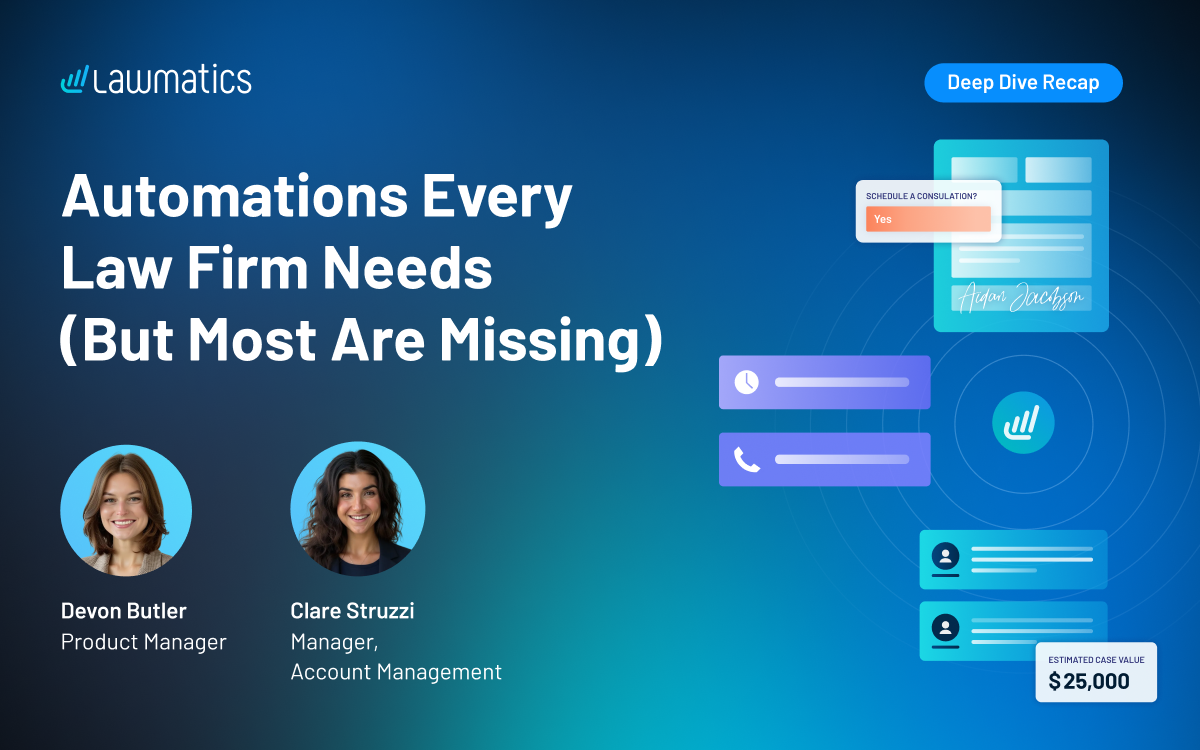
Most firms have at least one automation running, but few have built out a full connected flow that carries a lead from form submission all the way to a signed engagement agreement. This month's Deep Dive walked through exactly that: the automations every law firm needs at each stage of intake, and the couple that most firms are still missing.
In this Deep Dive webinar, Devon Butler, product manager at Lawmatics, and Clare Struzzi, who manages the Account Management team, went back to basics with a full walkthrough of standard intake pipeline automations. The session covered triggering automations from form submissions and custom fields, nurturing leads with drip campaigns, using built in appointment and document reminders, and moving matters through the pipeline all the way to conversion.
Time Stamps of Key Takeaways
4:18 – Why automate with Lawmatics
Devon opened with the core benefits of automating intake: eliminating manual busywork like data entry and follow ups, making sure nothing falls through the cracks by keeping leads on the right message and tasks at the right time, converting leads faster through a seamless workflow, and scaling without adding headcount.
7:42 – The first automation: responding to a new lead
Devon showed the workflow that should fire the moment a lead is created from a web or intake form: an immediate text and email, an optional task for staff, and a stage update into New Lead. Clare noted this is also the ideal moment to trigger Merlin Qualify to automatically evaluate the lead.
16:14 – Why exit conditions matter
Clare shared a simple framework for deciding whether an automation needs an exit condition: ask whether the automation has a goal, and whether there's a delay built in. If the goal is met (e.g.,a consultation gets scheduled) the automation should exit. Automations with no delay between steps generally don't need an exit condition, since everything happens at once anyway.
24:17 – Reminders vs. workflows for appointments
Devon walked through the built-in appointment confirmation and reminder tools. She explained the key difference from automations: most workflow automations only run once per matter, but reminders reset every time an appointment is booked, so a lead who reschedules multiple times still gets a confirmation each time. Clare added that reminders should be the default choice for confirmations, and workflows are really only needed when a firm wants to route different languages to different messaging.
38:13 – Sending the engagement agreement
Devon showed the Send Engagement Agreement automation for when a lead is ready to move forward, usually a single change attributes step plus a request signature action. She also covered how to build in a deadline, for example marking a matter as lost or unresponsive if the document isn't signed within 10 days, as long as an exit condition is in place for when it is signed.
42:24 – Convert Matter, the most important step in the pipeline
Once the engagement agreement is signed, use the Convert Matter action rather than a standard change attributes step. Convert Matter automatically updates the matter status from potential new client to hired, sets the conversion date (which powers reporting and the built in Days to Close field), and syncs the matter to any connected case management platform.
Webinar Slide Deck
Want to keep learning? Lawmatics is hosting a follow-up Collections Workshop the week after this webinar.
You can also find step-by-step help articles on Collections in the Lawmatics Help Center, or email support@lawmatics.com with any questions.
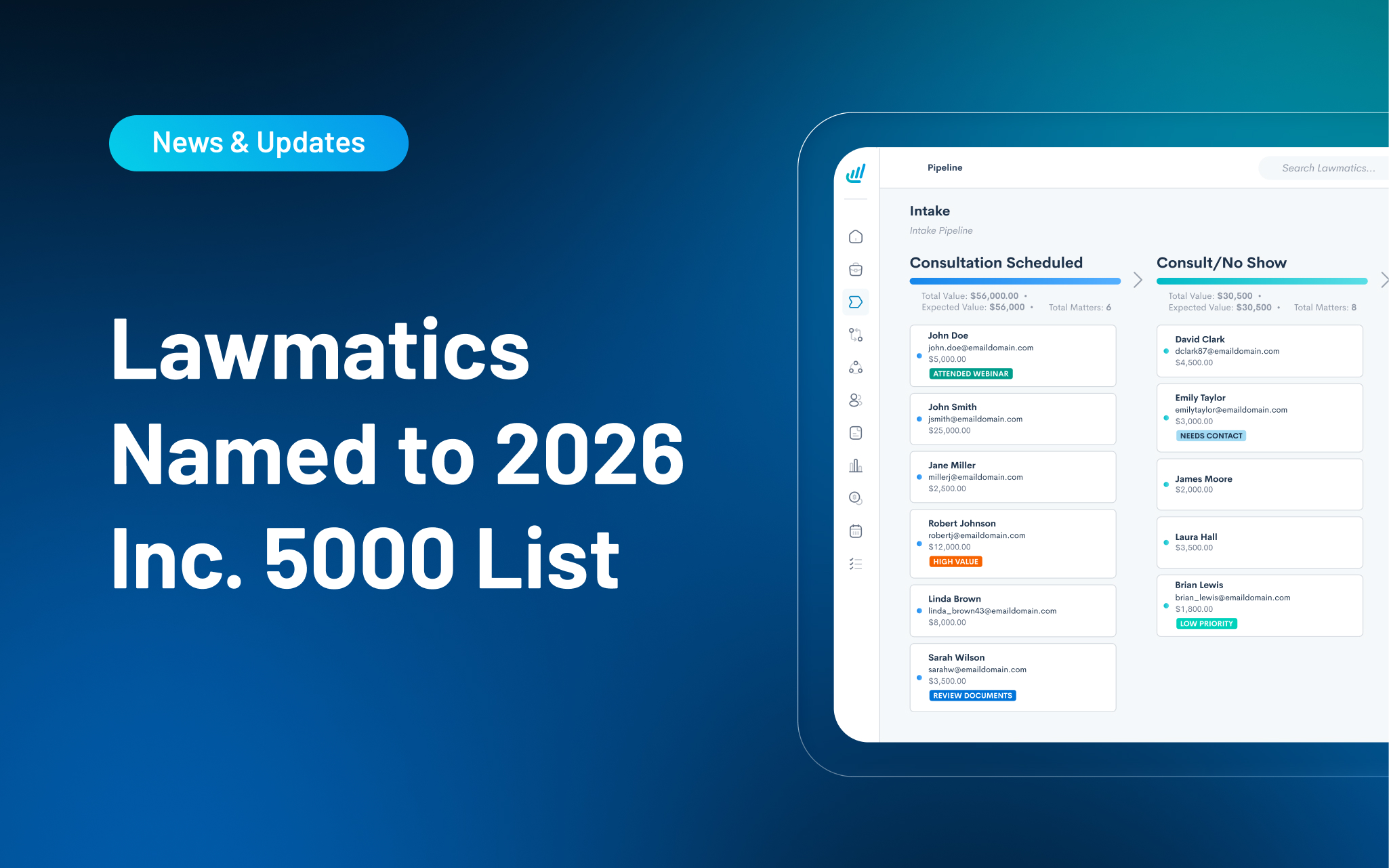
Lawmatics today announced it has been ranked on the 2026 Inc. 5000 list, the annual list of the fastest-growing private companies in America. The list is the most prestigious ranking of the nation’s most successful independent and entrepreneurial businesses, recognizing companies that have achieved remarkable growth while driving innovation, creating jobs, and shaping the future of the economy. Past honorees include companies such as Microsoft, Meta, Chobani, Oracle, and Patagonia.
“When we started Lawmatics, we set out to help law firms run better businesses and sign more clients,” said Matt Spiegel, founder and CEO of Lawmatics. “We have an incredible team that has worked tirelessly to create a best-in-class product and best-in-class customer experience. The recognition as one of the fastest growing companies in the nation is a proud moment for the team.”
“We've focused our growth where AI can genuinely change an outcome, not just automate a task,” said Sarah Bottorff, senior vice president of growth at Lawmatics. “Speed to lead is a prime example: a faster response can be the difference between a client who signs and one who gets away. That's where we've concentrated our energy, and it's showing up in the numbers.”
This year’s Inc. 5000 recognizes a new class of companies redefining what growth looks like. From AI and advanced manufacturing to healthcare, consumer products, and professional services, these businesses are expanding their impact, creating jobs and proving that entrepreneurial ambition continues to fuel the U.S. economy. Among the 5,000 companies on the list, the median three-year revenue growth rate was 130%, and those companies have collectively added more than 627,208 jobs to the U.S. economy over the past three years.
Every law firm knows the feeling when a lead comes in. For a moment, anything seems possible — maybe it's the biggest client in the firm's history, maybe it's a non-fit that you have to refer out. But too often, repetitive tasks and admin get in the way.
Someone has to review the lead, decide if it's worth pursuing, and respond before it goes cold, all while juggling everything else on the day’s list. By the time a firm gets to a good lead, they’ve already gone cold or hired another law firm.
Automation has always been at the core of how Lawmatics helps firms keep pace, and Merlin is the newest layer of that same approach. The new AI suite in Lawmatics currently includes three features:
- Merlin Qualify sifts through a high volume of leads and surfaces the best fits, so firms can respond while a lead is still fresh.
- Merlin Engage reaches out to leads to gather the information still missing, so intake keeps moving forward without anyone having to chase it down.
- Merlin Copilot builds rule-based automations, runs reports, and answers questions about your pipeline, all from a simple conversational prompt.
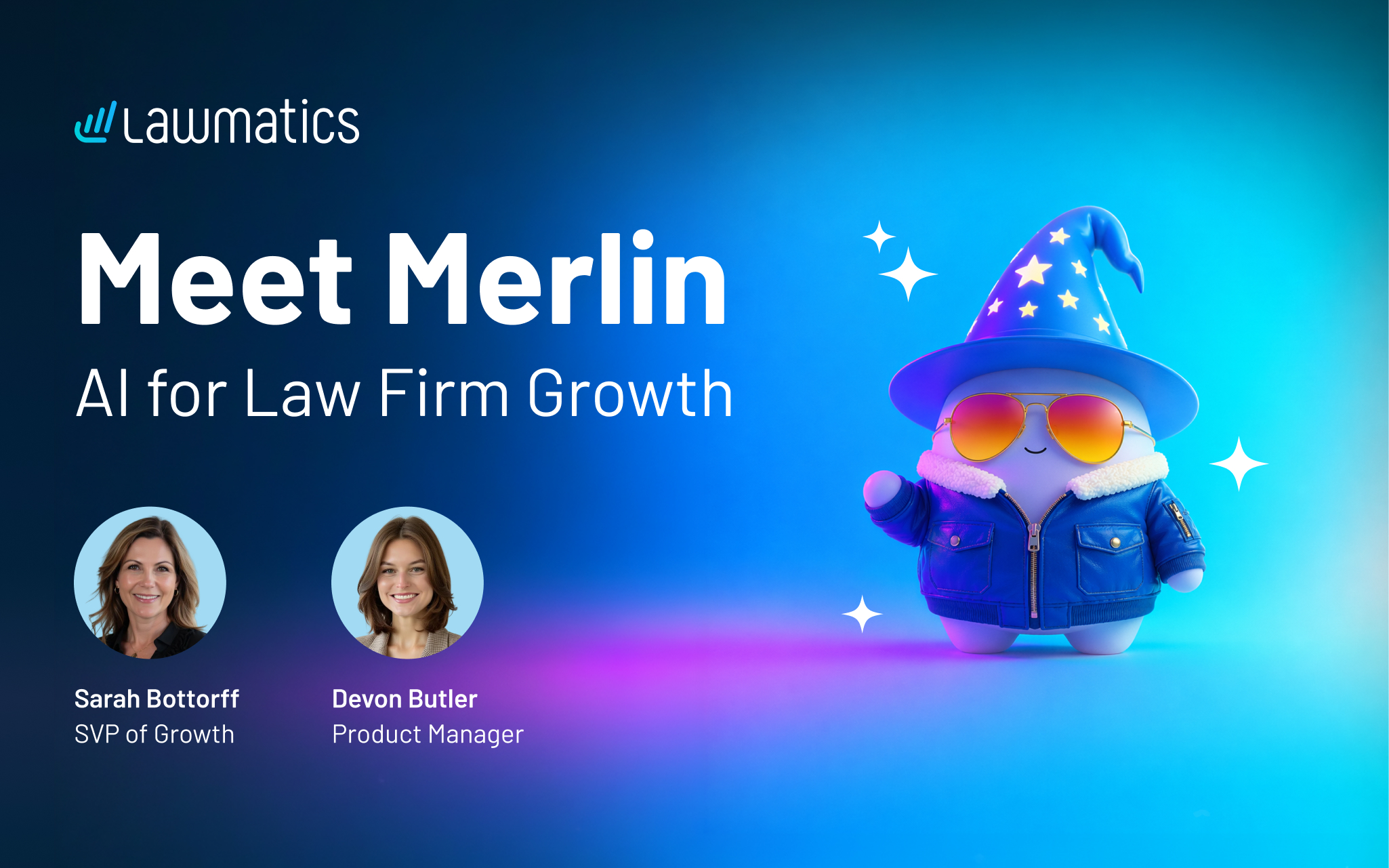
In this webinar, Devon Butler, product manager at Lawmatics, and Sarah Bottorff, SVP of growth, give an overview and demo of the whole suite.
Time stamps of key takeaways
6:07 — Where Merlin takes Lawmatics further
Sarah opens by grounding the session in what Lawmatics already does for firms: intake, marketing automation, CRM, and reporting that move leads toward becoming signed clients. Merlin builds on that same foundation, giving firms an extra layer of speed and consistency exactly where leads used to slow down: cold follow-up, repetitive qualifying work, and conversion rates that don't move no matter how many leads come in.
13:32 – Building a lead scoring model with Merlin Qualify
Devon walks through how firms configure Qualify, creating separate agents for different practice areas since each one calls for its own qualifying criteria. She shows how a built-in copilot helps generate that criteria so firms aren't starting from a blank page, and how an automation action lets Qualify start evaluating leads the moment they come in.
23:20 – Merlin Engage turning a cold lead into a Chase Hard client in minutes
Devon runs a live example: a new lead comes in with no information attached, gets qualified as inconclusive, and Engage reaches out by text within the same minute to collect what's missing. As the lead responds, Engage gets the lead requalified in real time, moving it from inconclusive to a high-confidence Chase Hard lead in a matter of minutes.
32:18 — Merlin Copilot building an automation from a single request
Devon closes the demo with Copilot, showing how it can build an entire automation from a plain-language request, including adding a Qualify evaluation step into that same automation, without leaving the conversation. She notes Copilot works with context from anywhere in the app, so firms don't need to be on a specific page to ask it for help.
40:30 – Wrap up and Q&A
Sarah recaps the throughline: every new lead gets qualified and engaged within minutes, a higher conversion rate means more of a firm's existing leads become clients, and firms can grow their pipeline without growing their headcount at the same rate.
Webinar slide deck
Subscribe to get our best content in your inbox
Law firms love Lawmatics
Our customers give their clients the client-focused experience they deserve. Learn how they do it all with Lawmatics.
.avif)

.avif)
.avif)

Ready to grow your law firm with Lawmatics?
Schedule a demo of legal’s most trusted growth platform.