Deep Dive Recap: Automations Every Law Firm Needs (But Most Are Missing)
Learn the core intake automations Lawmatics recommends, from first lead response through the engagement agreement, and see where to build each one.


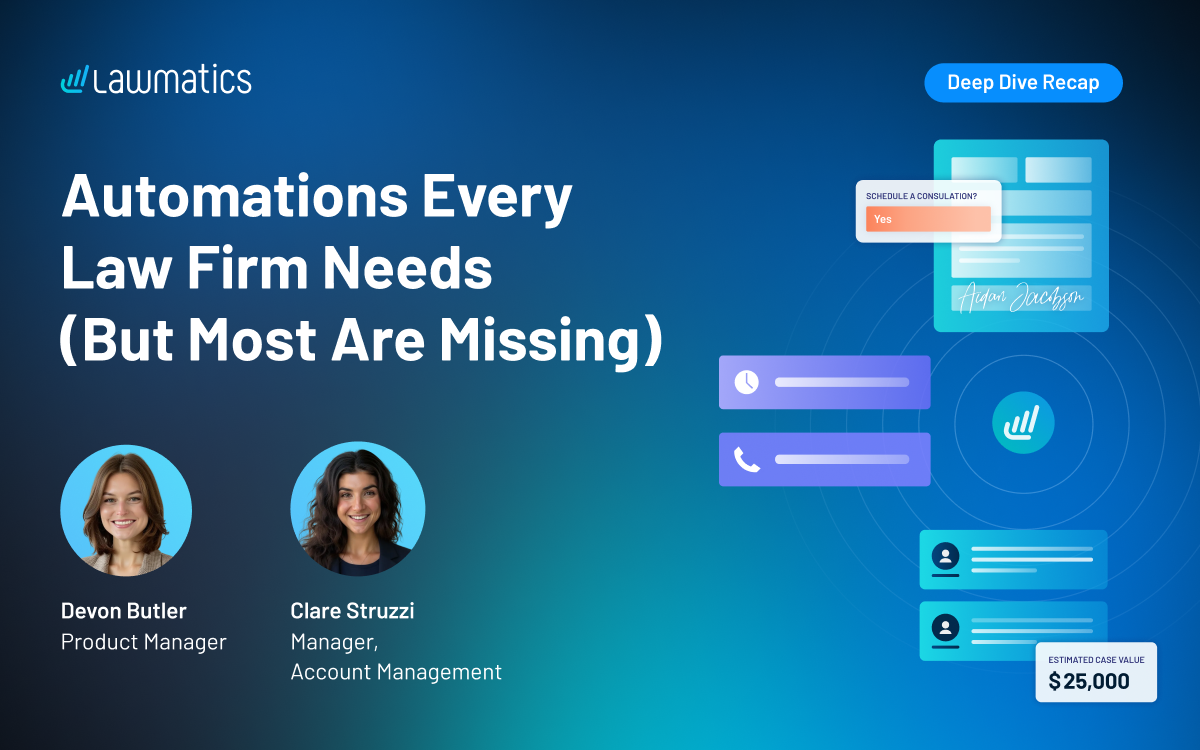
Table of contents
Most firms have at least one automation running, but few have built out a full connected flow that carries a lead from form submission all the way to a signed engagement agreement. This month's Deep Dive walked through exactly that: the automations every law firm needs at each stage of intake, and the couple that most firms are still missing.
In this Deep Dive webinar, Devon Butler, product manager at Lawmatics, and Clare Struzzi, who manages the Account Management team, went back to basics with a full walkthrough of standard intake pipeline automations. The session covered triggering automations from form submissions and custom fields, nurturing leads with drip campaigns, using built in appointment and document reminders, and moving matters through the pipeline all the way to conversion.
Time Stamps of Key Takeaways
4:18 – Why automate with Lawmatics
Devon opened with the core benefits of automating intake: eliminating manual busywork like data entry and follow ups, making sure nothing falls through the cracks by keeping leads on the right message and tasks at the right time, converting leads faster through a seamless workflow, and scaling without adding headcount.
7:42 – The first automation: responding to a new lead
Devon showed the workflow that should fire the moment a lead is created from a web or intake form: an immediate text and email, an optional task for staff, and a stage update into New Lead. Clare noted this is also the ideal moment to trigger Merlin Qualify to automatically evaluate the lead.
16:14 – Why exit conditions matter
Clare shared a simple framework for deciding whether an automation needs an exit condition: ask whether the automation has a goal, and whether there's a delay built in. If the goal is met (e.g.,a consultation gets scheduled) the automation should exit. Automations with no delay between steps generally don't need an exit condition, since everything happens at once anyway.
24:17 – Reminders vs. workflows for appointments
Devon walked through the built-in appointment confirmation and reminder tools. She explained the key difference from automations: most workflow automations only run once per matter, but reminders reset every time an appointment is booked, so a lead who reschedules multiple times still gets a confirmation each time. Clare added that reminders should be the default choice for confirmations, and workflows are really only needed when a firm wants to route different languages to different messaging.
38:13 – Sending the engagement agreement
Devon showed the Send Engagement Agreement automation for when a lead is ready to move forward, usually a single change attributes step plus a request signature action. She also covered how to build in a deadline, for example marking a matter as lost or unresponsive if the document isn't signed within 10 days, as long as an exit condition is in place for when it is signed.
42:24 – Convert Matter, the most important step in the pipeline
Once the engagement agreement is signed, use the Convert Matter action rather than a standard change attributes step. Convert Matter automatically updates the matter status from potential new client to hired, sets the conversion date (which powers reporting and the built in Days to Close field), and syncs the matter to any connected case management platform.
Webinar Slide Deck
Want to keep learning? Lawmatics is hosting a follow-up Collections Workshop the week after this webinar.
You can also find step-by-step help articles on Collections in the Lawmatics Help Center, or email support@lawmatics.com with any questions.
.avif)
Ready to grow your law firm with Lawmatics?
Schedule a demo of legal’s most trusted growth platform.