AI Intake Automation: How to Quickly Turn Inquiries into Qualified Leads
Learn how AI intake automation helps law firms qualify leads faster, eliminate manual follow-up, and convert more inquiries into retained clients without adding headcount.


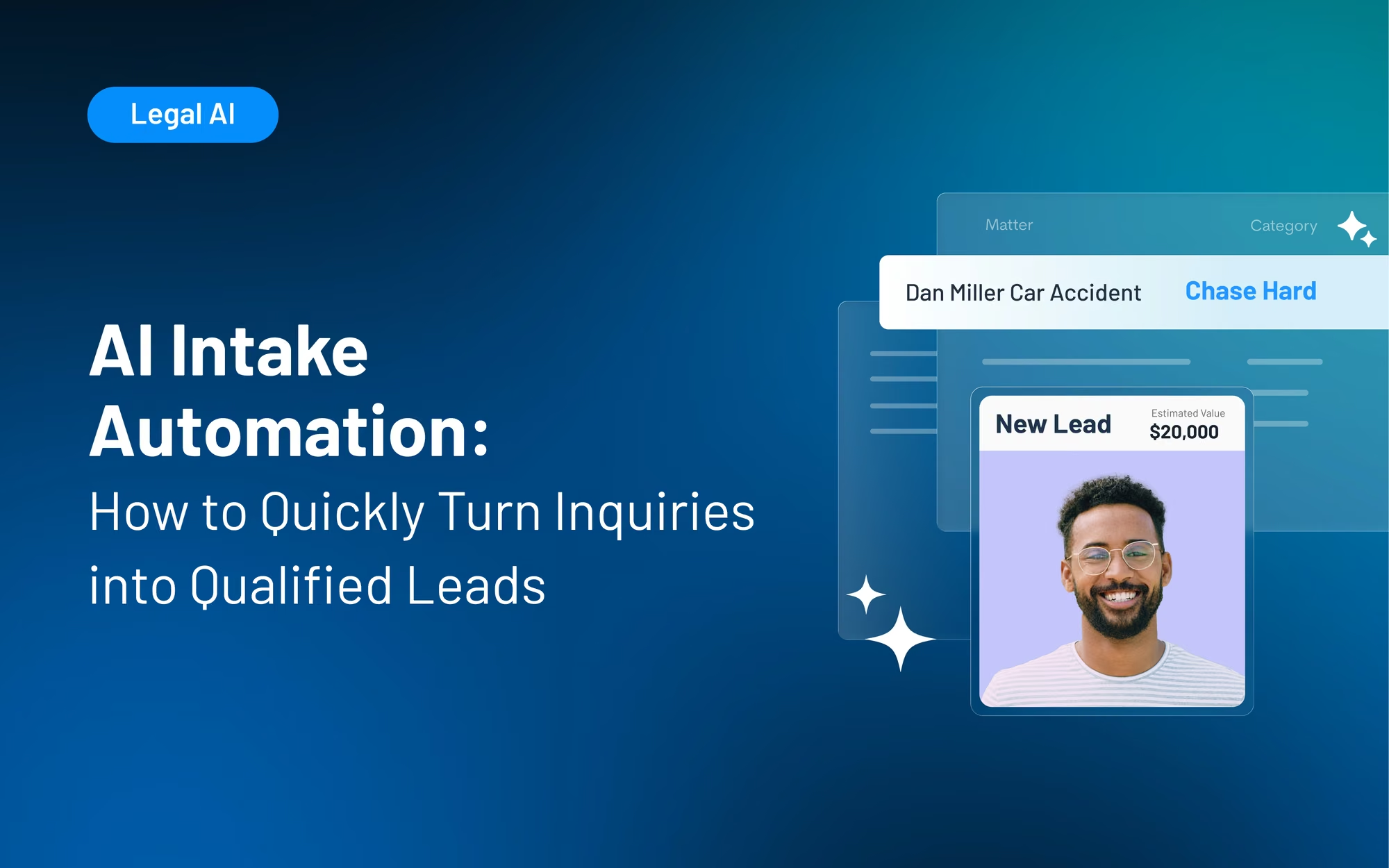
Table of contents
Most law firms don’t lose leads because of subpar service; they lose them because they take too long to respond to an initial inquiry. Given that 72% of legal consumers hire the first attorney they speak with, if your intake system is slow, you’re losing potential clients to competitors.
AI intake automation isn’t about filling a technology gap; it’s about stopping revenue leaks. Automated legal intake ensures you’re responding to high-quality leads every time, even when staff are busy. The result is you lose fewer of those leads to competitors and improve your firm’s bottom line.
The guide below is for managing partners trying to decide whether AI-powered intake tools can help fill this revenue gap without requiring a major overhaul to workflows. We’ll look at where manual intake falls short, how to implement an AI-automated intake system, and the legal intake solutions Lawmatics provides.
What is AI Intake Automation?
Before you automate intake, it helps to understand what AI intake automation actually does, where it fits in the funnel, and which decisions still require a human touch.
The difference between intake software and AI intake automation
AI intake automation is fundamentally different from basic intake software.
- Basic intake software collects information via forms, automates legal intake scoring, routes it to the right person, and triggers follow-ups. Basic intake software requires staff to sort through and assess data, but intake automation does this without staff intervention.
- True AI client intake automation is defined by three components: structured data capture, AI lead scoring, and workflow triggers. Each component builds on the last. Clean data leads to more reliable lead scoring, and reliable lead scoring leads to accurate routing and follow-up triggers.
AI intake automation is not just digital intake forms or case management intake screens. While these digitized versions of intake have advantages, they lack the automated intake scoring, routing, and follow-up triggers that define true automated legal intake.
What "automated" means at each stage of the intake funnel
Automation works differently at different stages of your funnel. When you understand each stage, it’s easier to identify where your current process falls short.
- Lead capture: This is the moment when a form is submitted, and a lead enters the pipeline. Your AI intake tool will automatically create a CRM record, and an acknowledgment will be triggered.
- Qualification: Within seconds of that initial lead capture, AI uses your firm’s defined criteria to automatically score the lead for practice area fit, case type, geography, timeline, and more. Merlin Qualify in Lawmatics is an example of AI-powered lead qualification for legal firms built directly into a legal CRM.
- Routing: The lead’s score tier determines which staff member or workflow the lead is routed to. For example, high-fit leads are routed directly to staff for immediate follow-up, while lower-fit leads may be sent to a referral sequence, nurture workflow, or disqualified entirely. Effective routing ensures that staff time is focused on leads most likely to convert into paying clients.
- Follow-up: Email and SMS sequences are triggered automatically according to each lead’s score tier. The right message goes to the right lead. Because you’re not depending on a staff member’s memory or availability, there’s a lower chance of leads getting needlessly dropped.
Where human judgment still belongs
AI intake automation doesn’t replace humans, and shouldn't be a cause for headcount reduction. Stages that require judgment still need attorneys or staff to step in. For example, attorneys need to own case fit decisions, fee conversations, and discussions that set client expectations.
What AI does is make triaging and sequencing leads faster and more efficient. Attorneys can focus on building client relationships and spend less time sifting through low-fit prospects.
The Four Places Manual Intake Bleeds Revenue
Manual intake issues often show up as small delays or missed steps, but over time, they can cost your firm qualified leads, staff time, and clear visibility into what is driving growth.
Slow first response: why 40% of law firm leads go unanswered
Responding quickly to leads is one of the best ways to reduce revenue bleed. You are 21 times more likely to qualify a lead if you respond within five minutes rather than waiting just 30 minutes. Yet only 25% of law firms respond within five minutes, and 40% of law firm leads go completely unanswered.
The reason for these slow response times is that most small firms don’t have an automated acknowledgment system. Instead, they rely on staff to make the first response. So, when a lead comes in after hours or during a busy period, it waits hours or days. During that wait, that potential client contacts your competitors.
Every hour of delay reduces the probability of booking a consultation. Relying on staff to fix the problem is unrealistic and often results in inconsistent outcomes.
Inconsistent screening: when the answer depends on who picks up
If your firm doesn’t have a standardized pre-screen process or scoring model, then intake quality will inevitably vary by staff member.
The result is that the same lead could end up being booked for a consultation by one staff member but declined by another. Both staff members are doing their jobs properly. The problem is that without a standard to guide them, they’re applying different judgment calls to the same lead.
No follow-up system: leads that stall after the first touch
If a lead doesn’t convert on first contact, that doesn’t mean they’ve stopped looking for representation. Many law firm leads take days or weeks to decide to book a consult. Unfortunately, too many firms lack a follow-up system for leads that stall after the first contact, even for high-fit leads.
And sending just a single follow-up email or SMS is not enough. You need an automated sequence triggered by a lead score that runs until the lead responds or is disqualified. With automated follow-up, your firm stays relevant to leads throughout the decision-making process.
Zero visibility: intake you can't measure, you can't fix
If you don’t have pipeline reporting, you’re making decisions based on instinct rather than data. Gut-based intake management leads to inconsistent results. It makes it impossible to forecast how marketing spend will impact revenue.
Pipeline reporting, on the other hand, means you can trace a retained client back to their first inquiry. That data helps you evaluate what stages of your pipeline are and aren’t working. When you can measure intake, you can identify where leads are dropping off, which sources produce retained clients, and which staff members are best at converting leads.
Before/After: Manual Intake vs. Automated Intake
The following table will help you understand where your current intake system is falling short. With that information, you can see how automated legal intake solutions can improve performance.
How to Implement AI Intake Automation: A Step-by-Step Framework
To get reliable results from AI intake automation, your firm needs the right foundation: clean intake data, clear qualification criteria, automated follow-up, and reporting that shows what is working.
Step 1: Standardize your intake data before you automate anything
For client intake automation to work, your data must be clean and structured. AI automation requires consistent data in order to generate accurate and reliable outputs.
To standardize your data, begin by auditing your existing intake forms. Look for missing fields, such as damages thresholds, case timeline, and geographic scope, that your staff currently asks prospective clients about verbally. If your forms include free-text response fields, consider replacing them with dropdowns or conditional sections to deliver more consistent data and reduce friction.
Avoid setting up an AI scoring system before you’ve cleaned up your intake data. Skipping this step leads to unreliable lead scores, a loss of confidence in the tool, and a reversion to manual scoring. Focus on clean data first, defining your qualification criteria second, and only then configuring your AI scoring system.
Step 2: Define what a qualified lead looks like for your practice
Next, define your criteria for a qualified lead. A complete definition should include practice area, case type, geography, damages threshold, and timeline. This definition should correlate with clients your firm can actually serve well, not just assumptions about what should qualify.
By not writing a definition down, your scoring criteria ends up using the tool’s defaults. When you let the tool define qualification criteria by default, the resulting scores are less likely to reflect the type of clients your firm is effective at retaining.
Step 3: Configure AI scoring to route and prioritize automatically
When you have your qualification criteria written down, map them directly into your scoring model. For example, Merlin Qualify uses your firm-defined criteria to then recommend one of four actions based on lead quality: Reject, Refer, Chase, or Chase Hard.
With these recommendations, staff can act on a clear signal rather than on instinct. Plus, because every recommendation includes a visible score rationale, your team can verify the accuracy of the output.
Avoid treating scoring configuration as a one-time setup. Your firm’s practice mix and case economics will shift over time, and your scoring model should be modified to reflect where your firm is today. Merlin Qualify can recommend adjustments based on firm feedback, but ultimately someone at your firm will need to implement them, either quarterly or monthly, depending on firm volume.
For a more in-depth look at how Merlin Qualify works, explore our AI lead-scoring guide.
Step 4: Build automated follow-up sequences triggered by lead score
Once your scoring system is configured, focus on building automated follow-up sequences. Follow-up sequences should trigger within minutes of a lead making contact and entering the funnel. If a lead doesn’t get an acknowledgment right away, momentum is lost, and the lead is more likely to look to one of your competitors. You can eliminate this gap with automated follow-up sequences.
However, not all follow-up sequences are the same. Their content and frequency should vary by score tier. Otherwise, you’ll waste staff time on low-quality leads. For example, a Chase Hard lead warrants an immediate text and same-day call, whereas a Refer lead may be better suited to an email sequence.
Before rolling out automated sequences, make sure your team understands the score rationale. When staff understand why a recommendation was made, they’re less likely to bypass the system.
Step 5: Connect intake performance to pipeline reporting
An intake performance dashboard provides key metrics across the funnel, including lead source, first-response time, qualification rate, consults booked, consults held, and retained clients.
For managing partners, pipeline reporting allows you to better forecast revenue from marketing spend and to justify marketing investments to firm leadership. Without this data, you’re making marketing spend decisions based on gut instinct.
You should establish a reporting baseline at launch rather than treating it as a set-and-forget system. By treating reporting as a priority from the start, you’ll be better able to measure improvements and trends over the long term.
Before You Go Live: AI Intake Automation Checklist
To ensure your AI intake automation delivers valuable, consistent results, use this checklist before you go live.
What AI Intake Automation Looks Like Inside Lawmatics
Lawmatics integrates AI intake automation with lead qualification, workflow automation, and reporting within a single legal CRM. That means firms can evaluate new inquiries faster, act on each lead’s score, and see how intake activity turns into retained clients.
Merlin Qualify: lead scoring built for legal intake, not generic B2B pipelines
Most lead-scoring tools are built for generic sales pipelines and trained on B2B data that’s only loosely adapted for law firms. Merlin Qualify is different because it uses your firm’s own defined criteria rather than benchmarks created for other industries.
More refined recommendations flow from the model based on intake outcomes, so scoring gets better over time. For example, as your team accepts or overrides recommendations, Merlin Qualify incorporates this feedback. Plus, the scoring rationale is visible in the Lawmatics legal CRM, so staff can trust the recommendation and audit it as needed.
Automated workflows that act on score without manual handoffs
In Lawmatics, you can create custom automations to trigger follow-up sequences, routing notifications, and calendar prompts based on lead score tier and without the need for manual handoff. High-priority leads receive immediate SMS and email outreach, while low-score leads are routed to referral or rejection workflows.
This automatic routing ensures that intake staff can spend their time on conversations with leads most likely to become retained clients.
Reporting that connects intake activity to retained clients
Lawmatics’ pipeline reporting gives you instant visibility into conversion rates, first-response times, lead source ROI, and qualification rates. As a managing partner, you’ll have the data needed to forecast revenue, make better marketing budget decisions, and identify bottlenecks early.
Lawmatics also integrates with existing case management tools, such as Clio, MyCase, and PracticePanther. Intake automation can run alongside your existing stack without requiring a forced migration, switching costs, or rebuilding your current legal automation workflows.
Ready to see how Merlin Qualify and Lawmatics automate intake end-to-end? Request a demo.
FAQ: AI Intake Automation
What is AI intake automation for law firms?
AI intake automation for law firms can score, route, and follow up on leads without manual triage. The result is faster response times, more consistent qualification, and less time wasted on low-fit leads.
How is automated legal intake different from a basic intake form?
A basic intake form only collects data that a staff member must then assess for firm fit. Automated legal intake goes further by scoring the lead, triggering workflows, and routing based on fit and likelihood to convert.
Will AI intake automation work with my existing case management software?
Yes, Lawmatics integrates with leading case management software, such as Clio, MyCase, and PracticePanther. There’s no forced migration or system replacement required, and you can maintain your current workflows.
How long does it take to see results from automated intake?
So long as automated intake is being used consistently, firms typically see faster first-response times and higher consult booking rates within the first 30 to 60 days. You’ll need to establish a reporting baseline at launch in order to track improvements from week one.
Does AI intake automation replace my intake staff?
No. You’ll need staff for conversations with qualified leads and to prepare consultations while AI handles triage, scoring, and follow-up sequencing. The result isn’t fewer staff, it’s freeing up time so staff can focus on higher-value work.
.avif)
Ready to grow your law firm with Lawmatics?
Schedule a demo of legal’s most trusted growth platform.