What Is AI Legal Tech? A Guide for Modern Law Firms
Learn what AI legal tech is, how law firms use it, its benefits and risks, and how to choose AI tools that fit your workflows.


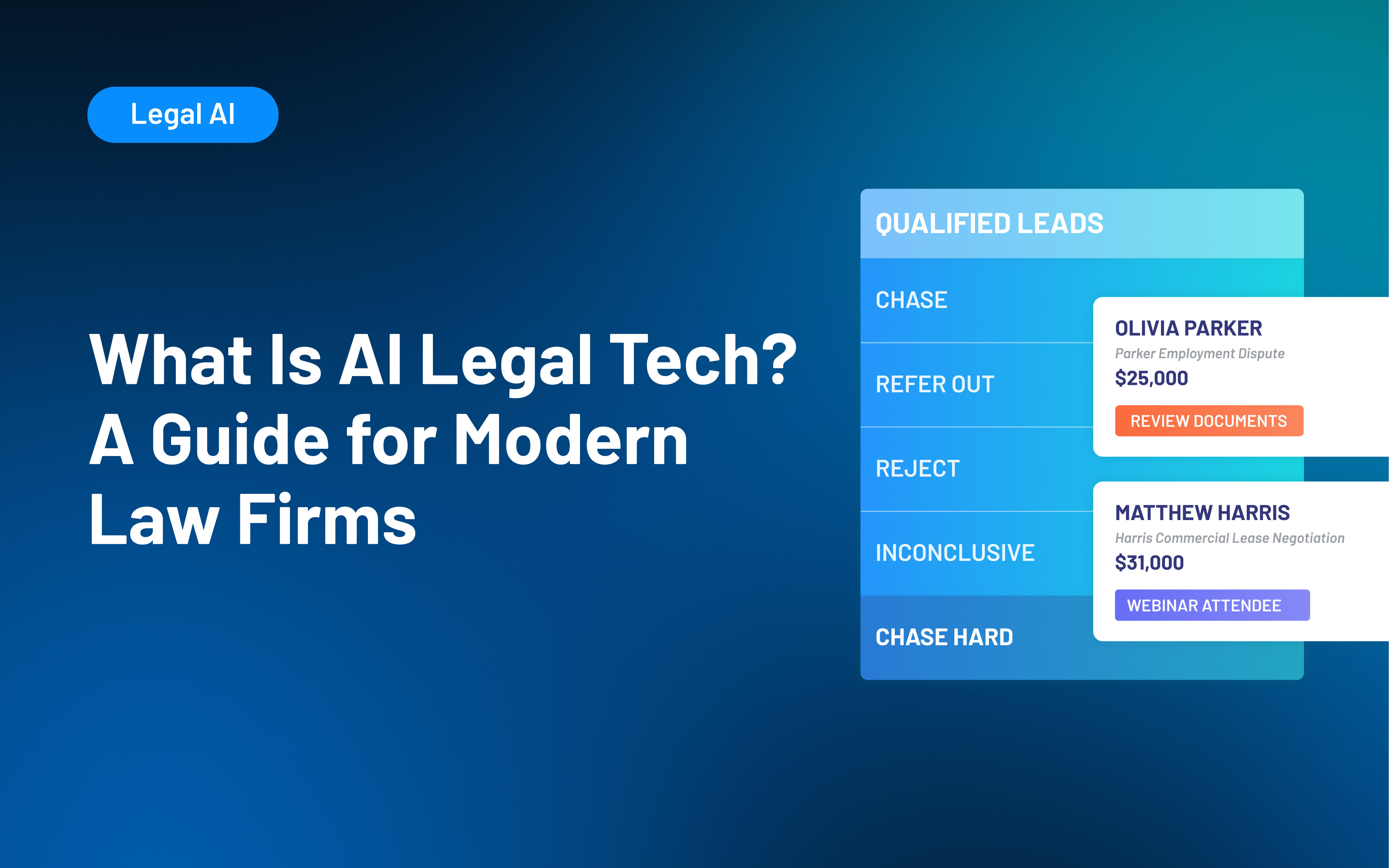
Table of contents
Law firms face growing pressure to adopt AI legal tech, but the label now appears on tools that do very different jobs. One platform may help draft a motion, another may review contracts, and another may support client intake or firm reporting.
For firm leaders, the harder question is not whether AI belongs in legal work. It’s where the technology can solve a specific problem without creating new risks, disconnected systems, or unnecessary complexity. Interest is already substantial: 69% of legal professionals surveyed for 8am’s 2026 Legal Industry Report said they used generative AI at work.
AI can help law firms with both legal work and the day-to-day operations behind it. This guide explains the main types of AI legal technology, where they can help, and how to evaluate the right fit for your firm.
What Is AI Legal Tech?
AI legal tech is software that uses artificial intelligence to interpret information, generate content, identify patterns, recommend actions, or assist with legal and operational workflows.
The category is broad. Some AI tools for lawyers focus directly on legal work, such as finding relevant authorities, comparing documents, or preparing an initial draft. Others support law firm operations through client intake, communication, workflow management, or reporting.
A few distinctions can make the category easier to understand:
- General-purpose AI works across industries. A general AI tool may help with writing, summarizing, brainstorming, or information retrieval without being built around legal terminology, legal sources, or law firm workflows.
- Legal AI is designed for legal use cases. Depending on the product, that may mean working with legal authorities, documents, firm data, intake criteria, or processes specific to legal practices.
- AI differs from traditional automation. A rules-based automation follows predetermined instructions: for example, sending a specific email when a prospect reaches a certain stage. AI can interpret information, generate content, classify inputs, or recommend a next step.
- Many platforms combine both. Legal AI software may use AI alongside forms, databases, templates, workflow rules, integrations, and other conventional software capabilities.
Many platforms combine AI with traditional software capabilities, but legal-specific design does not make every output reliable or every product appropriate for your firm.
The American Bar Association's guidance on lawyers' use of generative AI emphasizes that existing duties involving competence, confidentiality, communication, supervision, and reasonable fees continue to apply when lawyers use these tools.
Types of AI Legal Technology
It is easier to evaluate legal AI tools by the work they support than by the terminology a vendor uses. Two products described as "legal AI platforms" can solve entirely different problems.
The first three categories focus more on substantive legal work, such as research, drafting, contract comparison, and document review. These uses still require human review, especially when outputs could influence legal advice or a client matter.
The other categories center on firm operations and client relationships, including evaluating inquiries, collecting missing information, retrieving firm data, and building workflows. An AI-assisted client intake process still depends on firm-defined criteria and staff oversight.
Some tools span multiple categories. Newer approaches, such as agentic AI in legal, may also take steps within a defined process, such as gathering missing information or triggering a follow-up, rather than only returning an answer.
When comparing AI software for law firms, prioritize fit with the systems and processes your team already uses. Confirm the tasks each platform actually supports and whether those capabilities fit the work your firm needs help with.
Benefits of AI Legal Tech for Law Firms
The most useful benefits of AI for lawyers are practical. Good technology can reduce repetitive work or make information easier to act on, giving your team more capacity for work that requires judgment, expertise, and human interaction.
Thomson Reuters' 2025 Future of Professionals Report found that professionals already using AI most often identified efficiency, productivity, and cost savings among its significant benefits. The research also points to stronger results when organizations approach AI with a clear strategy rather than relying on scattered, informal use.
For law firms, AI can support three broad outcomes:
- Increase capacity: AI can assist with first drafts, information retrieval, document review, routine communications, and administrative analysis. Your team may spend less time gathering or organizing information before doing the work that requires professional judgment.
- Create more consistent workflows: AI can apply defined criteria, templates, review steps, and follow-up processes across a larger volume of work. For example, an intake system may evaluate inquiries against the same qualification criteria before staff review.
- Improve responsiveness and visibility: AI can surface relevant information sooner, help move routine tasks forward, and make it easier for leaders to understand intake activity, workload, or performance data.
None of these outcomes come automatically from buying legal AI software. The results depend on how well the technology fits the work and how effectively your team uses it.
Challenges of Using AI for Lawyers
Some of the hardest AI problems have little to do with the AI itself. A new tool can speed up an established process, but it cannot create a clear process where one does not exist.
Before adding AI for law firm operations or legal work, look for the operational barriers that could limit its usefulness:
- Fragmented systems and data: AI has less useful context when client records, matter information, intake details, communications, and reporting data live in different places. Adding another standalone tool can increase fragmentation if information does not move reliably between systems.
- Unclear processes and accountability: Your team should know who owns each stage, what information is required, and how work moves from one person or system to the next.
- Adoption and change management: Attorneys and staff need approved use cases, practical training, and clear expectations. Thomson Reuters' 2025 research found that more than 40% of surveyed professionals reported skill gaps within their teams in areas including technology, data knowledge, and technical expertise.
- Difficulty proving value: "Saving time" is too broad to evaluate on its own. Tie AI use to a specific workflow and compare results such as review time, completed follow-ups, staff adoption, reporting effort, or intake consistency.
These barriers can limit even capable technology. Addressing them first gives your firm a stronger foundation for adopting AI successfully.
Risks and Responsibilities When Using Legal AI
Mistakes involving legal AI can carry more weight than an ordinary software error. An inaccurate answer, exposed client information, or a poorly reviewed recommendation can have consequences that extend well beyond a frustrating user experience.
Before using legal AI, pay particular attention to four risks:
- Incorrect or fabricated output: Generative AI can produce inaccurate facts, incomplete analysis, or nonexistent authorities and citations. Lawyers need an appropriate process for checking any material used in legal work.
- Confidentiality and data practices: Before entering client or prospective client information, review how the provider stores, processes, retains, and protects data, as well as who may access it.
- Bias and inconsistent recommendations: AI systems can reflect problems in their inputs, criteria, training, or design. Consistent application of a rule does not guarantee that the rule itself is appropriate or unbiased.
- Overreliance: AI should have defined review and escalation points. AI assistance does not shift responsibility away from the attorneys and staff overseeing the work.
ABA Formal Opinion 512 explains that lawyers using generative AI remain responsible for duties such as competence and confidentiality, including protections that may apply to prospective-client information.
Your firm should define approved uses, set data and review requirements, train staff, and establish a process for reporting inaccurate or unexpected results. You should also review applicable privacy, consent, advertising, professional-responsibility, and jurisdictional requirements.
This is general information, not legal advice. Requirements vary by jurisdiction, technology, data, and use case.
How to Choose and Implement AI Legal Software
A long feature list will not tell you whether a tool will improve the work your team does every day. Start with a recurring problem, then evaluate the technology against that problem.
A practical implementation process looks like this:
- Define one use case: Choose a recurring bottleneck, such as document review, intake evaluation, follow-up, reporting, or internal information retrieval. Define what success looks like before introducing AI.
- Understand what the tool does: Determine whether it generates, retrieves, classifies, summarizes, recommends, or takes action. Confirm what data informs the output and how it handles uncertainty.
- Test realistic scenarios: Go beyond ideal demos. Test incomplete, ambiguous, unusual, and high-risk inputs your team actually encounters.
- Review data and security practices: Understand how information is stored, retained, accessed, and potentially used for model training. Review these practices based on the sensitivity of the data your firm plans to use.
- Check integrations: Confirm the tool works with systems your firm already trusts. The 2025 Legal Industry Report found that integration with existing software was an important consideration for legal-specific generative AI investments.
- Set review and ownership: Define what AI can handle, what requires approval, and who is responsible for review. In intake, for example, AI may help categorize an inquiry without making the final representation decision.
- Run a limited pilot: Start with a small group, provide training, and track how the tool affects the workflow before expanding access.
- Measure before expanding: Track metrics tied to the original problem, such as review time, intake consistency, follow-up completion, reporting effort, adoption, or error rates.
Your firm does not need to adopt AI everywhere at once. One well-chosen use case gives you room to learn what works, where oversight is needed, and whether expansion makes sense.
How Lawmatics Uses AI Across Intake and Firm Operations
Lawmatics focuses AI on a different part of the legal workflow than research, contract analysis, or litigation platforms. As a legal CRM, Lawmatics supports the client journey and firm operations through connected intake, communication, automation, pipeline management, reporting, and related capabilities.
The Merlin suite brings AI-assisted capabilities into those existing workflows.
- Merlin Qualify in Lawmatics: Evaluates inquiries against firm-defined criteria, explains its reasoning, recommends next steps, and can trigger follow-up workflows. Your team still defines the criteria and decides how recommendations affect intake.
- Merlin Engage in Lawmatics: Follows up with prospects by text to collect missing information and keep intake moving. It works with Merlin Qualify to fill information gaps and can escalate conversations when needed.
- Merlin Copilot in Lawmatics: Lets staff use plain-language requests to build automations, generate reports, retrieve firm data, and answer operational questions inside Lawmatics.
These capabilities work within the broader Lawmatics CRM, alongside contacts, forms, appointments, communications, pipeline stages, source data, and reporting. AI is more useful when it supports a defined workflow instead of operating in isolation.
By keeping these capabilities connected to the same CRM as your intake, communications, pipeline, and reporting, Lawmatics helps AI support the client journey without adding another disconnected system.
To see how Lawmatics connects AI-assisted intake, prospect engagement, automation, and reporting in one legal CRM, request a demo.
Frequently Asked Questions: AI Legal Tech
What does AI legal tech mean?
AI legal tech is software that uses artificial intelligence to assist with legal work or law firm operations. It can include tools for research, drafting, document analysis, client intake, communication, workflow creation, reporting, and other tasks.
The category is broader than generative AI and includes technologies that retrieve information, classify inputs, identify patterns, or recommend actions.
How are law firms using AI?
Law firms use AI across both legal and operational work. Common examples include legal research, first drafts, document review, summarization, intake evaluation, prospect communication, workflow creation, and reporting.
The right use depends on the firm's processes and the level of human judgment each task requires.
What is the difference between legal AI and generative AI?
Generative AI is technology that creates new content, such as text, based on a user's prompt and other available information. Legal AI is a broader category.
A legal AI tool may use generative AI, but it can also rely on retrieval, classification, analysis, recommendations, or workflow capabilities designed for legal work or law firm operations.
Is AI legal tech safe for confidential information?
There is no universal answer. Suitability depends on the product's data handling, security controls, retention practices, contract terms, configuration, and the type of information your firm plans to use with it.
ABA guidance makes clear that lawyers' confidentiality obligations continue to apply when generative AI is used. Review a provider's practices and your firm's applicable obligations before entering sensitive information.
What should a law firm look for in legal AI software?
Start with workflow fit. The software should address a specific problem your firm can define and measure.
Then evaluate its legal focus, the sources behind its answers, data practices, security, human review controls, integrations, usability, and performance in realistic scenarios. A narrowly useful tool that fits your existing process can be more valuable than a broader AI platform your team does not consistently use.

Ready to grow your law firm with Lawmatics?
Schedule a demo of legal’s most trusted growth platform.