

Deep Dive Recap: The Dashboard Every Law Firm Should Use
Learn how custom dashboards in Lawmatics help law firms track real-time intake performance, identify pipeline bottlenecks, and standardize data collection, all from one centralized view.


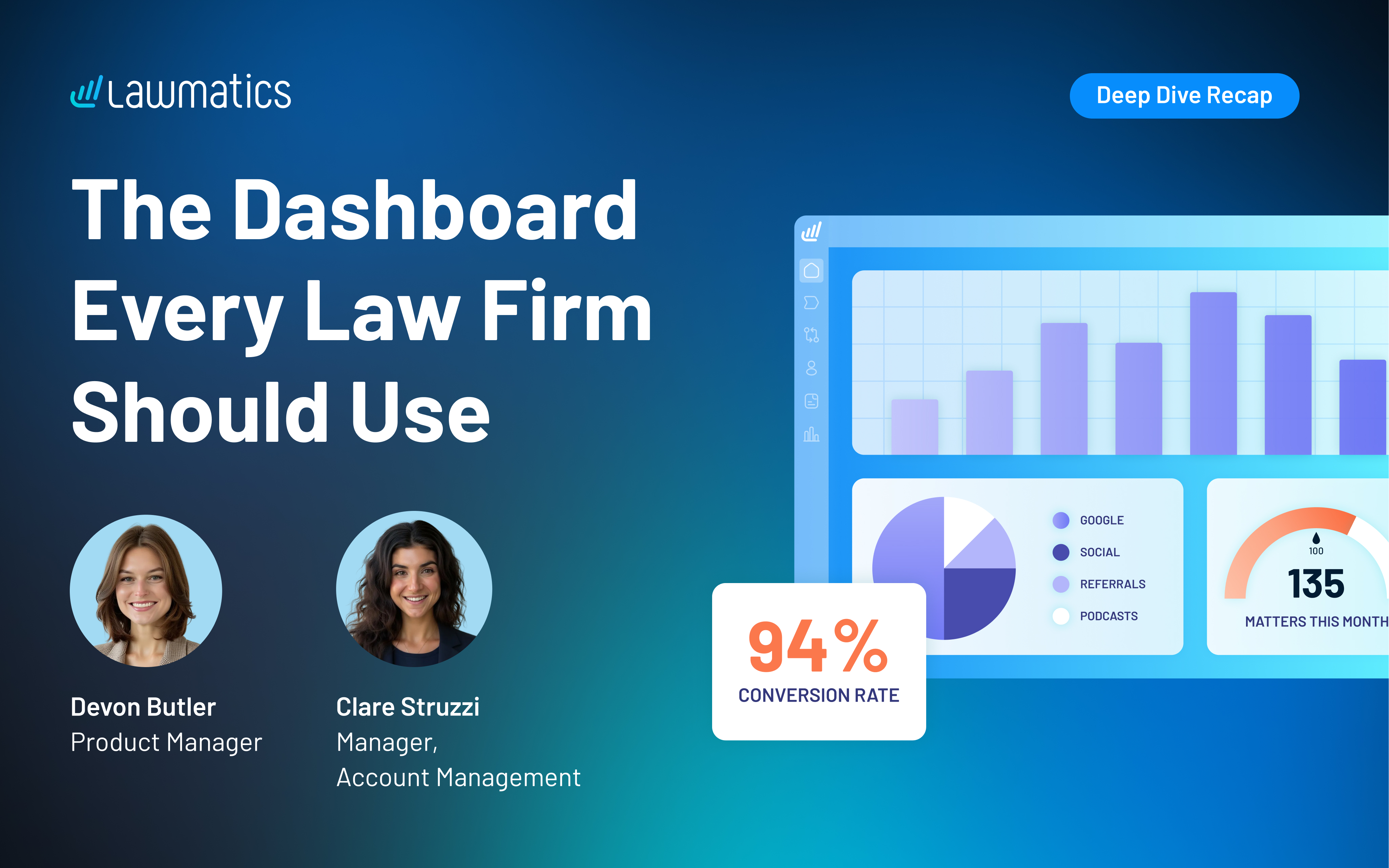
Table of contents
Most law firms aren't short on data. They're short on data they can trust. This month's Deep Dive focused on building the reports, dashboard, and data collection habits that give your intake and sales numbers real meaning.
This month's Deep Dive was presented by Devon Butler, product manager at Lawmatics, alongside Clare Struzzi, who manages Lawmatics' account management team. Together, they walked through how to build a fully functional intake and sales dashboard in Lawmatics, from configuring custom reports to designing role-specific matter views that keep your data clean.
The session was designed for law firm owners, intake managers, and operations staff who want to move beyond guesswork and make data-driven decisions about their pipeline health and team performance.
Time stamps of key takeaways
08:00 – What the sales intake dashboard tracks and why it matters
Devon walked through the core panels of the sales intake dashboard, including this month's lead count, conversion rate, and qualified vs. unqualified leads. Lawmatics includes several pre-built standard metrics so firms don't have to start from scratch, while custom reports give the flexibility to track what's specific to your pipeline.
14:48 – Reading lost matter substatuses to understand why leads fall off
Devon showed how visualizing lost matters by substatus (such as "referred out," "hired another attorney," or "unresponsive") gives firms a clear view of where leads are dropping. Clare noted that patterns in this chart often point directly to a process fix, whether that's faster response times, better drip campaigns, or more consistent follow-up tasks.
19:28 – Setting up pie charts and bar graphs using picklist columns
For a chart panel to work on a custom dashboard, the underlying report needs to include a picklist column to group by, such as stage, source, practice area, or substatus. Clare clarified that each graph supports one picklist at a time, so firms tracking multiple dimensions will need separate reports and panels.
35:26 – Comparing lead source volume against actual conversion rates
Devon demonstrated side-by-side pie charts (one for all leads by source, one for converted clients by source), revealing that the channels driving the most leads aren't always the ones driving the most conversions. This comparison helps firms allocate marketing spend based on what's actually closing, not just what's coming in.
43:18 – Tracking the consultation funnel from scheduled to converted
Devon walked through a panel that maps the full consultation funnel: leads created, consultations scheduled, consultations attended, and conversions. In the demo, 55 leads were created and 52 had a consult scheduled, but only 27 attended. Clare highlighted that appointment types in Lawmatics automatically create date fields that can be used directly as report filters, no extra custom fields required.
52:29 – Creating a reporting section in Custom Matter Views to keep data clean
The session closed with a look at how Custom Matter Views can include a dedicated reporting section, surfacing only the fields staff need to fill out: source, campaign, salesperson, qualified lead status, consultation results, and converted date. Clare added that these views are role-specific, so each team member sees only what's relevant to their part of the intake process.
Webinar Slide Deck
.avif)
Ready to grow your law firm with Lawmatics?
Schedule a demo of legal’s most trusted growth platform.
