Deep Dive Recap: Using Collections: The Smarter Way to Collect Client Data
Learn how Collections in Lawmatics help law firms organize repeatable client data, streamline intake forms, and keep matter pages clean — all from one structured, scalable feature.


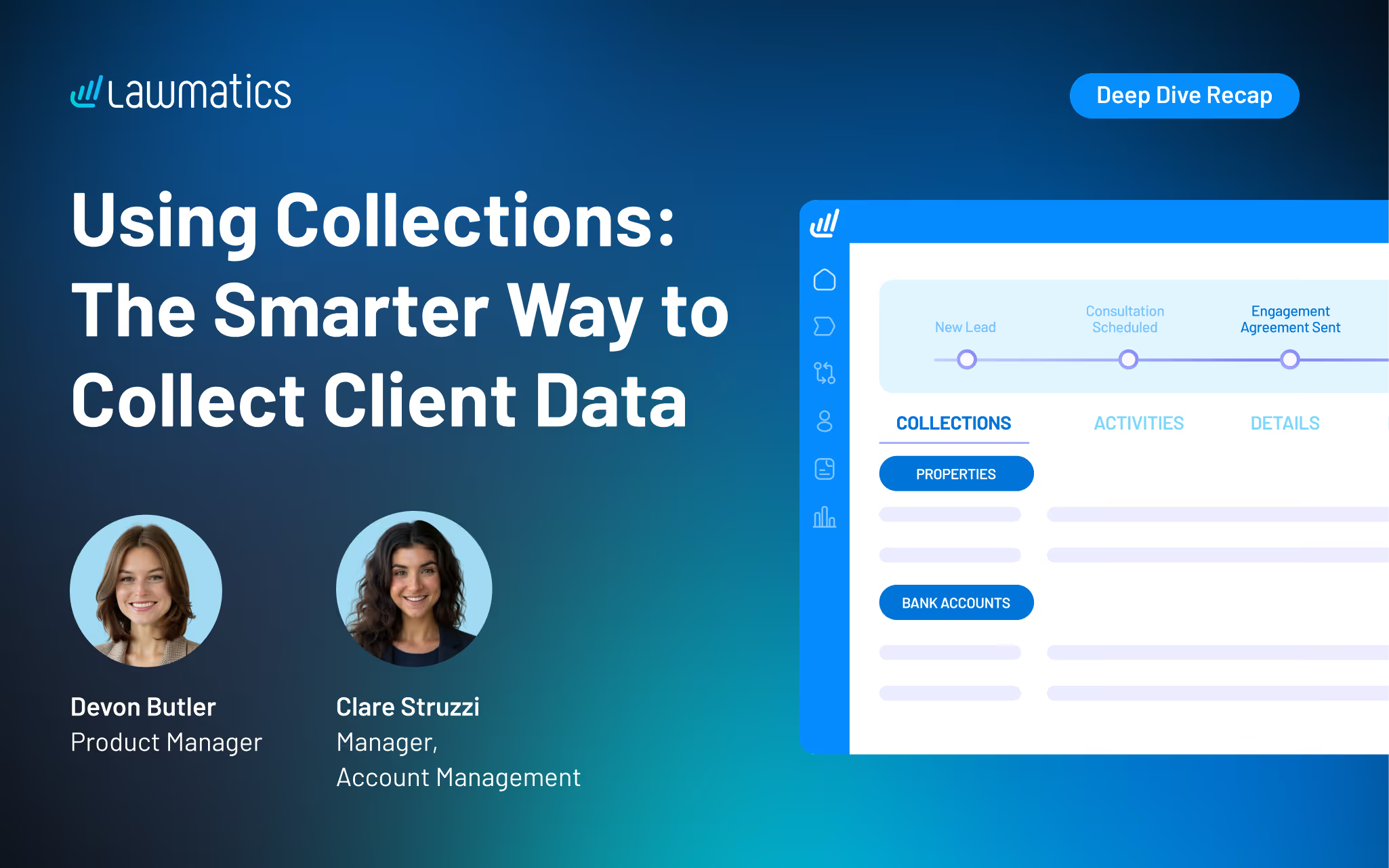
Table of contents
Collections is one of our most-requested features yet, and it's finally here. If your firm collects repeatable data like bank accounts, real estate, or employment history, this one is going to change how you build forms.
In this Deep Dive webinar, Devon Butler, Product Manager at Lawmatics, and Clare Struzzi, who manages the Account Management team at Lawmatics, walked through how law firms can use Collections to organize repeatable client data — like real estate holdings, bank accounts, and employment history — in a structured, scalable way. They covered everything from building and configuring collections in settings, to adding them to custom intake forms, to managing and updating that data directly from the matter page.
Time Stamps of Key Takeaway
7:00 – Building a collection in settings
Devon walks through creating a collection from scratch in Settings under the Matters tab. Using a bank account as the example, she shows how to name a collection, add fields (including pick lists for account type and bank name), and enable the aggregation setting on numeric fields so totals can be calculated automatically.
10:00 – Why collections beat the old workarounds
Clare explains the real-world problem Collections solve: firms used to stack custom fields (property address 1, property address 2...) or build out conditional logic on forms, both of which cluttered matter pages and broke down the moment a client had more entries than expected. Collections eliminate that entirely by letting clients add as many records as they need.
14:00 – Adding collections to custom forms
Devon demonstrates how to create collection blocks inside the form builder and attach them to a specific collection type. Clare draws a helpful comparison to relationship blocks, noting you can create multiple versions of the same collection to gather different levels of detail at different stages of a matter. They build a live estate planning form together using real estate, bank accounts, and vehicles.
23:00 – Q&A: Llimitations and best practices
Clare fields audience questions on key limitations: the same collection block cannot appear twice on a form, collection values cannot be used in conflict checks or document merges (by design), and collections are matter-level rather than contact-level. Both presenters walk through practical guidance on how to work within those boundaries.
25:00 – Viewing and managing collections on the matter page
After submitting a sample form, Devon shows how collections appear on a dedicated tab on the matter page, completely separate from custom fields. She covers how to add, edit, or delete entries, how aggregatable fields display running totals, and how to export collection data as a CSV. Clare clarifies that values always reflect the most recent update, but historical values are preserved in the original form submission PDFs.
34:00 – Practice area applications and next steps
Devon and Clare highlight how collections scale across practice areas: estate planning for asset inventories, bankruptcy for debt tracking, and immigration for entry history and employment records. Devon closes with key takeaways and points attendees to their account, their account manager, or lawmatics.com/demo for next steps.
Webinar Slide Deck
Want to keep learning? Lawmatics is hosting a follow-up Collections Workshop the week after this webinar.
You can also find step-by-step help articles on Collections in the Lawmatics Help Center at lawmatics.com, or email support@lawmatics.com with any questions.
.avif)
Ready to grow your law firm with Lawmatics?
Schedule a demo of legal’s most trusted growth platform.