

Deep Dive Recap: Customizable Matter Views
Learn how customizable matter views in Lawmatics help law firms organize case data, reduce clutter, and create a more efficient legal lead intake workflow.


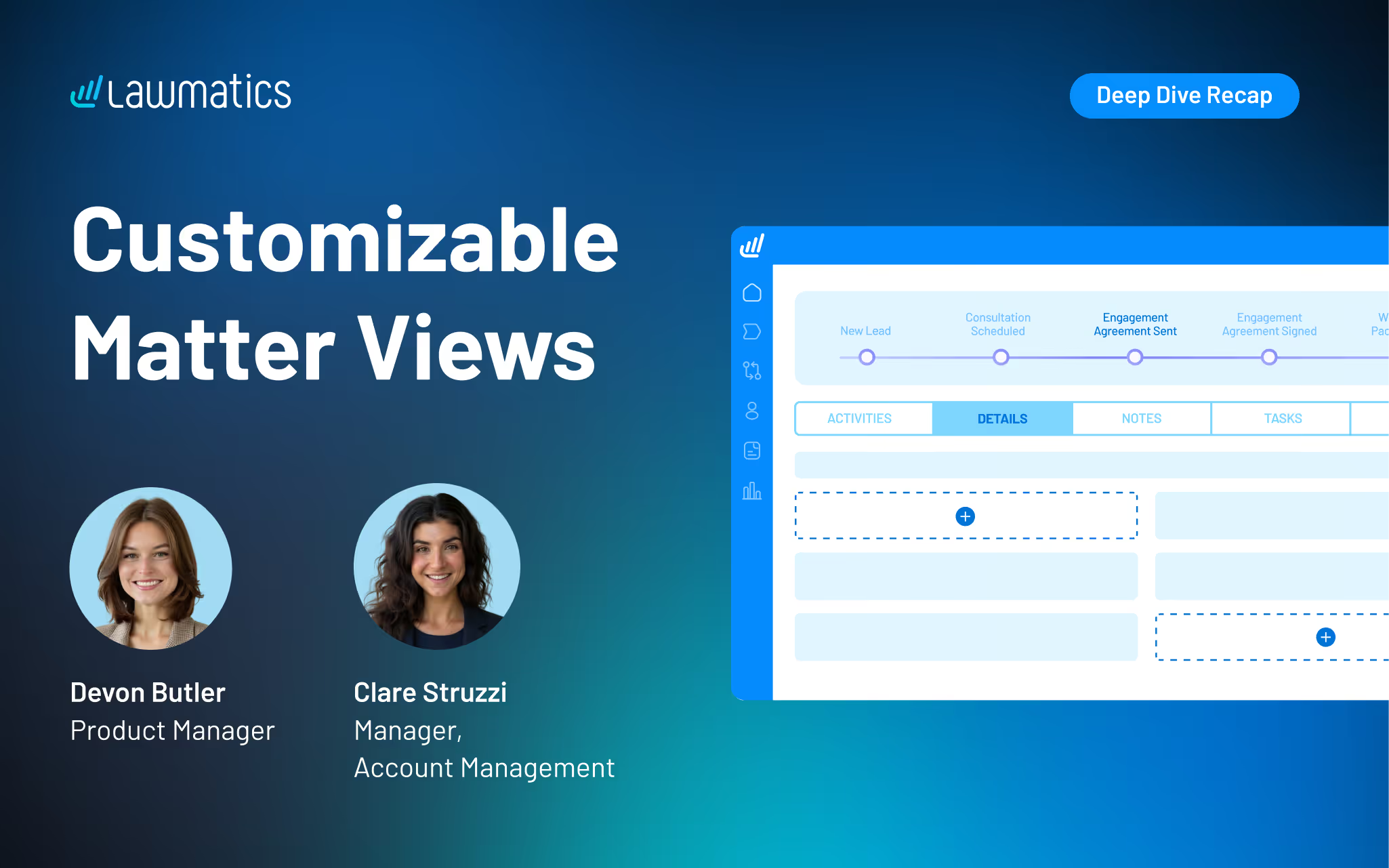
Table of contents
Matter profile pages can quickly fill with details, especially for firms managing multiple practice areas or using a lot of custom fields. Our recent platform update gave users the power to customize the layout of their Matter pages, making it easier to surface the right information, reuse fields without duplication, and create a more organized experience for every user at their firm.
In this Deep Dive webinar, Devon Butler, product manager at Lawmatics, and Clare Struzzi, who leads the account management team, walk through how these new customizable matter views work and how firms can tailor them to better match their workflows.
Time stamps of key takeaways
8:00 – A tour of the updated Matter page design
Devon kicked off the session with a walkthrough of the redesigned Matter page. Some of the key updates she highlights include a customizable side bar, reorganized sections within Matter details, and the ability to control the placement of fields on the page.
18:42 – How to tailor your Matter Details tab
The new Matter Details page gives you the flexibility to choose which fields appear on this page and how they’re organized. In this section, Clare and Devon showed how this flexibility allows teams to structure information in a way that aligns with their workflows, making day-to-day tasks easier to navigate.
27:15 – Setting up role- or practice-specific configurations
Devon demonstrated how firms can configure different matter views based on user role or practice area, ensuring each team member sees only what’s relevant to their work. This helps reduce noise, improve usability, and keeps confidential information on a need-to-know basis.
35:50 – Managing and maintaining your configurations
The team covered how to update, refine, and manage these configurations over time, including how changes apply across matters. This ensures firms can continuously optimize their setup as workflows evolve without needing to rebuild from scratch.
42:10 – Creating a more streamlined matter management experience
The webinar wrapped with a look at how these updates work together to create a more focused and efficient matter management experience. By organizing information more intentionally, firms can reduce friction, save time, and keep teams aligned around the details that matter most.
Webinar slide deck
.avif)
Ready to grow your law firm with Lawmatics?
Schedule a demo of legal’s most trusted growth platform.
