Deep Dive Recap: The Best New Lawmatics Features of 2026
Catch up on the best new Lawmatics features of 2026, from Merlin Copilot and e-signature updates to Collections, custom matter views, and task reporting.


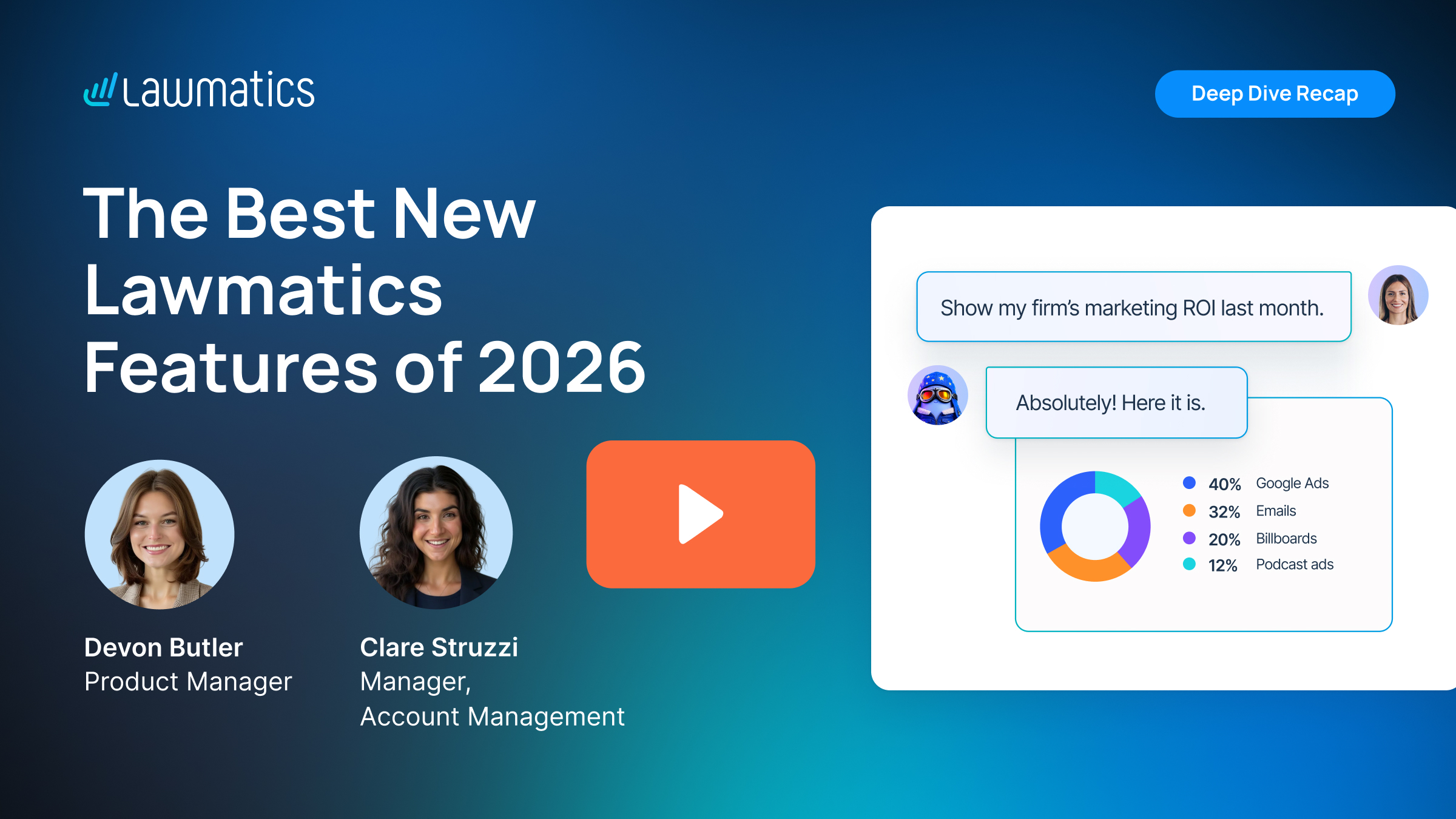
Table of contents
Every feature Lawmatics shipped in 2026 was built to save your team time. This month's Deep Dive, the last of the year, rounded up the best of them, from AI agents that work alongside your team to better ways to collect, view, and report on your firm's data.
In this Deep Dive webinar, Devon Butler, product manager at Lawmatics, and Clare Struzzi, who manages the Account Management team, covered the Merlin Suite, e-signature updates, collections, custom matter views, and task reporting, with live demos along the way. Each topic also has its own dedicated Deep Dive for anyone who wants more detail.
Time Stamps of Key Takeaways
9:03 – Merling Copilot
Devon showed how far Copilot has come since launch. It can now update matters, search matter notes, explain why a matter didn't run an automation, find every automation that uses a given stage, log activity, and create or update tasks. In the data analyst demo, Copilot broke conversion rates down by practice area and lead source and switched between bar, line, and pie charts. Clare’s tip: say “the firm” instead of “my” when you want firm-wide numbers. Recurring questions can be saved as routines, and Copilot is a per-user add-on, so reach out to support or your account manager to learn more.
21:18 – Merlin Qualify and Merlin Engage
Merlin Qualify scores new leads against criteria the firm sets for each practice area and sorts them into categories like Chase Hard, Chase, Refer Out, Reject, and Inconclusive. Those categories can trigger automations, like sending an e-signature document right away for Chase leads or a decline email for Reject leads. Merlin Engage follows up on Inconclusive leads by email or text to gather missing details, with settings for tone, follow-up timing, and when to stop. Devon demoed a handover where an agent qualified a lead as Chase Hard and booked a consultation in a single six-minute conversation. Clare noted the right fit depends on how many leads a firm gets compared to how many people handle them.
32:01 – E-signature drafts and approvals
Firms can now save an e-signature document as a draft instead of sending it right away. Users with approval permission can preview a draft and approve it, or approve and send it in one step, while other users can edit and save it as a draft to request approval. Devon showed that the Create as Draft option also works in an automation, which notifies approvers before anything goes out. Clare said it helps firms that need an attorney to review an engagement agreement before it's sent.
36:36 – Sending e-signatures in order
Collections give firms a repeatable way to gather information like bank accounts, vehicles, and properties without piling up custom fields or general form-only fields. Devon showed how to build a collection with its own fields, add it to a custom form as a block, and let people add as many items as they need. Items appear on a Collections tab on the matter page, where staff can add, edit, or remove them. Number and money fields can be made aggregatable to total up values like property values. Clare called out estate planning and bankruptcy as the most common use cases.
48:26 – Custom matter views
Matter detail pages no longer have to be one-size-fits-all. Devon showed how to build views based on practice area, role, or both, so estate planning matters show estate planning fields and other practice areas stay clutter-free. The sidebar is customizable too, so firms can choose which fields appear there. Clare explained that roles like intake staff and accountants can each see the fields they need, and that most firms start with practice area. In the demo, changing a matter's practice area to estate planning switched its view right away.
53:25 – Task reporting
Devon showed how to build a custom report on tasks, filter it by assignee, and group it by task status to see where work is getting stuck. Clare suggested pairing it with a report subscription so incomplete or past-due tasks land in your inbox every week. Task reports can also power a dashboard panel with the date range and chart type of your choice. Task reporting was the focus of the October Deep Dive.
58:50 – Setting up automatic payment reminders
Devon and Clare closed with four ideas for the new year: let Merlin agents handle lead scoring and follow-up, build review into documents with drafts and approvals, shape Lawmatics around your firm with collections and custom matter views, and make decisions from your data with task reporting and Copilot's data analysis. Customers can start using these features now, and anyone new to Lawmatics can schedule a demo with the sales team.
Webinar Slide Deck

Ready to grow your law firm with Lawmatics?
Schedule a demo of legal’s most trusted growth platform.